4-28
6205s BATHYMETRIC AND SIDE SCAN SONAR 0020300_REV_E
position messages include a valid timestamp. In contrast, attitude and heading messages accepted by
6205s do not include a valid time tag.
NOTE: To configure the serial ports according to the examples given
above, see CONFIGURING COM PORTS.
4.2.3.2 Ethernet Port Configuration Examples
The 6205s can receive navigation and altitude data from supporting sensors via the Ethernet connection
utilizing UDP. Refer to S
ECTION 8.3.4 UDP CONNECTIONS for more information on configuring 6205s for UDP
data transfer.
F
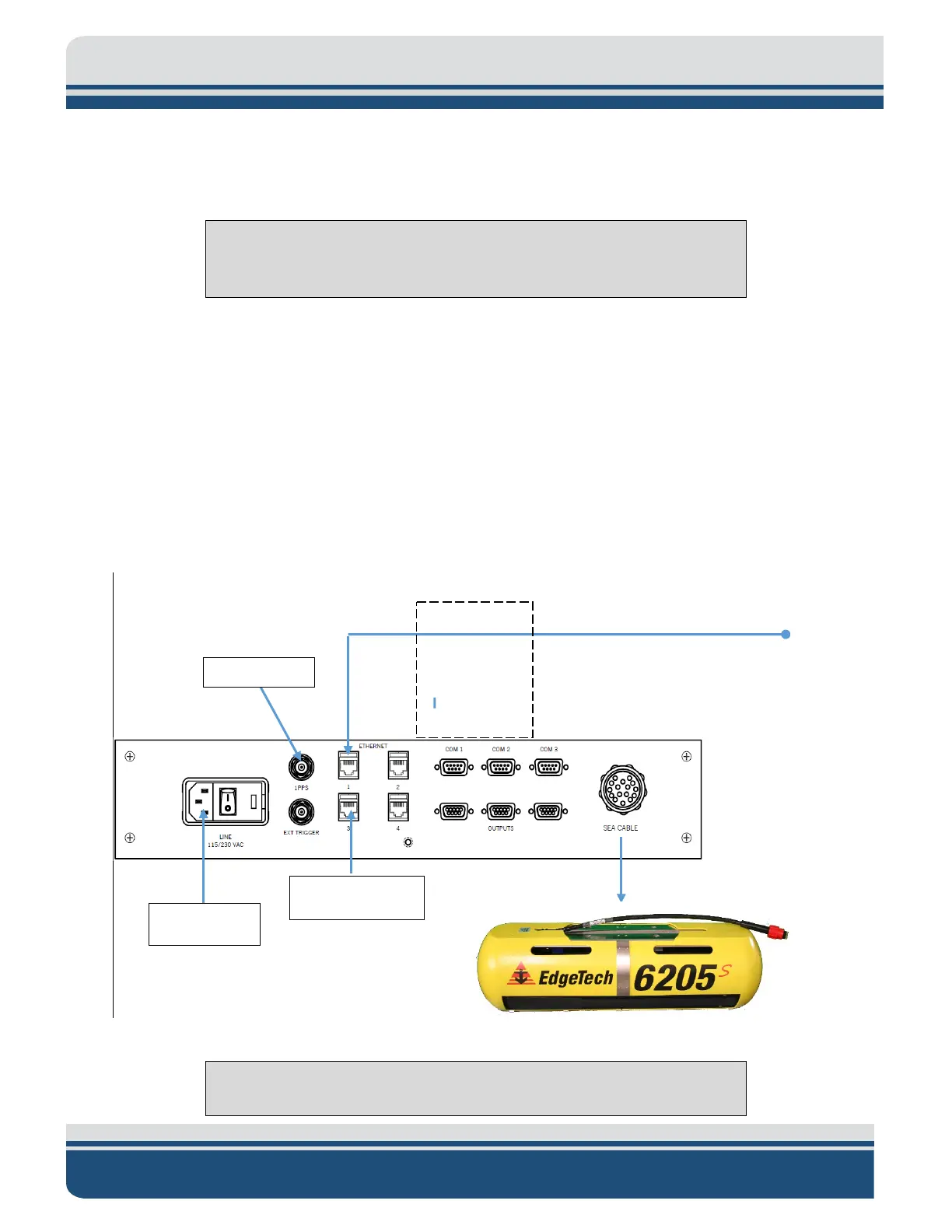
IGURE 4-2 depicts a sensor interface to the 6205s Sonar Interface that provides a time and 1PPS
connection and a navigation (latitude/longitude), heading, roll, pitch, and heave data connection over an
ethernet connection (Ethernet 1). Systems that include an Applanix POS-MV or SBG Systems Navsight
would use this configuration.
Figure 4-2: 6205s-R Rack Mount Topside Interface Connections
NOTE: The 6205s-P portable topside interface connections are similar.
Attitude, Heading,
Position, Time
IP Address: 192.9.0.101
IP Address 192.9.0.99



 To Next Page