6-45
2. Connect to the 6205s Sonar using an IP address of 192.9.0.101 and the User name, Administrator.
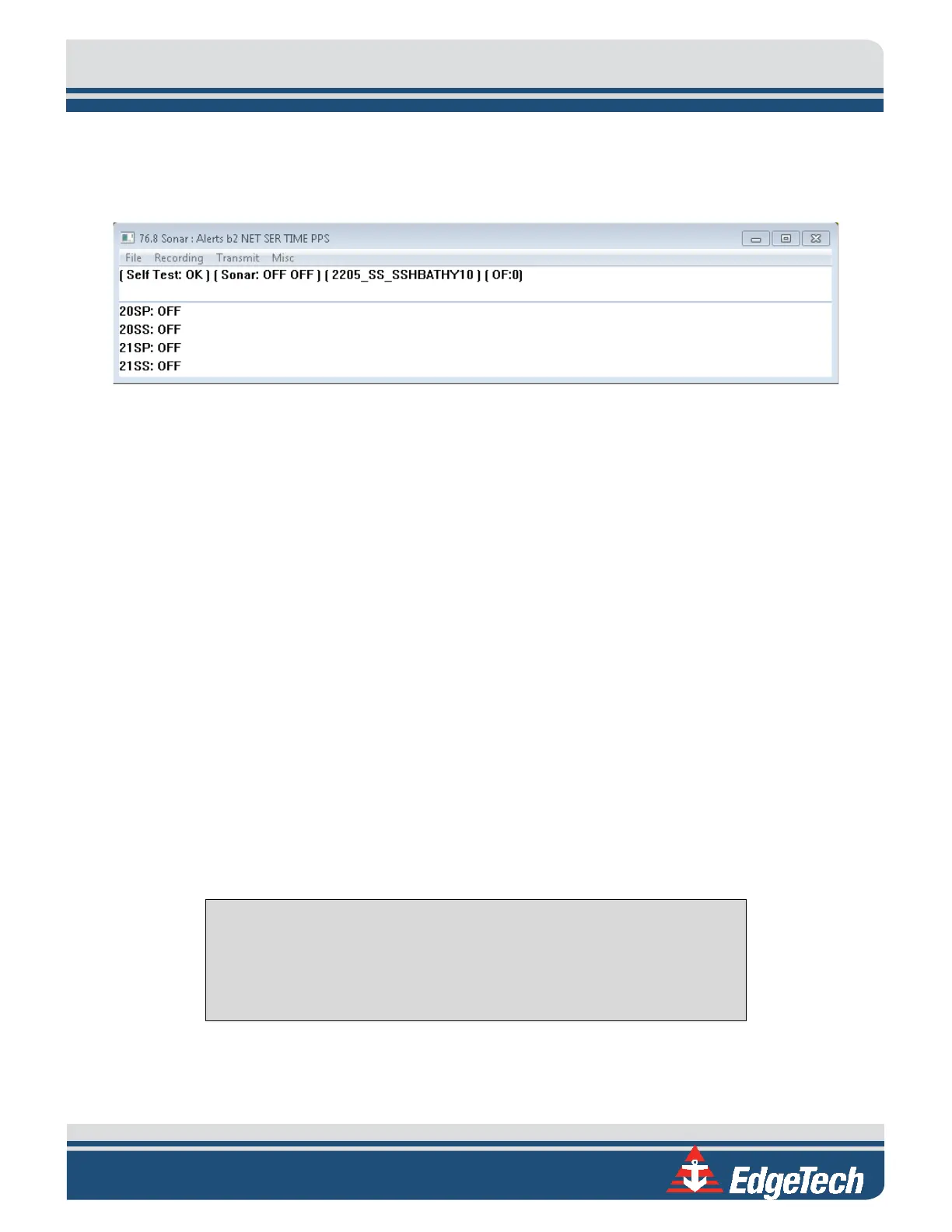
3. When prompted for a password, input admin. Once logged on, the following window will appear
on the desktop or minimized:
Figure 6-2: Sonar 192.9.0.101 Remote Desktop Connection Window
This window represents the main firmware running on the embedded CPU located in the bottle
of the sonar head. Called Sonar.exe, this program is responsible for controlling the sonar’s
hardware and performs specific functions such as signal processing and time synchronization of
the acquired data.
6.1.2 Connecting with the 6205s-P
If using an EdgeTech supplied laptop with the 6205s-P (Portable Topside) Interface Box:
1. Launch the Remote Desktop to Sonar application on the desktop screen. If prompted for a
password, input admin.
Once logged on, the Sonar Application will be displayed on the screen, as shown in
FIGURE 6-2.
This window represents the main firmware running on the embedded CPU located in the bottle
of the Sonar Head. Called Sonar.exe, this program is responsible for controlling the sonar’s
hardware and performs specific functions, such as signal processing and time synchronization of
the acquired data.
6.2 Confirming Supporting Data is Present
To ensure the sonar head’s processor is communicating properly with the topside, complete the following:
NOTE: This section assumes all auxiliary sensors have been connected to
the 6205s Interface Box (whether this is the 6205s-R or 6205s-P), the
sonar head is installed on a survey vessel, and it is submerged in
seawater.
1. Launch Remote Desktop to Sonar on the Windows desktop. The following window should appear:



 To Next Page