6-46
6205s BATHYMETRIC AND SIDE SCAN SONAR 0020300_REV_E
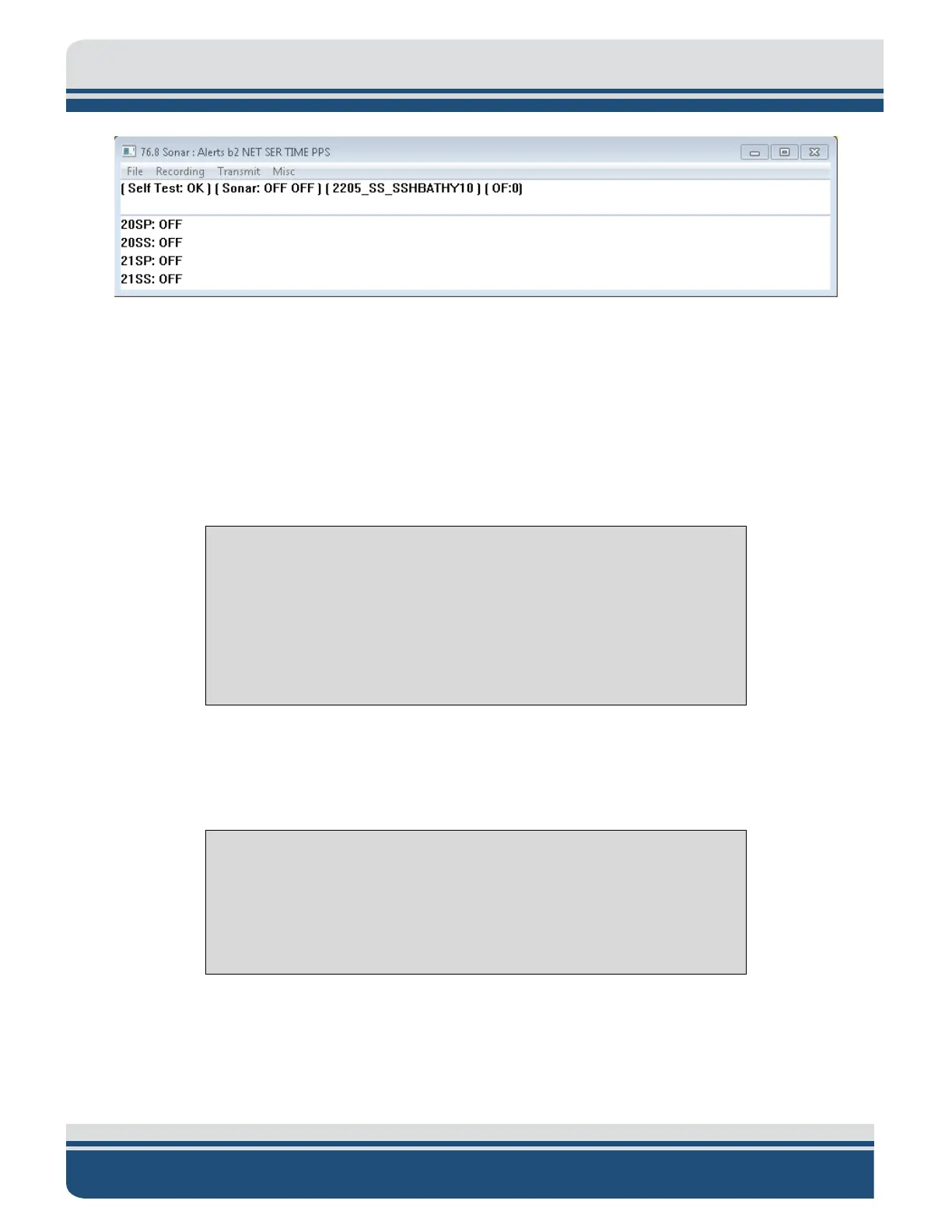
Figure 6-3: Sonar 192.9.0.101 Remote Desktop Connection Window
2. Click on Menu > Misc > Serial Port Information.
3. Check each COM port in the dropdown menu to ensure the correct baud rates are set and data is
coming through for each device and in the correct format, as shown in F
IGURE 6-4.
a. COM1 = MRU
b. COM2 = GPS
c. COM4 = Sound Velocity Sensor located in the sonar head’s housing
NOTE: GPS and MRU are interchangeable on COM1 and COM2 as long as
the appropriate baud rate is set in the dropdown menu next to channel
assignment in Serial Port Information Window, as shown in Figure 6-4,
red arrow.
More information on how to configure the COM ports is presented in
CONFIGURING COM PORTS.
If all systems are working properly, close this window and proceed to Step 4. If there is an issue
with one of the ports, contact E
DGETECH CUSTOMER SERVICE.
CAUTION!
Sound velocity is extremely important for the system to operate
correctly. If sound velocity measurements are not present (i.e., the port
is reporting no data), use SECTION 7: TROUBLESHOOTING to go through
the troubleshooting process.



 To Next Page