5-40
6205s BATHYMETRIC AND SIDE SCAN SONAR 0020300_REV_E
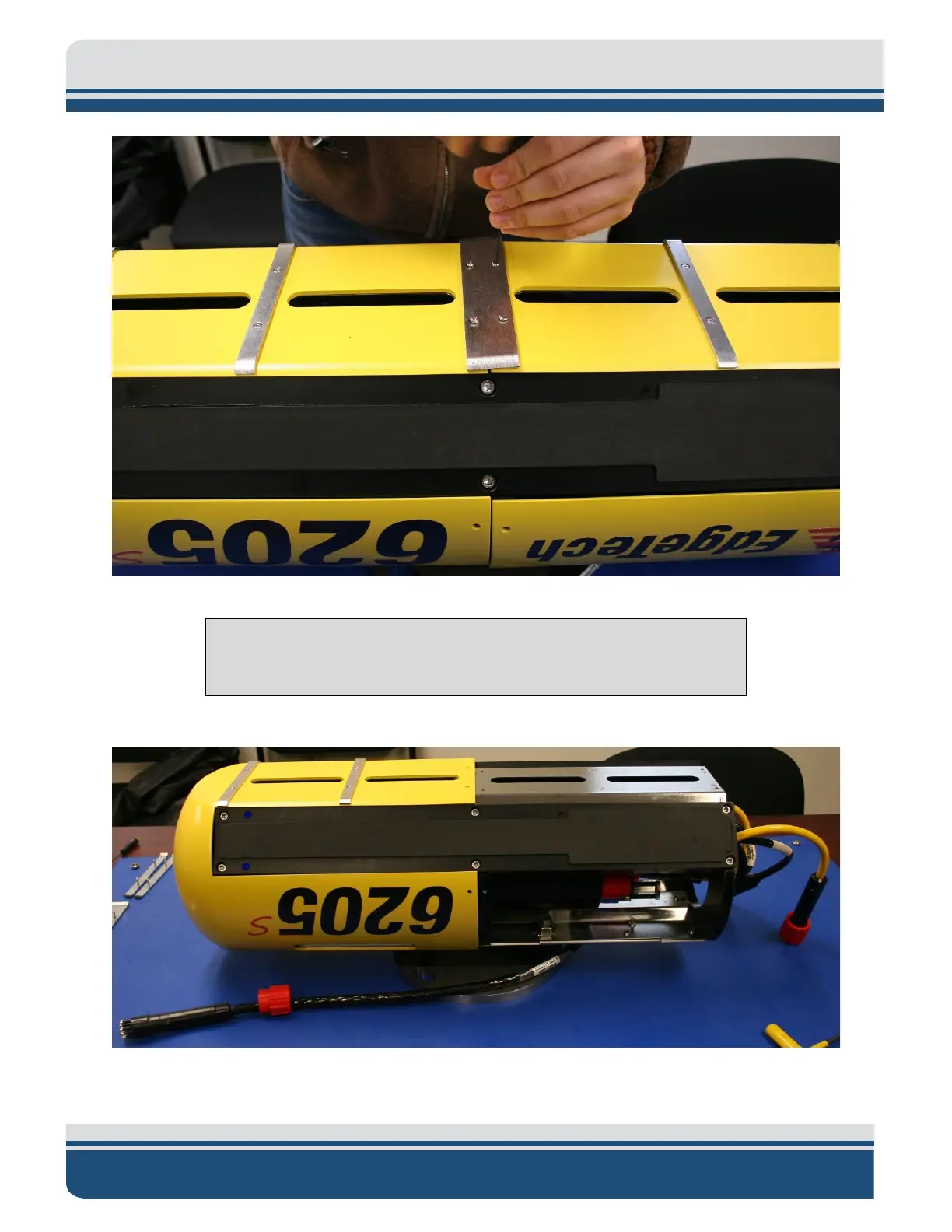
Figure 5-7: Remove the Center Bracket
NOTE: You DO have to remove the shell from which the black pigtail
comes from. You DO NOT have the remove the front shell.
6. Slide the shell off the housing.
Figure 5-8: Remove the Portion of the Shell ‘EdgeTech’ and the Logo
7. Unplug the bathymetry and side scan sonar cables on the transducer you’re replacing.



 To Next Page