8-54
6205s BATHYMETRIC AND SIDE SCAN SONAR 0020300_REV_E
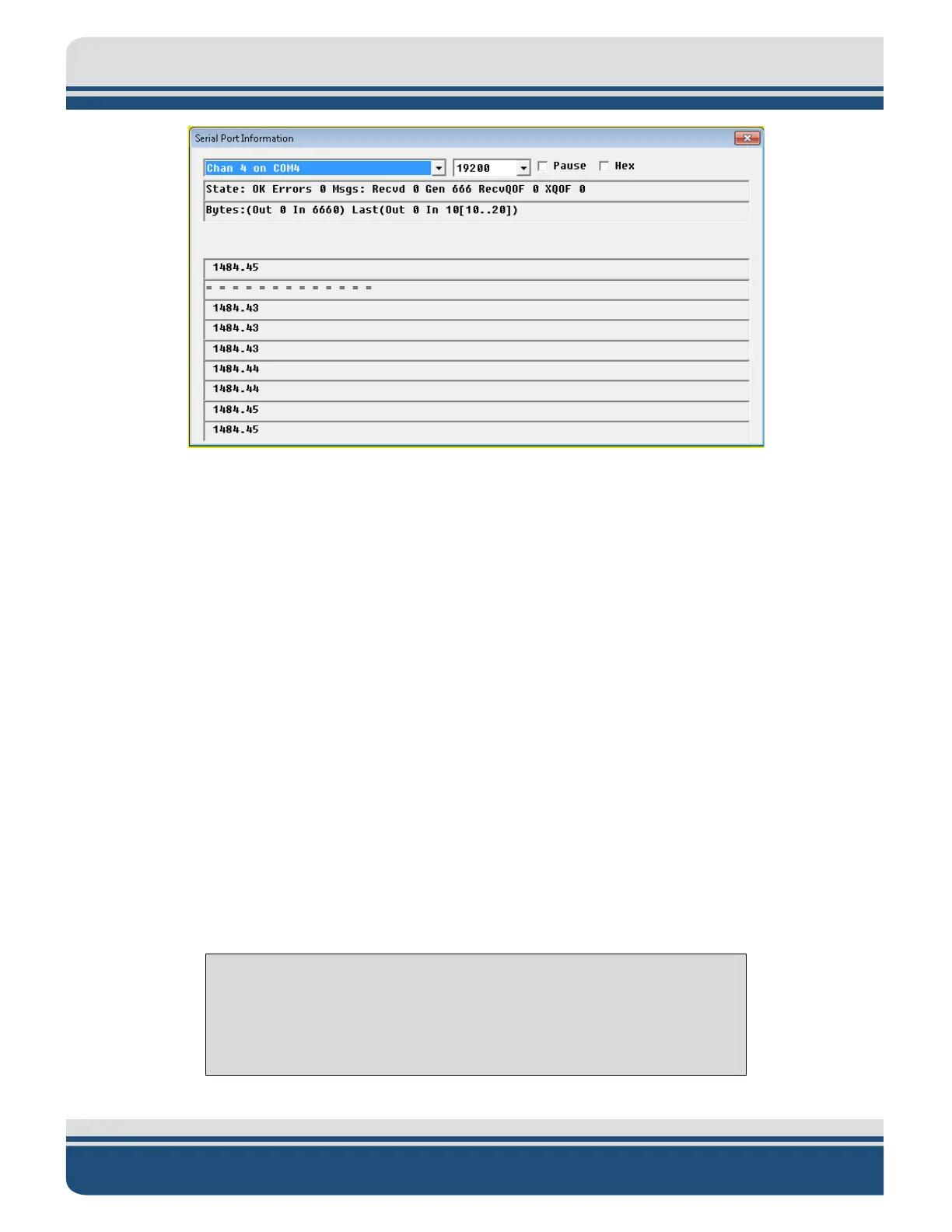
Figure 8-6: Scrolling SV Data in Sonar.exe
16. If SV data is still not present, contact E
DGETECH CUSTOMER SERVICE with the noted information.
8.2 Configuring Auxiliary Sensors for Redundant Information
Auxiliary sensors can input redundant auxiliary information into the 6205s that can cause a significant
data alignment problem as the sequential sonar data packets will be inconsistently stuffed from multiple
sources. This manual defines redundant auxiliary information as multiple sources of the same class of
auxiliary information (e.g., roll, pitch, heading). This redundancy problem is generally caused by two
sensors supplying the same message string and two sensors supplying the same information but from
different messages. The following subsections describe each problem and the configuration that should
be done to remedy it. In the event the auxiliary sensors cannot be reprogrammed to output select data
messages, the Discover software should be configured so that only one specific source of information is
used.
8.2.1 Two Different Sensors Supplying the Same Message
If two different sensors are outputting the same message (NMEA HDT, for example) and the sensors
cannot be reprogrammed, then Discover Bathymetric Software has to be configured to accept the HDT
information from one of the sensors only. To do so, use the procedure described below.
NOTE: The configuration described below only works if there are two
sensors outputting the same specific message (like HDT). It does not,
however, work for different messages that contain the same information
(i.e., OCTANS and HDT). Refer to Scenario 7.3.2 in this case.



 To Next Page