5-43
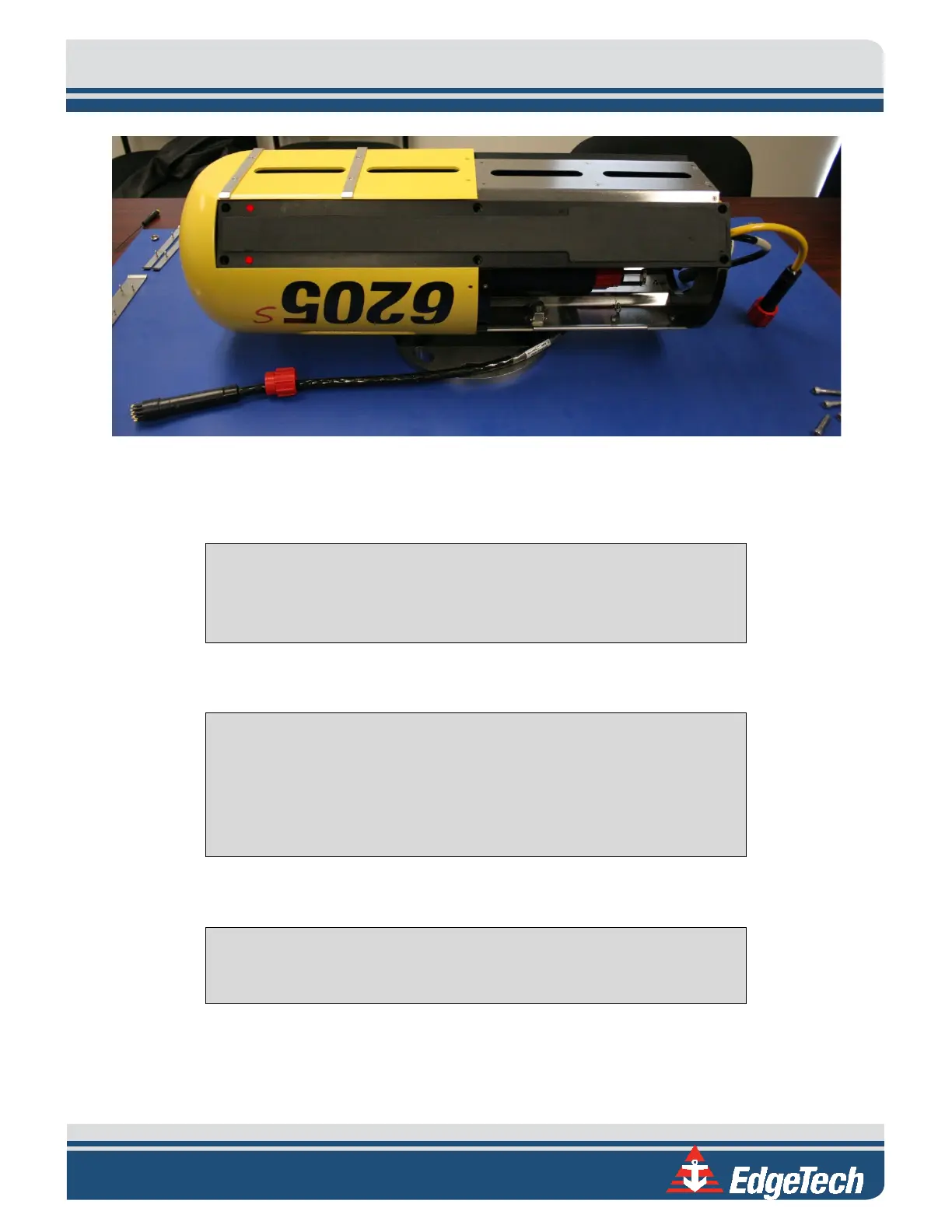
Figure 5-13: Mount the New Transducer
11. Place the transducer onto the frame and align the screw holes. To keep the transducer in place,
insert two screws on the top and bottom of opposing corners.
NOTE EdgeTech suggests using a reputable thread lock product to secure
all bolts on the arrays and housing. Contact EDGETECH CUSTOMER SERVICE
to learn what product EdgeTech currently uses.
12. Repeat the same steps for the opposite transducer.
CAUTION! Each array is labeled according to the side it corresponds to.
Ensure the port array is installed on the port side and the starboard array
is installed on the starboard side. The sonar processor contains
calibration data specific to each array, and these must be installed
correctly for calibration to be successful.
13. Complete the transducer installation by completing the steps above in reverse.
NOTE EdgeTech suggests using a reputable thread lock product to secure
all bolts on the arrays and housing.



 To Next Page