8-61
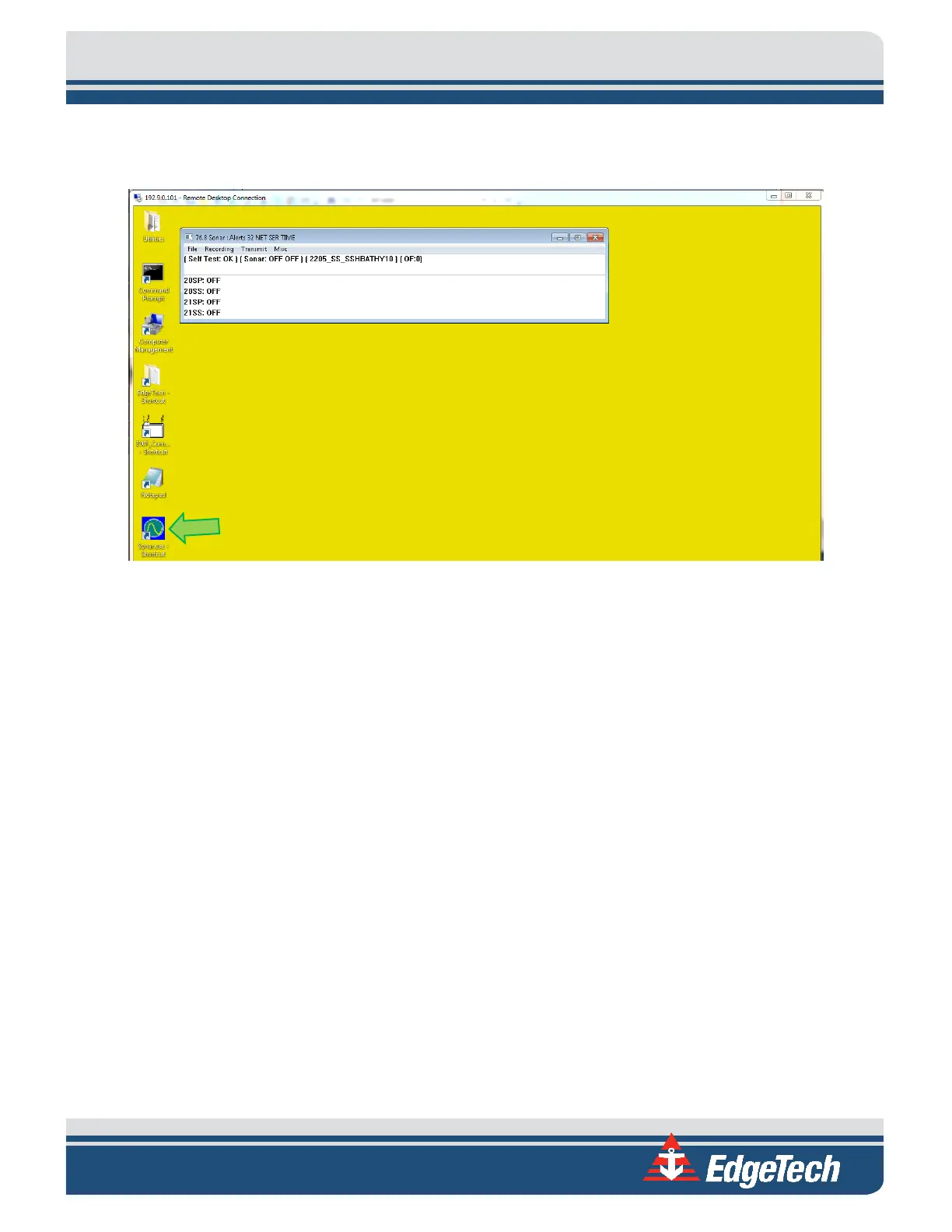
Figure 8-15: Rebooting Sonar from the Main Screen
8. Plug the device into COM 1.
9. Click Misc. at the top of the Sonar screen, as shown in
FIGURE 8-16, then Serial Port Information.
10. Check COM1 and set the correct baud rate for that device using the dropdown menu, shown with
a blue arrow in
FIGURE 8-16. When the correct baud rate is set, the State should say OK, and Errors
should not be increasing, as shown circled in green in
FIGURE 8-16. The correct data string should
also be scrolling in the lower part of the window, as shown by the green arrow,
FIGURE 8-16.



 To Next Page