5-39
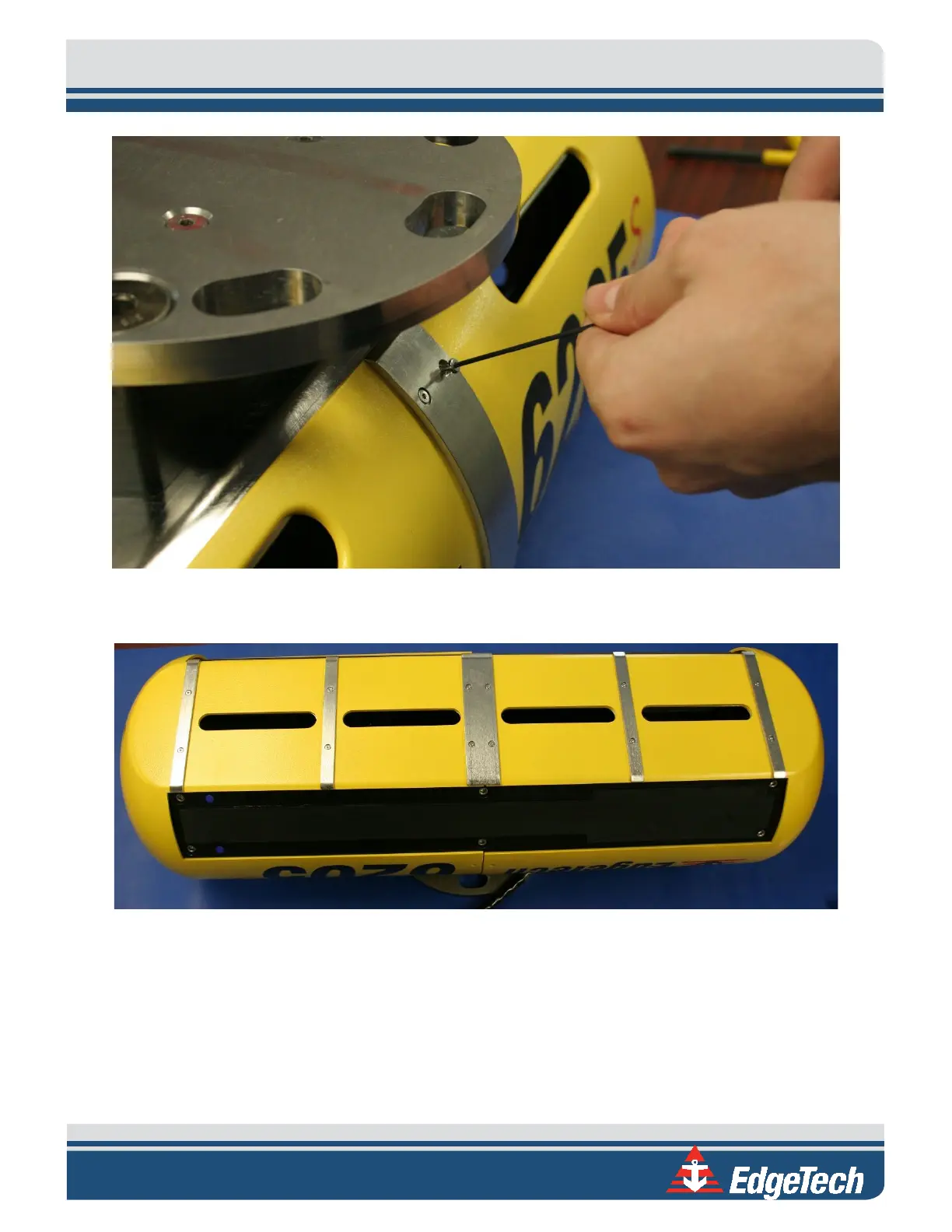
Figure 5-5: Removing the Cap Screws
3. Flip the 6205s over so the bottom of the unit is upright to expose the remaining brackets.
Figure 5-6: Top Housing and Deck Cable Removed
4. Remove the [4] screws in the widest, center bracket.
5. Then, remove the [4] remaining screws in the [2] other brackets.



 To Next Page