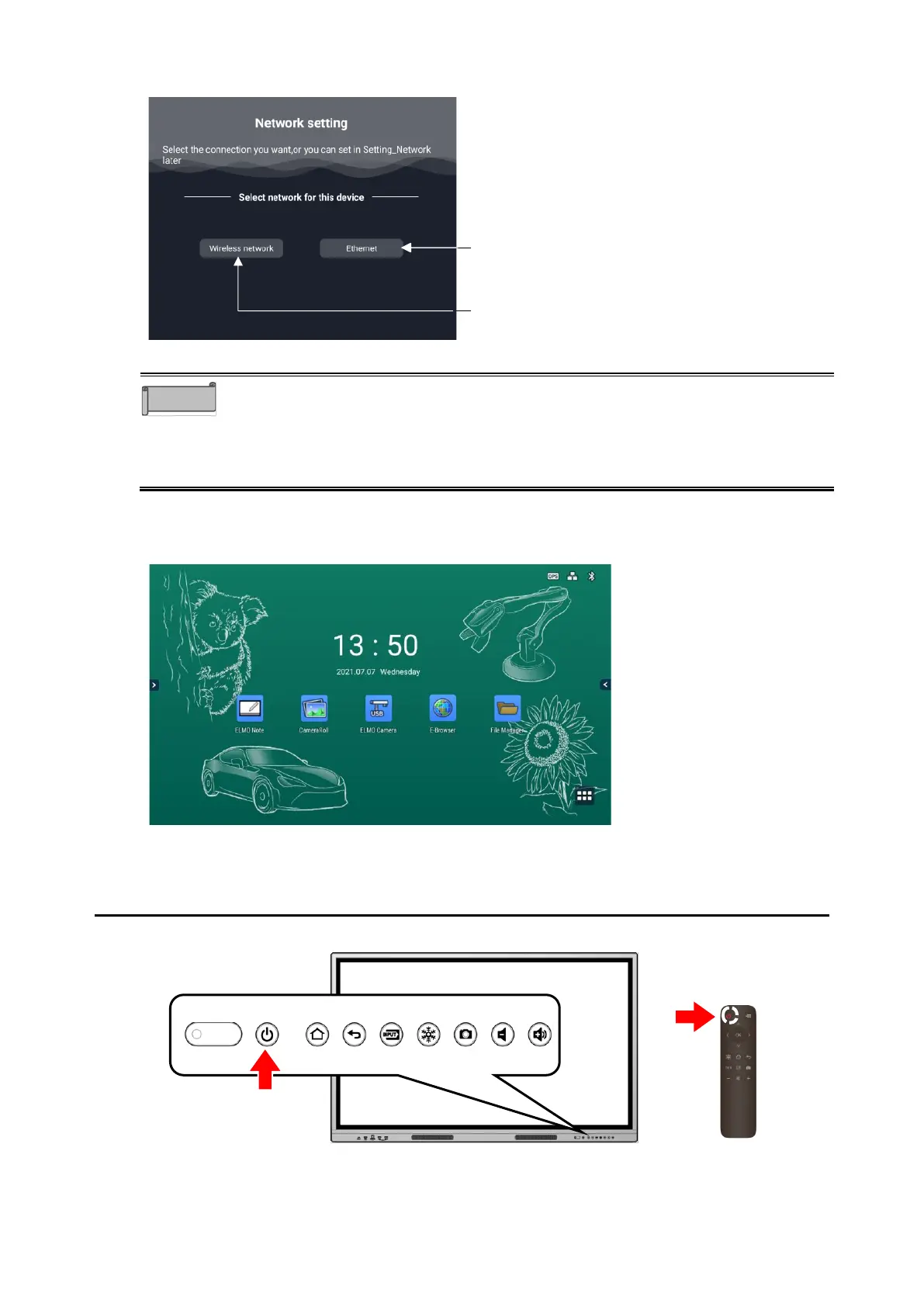
⚫ For the Network setting, set either Wireless network or Ethernet.
⚫ If you want to set the proxy in the Wireless network settings, or if yo u want to
connect to a stealth access point, set them after displaying the Home screen.
It is not possible to set them from the initial startup screen. P. 70
⚫ Language setting, Date and time setting, and Network setting can be reset.
4 Home screen
The Home screen will appear after completing all the settings.
3 Turning Off the Power
1 Long-press the Power button on the front
The power can also be turned off by long-pressing the Power button on the remote
control.



 To Next Page