The LED on the Easy Controller will light up if the connection is successful.
◆
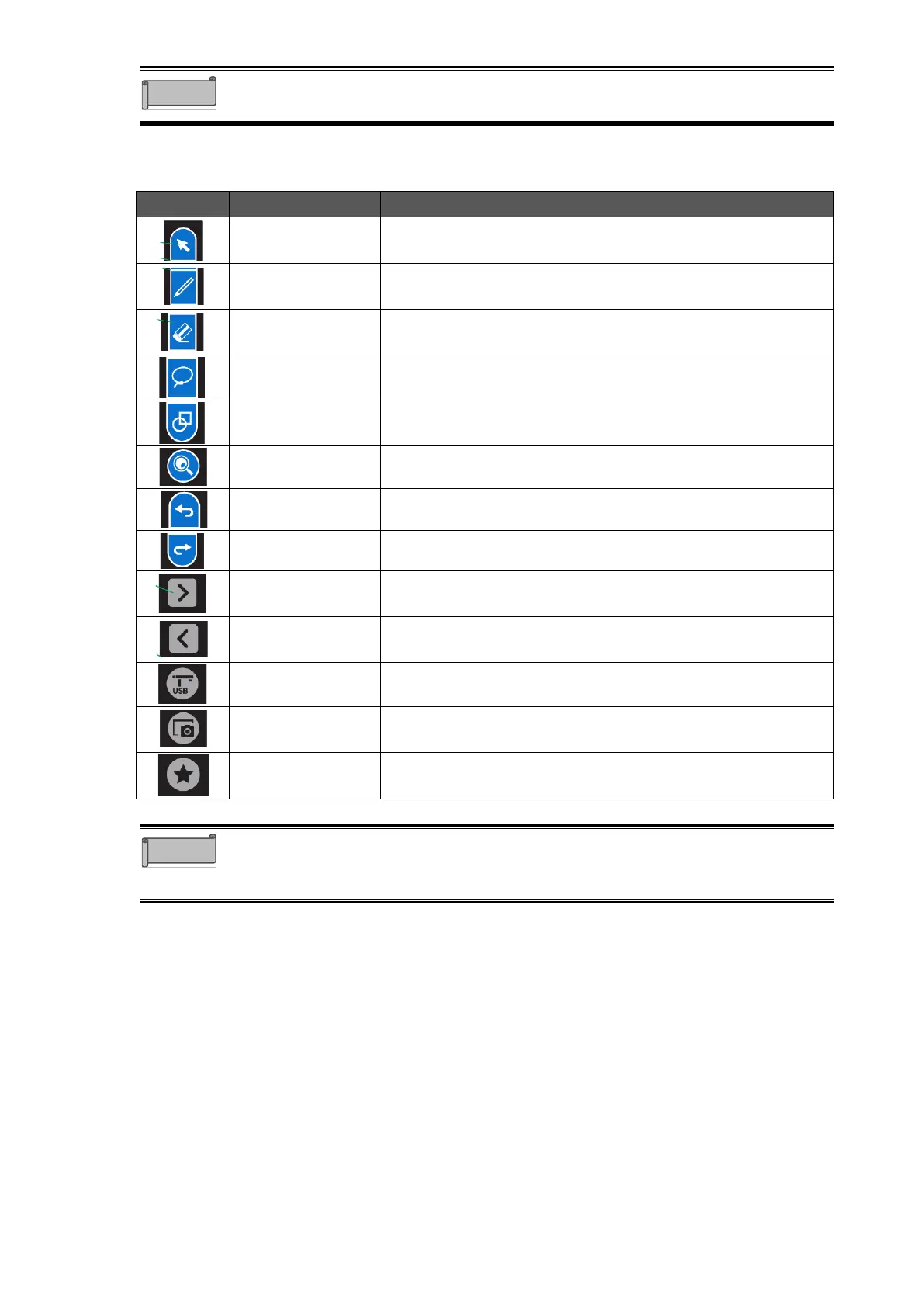
Easy Controller Buttons
To enter the Operation mode.P. 30
To draw free-hand lines.
Tap this icon 2 times to display the Pen menu.P. 28
To delete the lines and objects.
Tap this icon 2 times to display the Eraser menu.P.29
To select the lines and objects on the screen.
Tap this icon 2 times to display the Select menu.P.29
To draw various shapes.
Tap this icon 2 times to display the Shapes menu.P.30
To enlarge the area selected by dragging operation.
To undo the last operation.
To cancel the undo operation.
To move to the next page when using ELMO Note
(whiteboard).
To move to the previous page when using ELMO Note
(whiteboard).
To start the ELMO Camera app.P. 40
To capture the currently displayed screen and save it as a
still image.
To start the shortcut of the app.
Operation button, Pen button, Eraser button, Select button, Shapes button,
Enlarge button, Undo button, and Redo button are used in ELMO Note and the
Overlay app.



 To Next Page