51
3.7 Using Wireless Casting Function
Transcreen
You can do mirroring of the screen of a device such as a computer, tablet, and smartphone to
the display monitor of the product.
◆
Preparation
Connect a device such as a tablet to the network and install the Transcreen app.
For iOS (iPhone or iPad) and MacOS, mirroring is possible without installing the Transcreen
app.
1 Connect a device such as a tablet to the network.
Connect a device such as a tablet to the network by using the product as a hotspot
(⇒P. 74) or setup the device in the same network as the product with Wi -Fi.
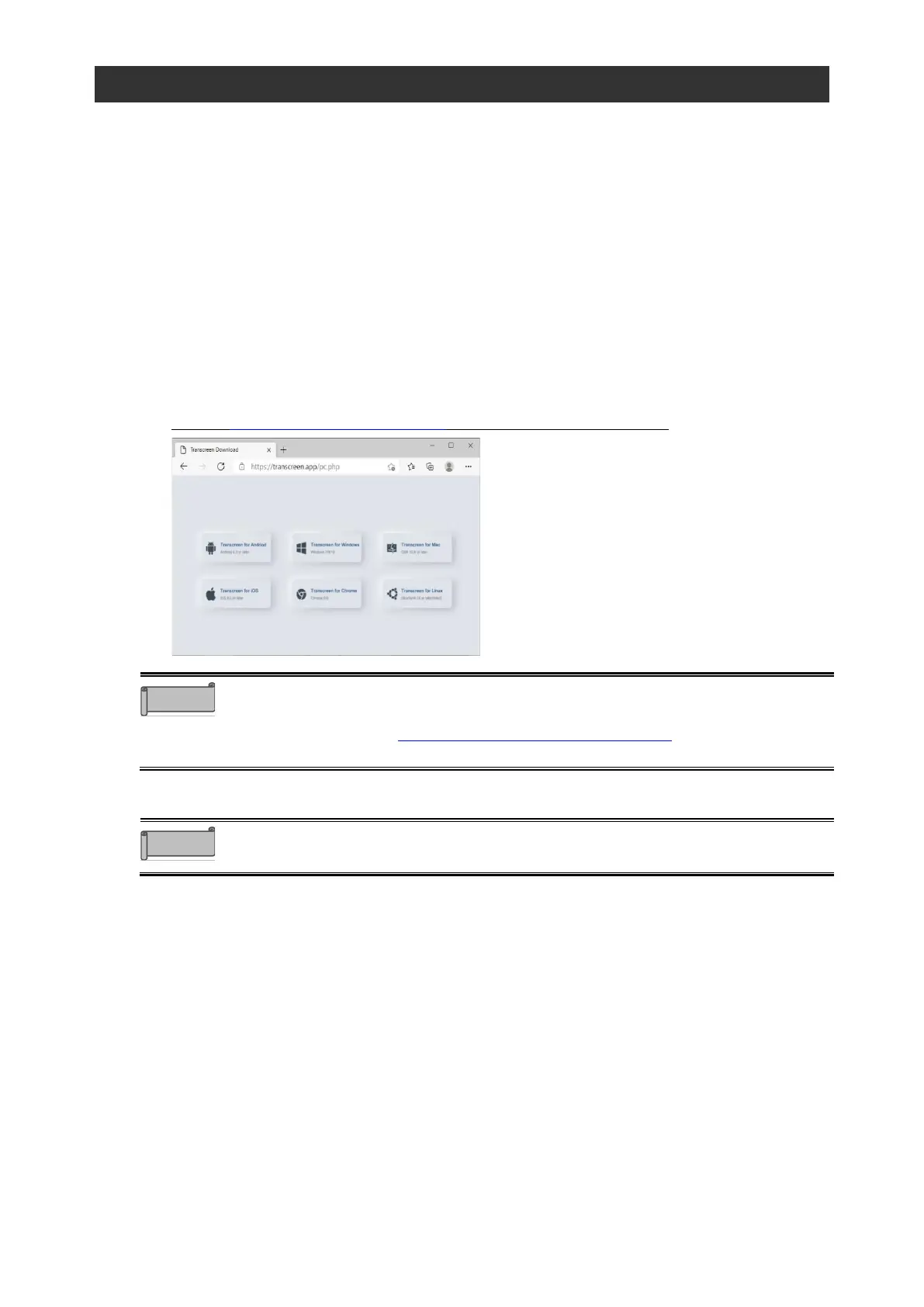
2 Install the Transcreen app on the device.
Access https://transcreen.app/pc.php to install the app on a device.
⚫ When installing the app on a Windows computer, use Microsoft Edge.
⚫ If you are using a Chromebook, you can also install the Transcreen app from
the chrome store (https://chrome.google.com/webstore/). Search
“Transcreen” in the chrome store.
Only Class C IP addresses (192.0.0.0 --223.255.255.255) can be used for the
wireless casting of the product.



 To Next Page