70
5
Configuring the Settings
◆
Startup
Tap the Settings icon in the list of apps.
◆
Before Configuring the Settings
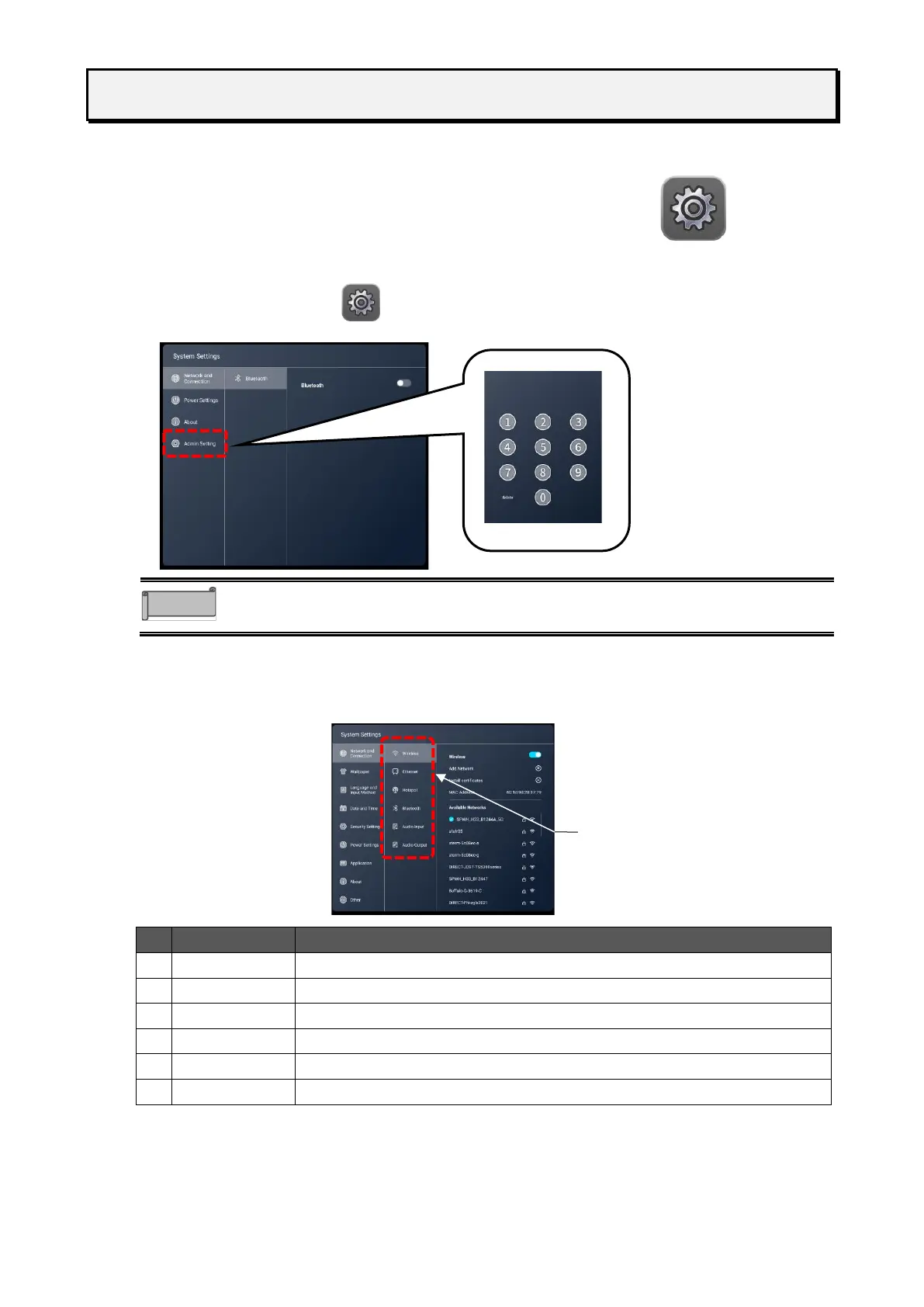
To configure various settings, you need to enter the administrator password.
1 Tap the Settings icon in the list of apps.
2 Tap “Admin Setting” and enter the administrator password.
The default password is 0000000 (7 digits).
To configure the wireless network (Wi-Fi) settings. (P. 71)
To configure the wired network settings.P. 72
To configure the Hotspot settings.P. 74
To configure the Bluetooth settings.P. 74
To configure the audio input settings.
To configure the audio output settings.



 To Next Page