54
3.8 Using Anti-Virus Function (Avira Security)
You can do virus scanning of the internal memory of the product or perform a cleanup of the
internal memory.
◆
Startup
Tap the Avira Security icon in the list of apps.
◆
Initial Startup
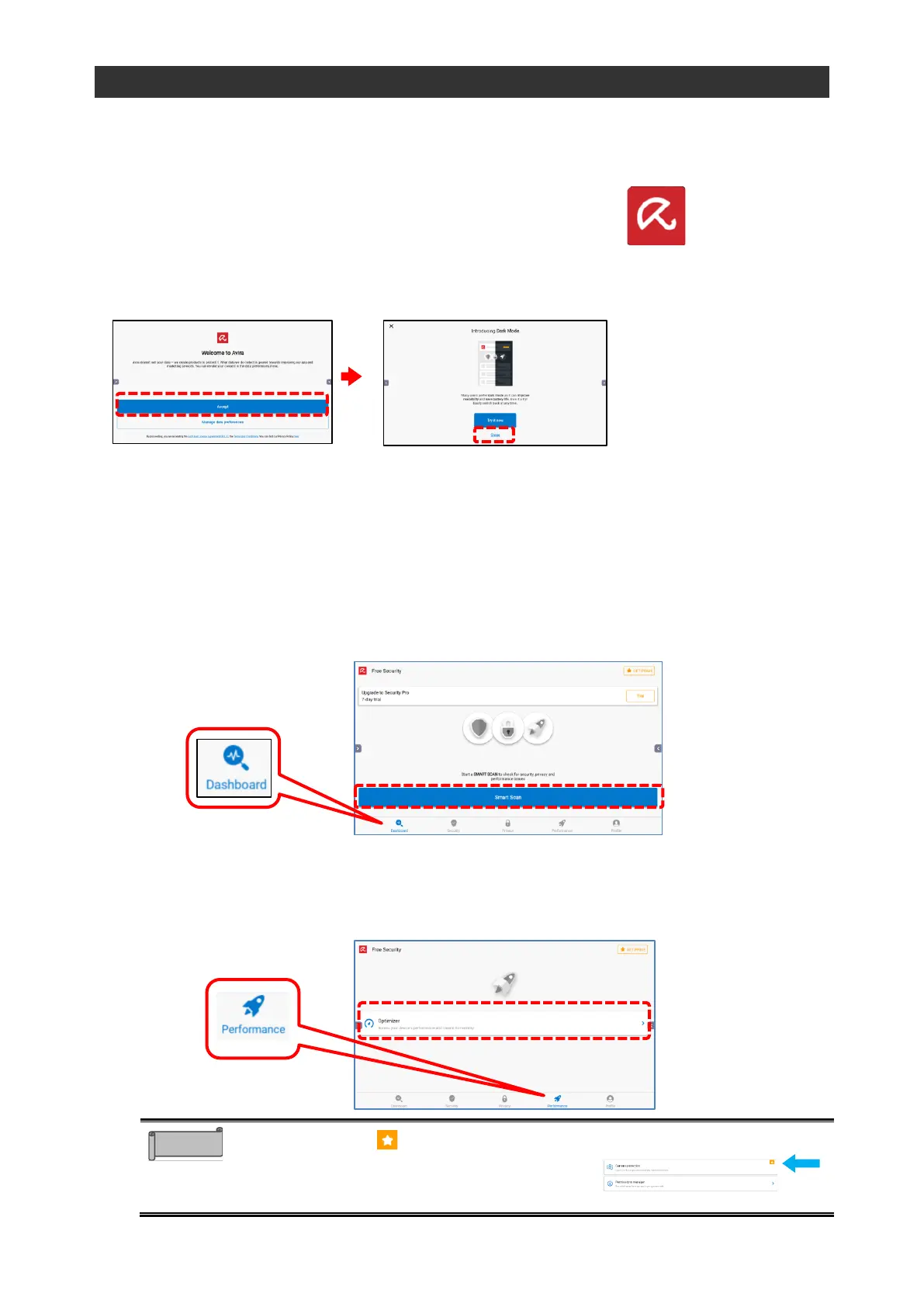
Make the initial settings according to the instructions on the screen.
◆
Basic Operations
◼
Virus Scanning
Tap the "Dashboard" tab, and then tap "Smart Scan" to do virus scanning of the internal
memory.
If a USB flash drive is connected, the data in the USB flash drive will also be scanned.
◼
Cleanup of the Internal Memory
Tap the “Performance” tab, and then tap “Optimizer” to perform a cleanup of the internal
memory.
Items marked with are paid content. If you
would like to use it, contact the dealer from
whom you purchased the product or the
nearest ELMO sales office.



 To Next Page