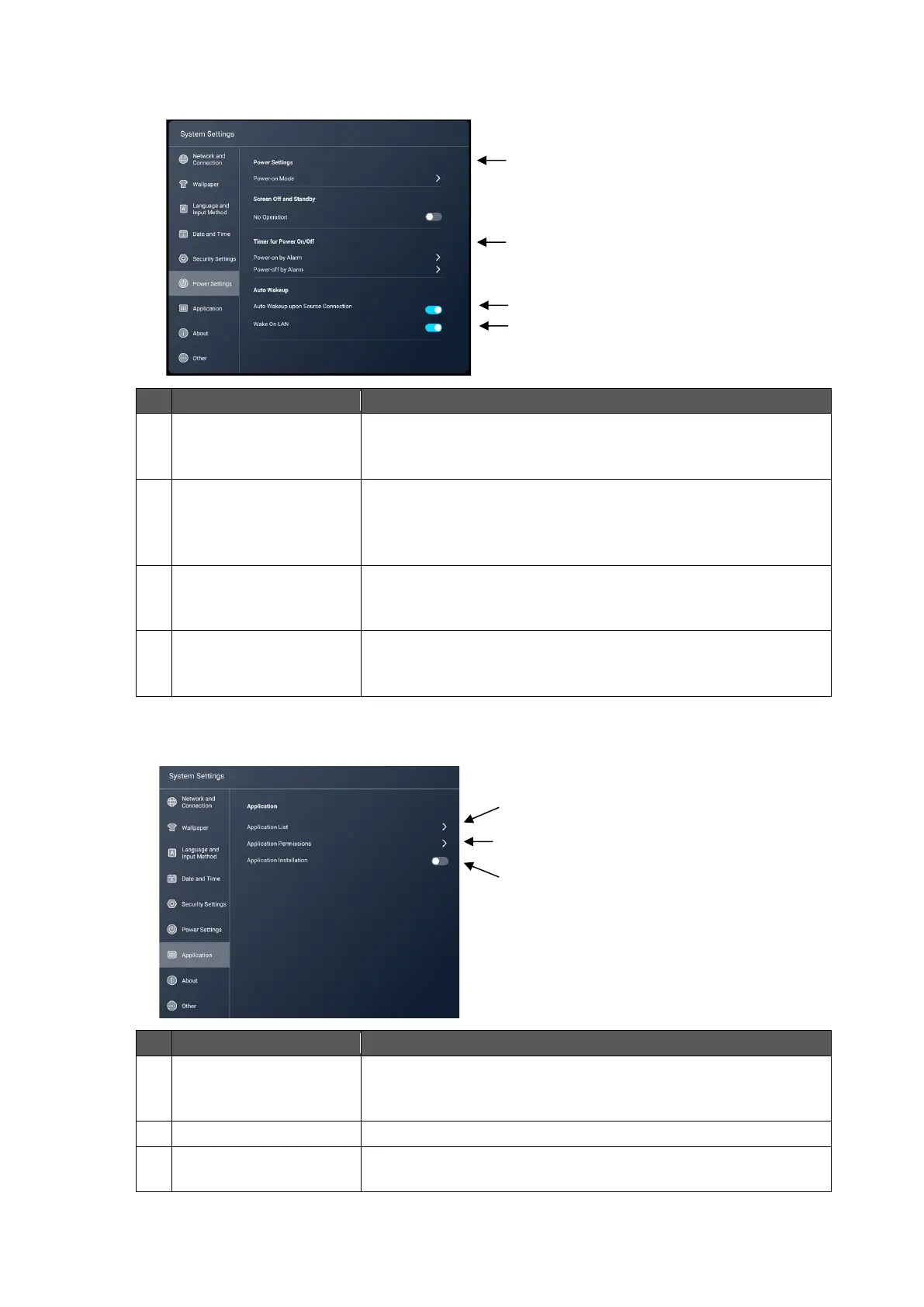
To select the startup mode from "Power-on", "Power-on
Standby", and "Power-on Memory".
Default setting: Power-on
Power-on by AlarmTo set the time when the power is
automatically turned on.
Power-off by AlarmTo set the time when the power is
automatically turned off.
Auto Wakeup upon
Source Connection
To set whether or not to make the product to return from the
standby mode when there is a signal input from the source.
Default setting: OFF
To set whether or not to allow the user to start the product by
sending commands over the wired network.
Default setting: OFF
To display a list of installed apps.
Settings for each app can be configured from the screen
displaying the list.
To change permission settings for each app.
To set whether or not to allow the user to install an app.
Default setting: OFF



 To Next Page