18
BASIC
OPERATIONS
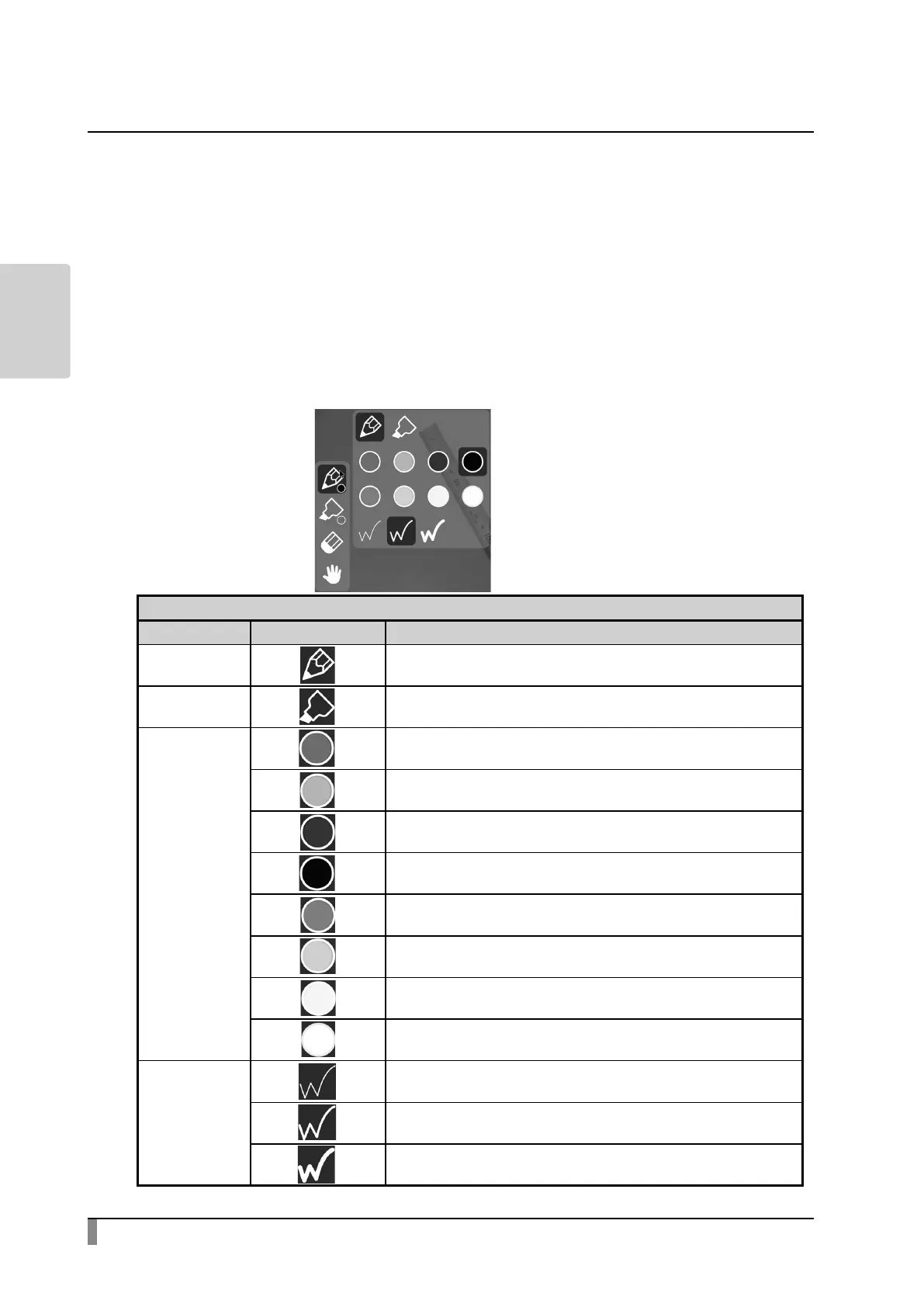
Pen menu for drawing
When either tab is selected in the Document camera screen, the Pen menu, the
Highlighter menu, the Eraser menu and the Hand tool menu will be displayed.
Select the menu you want to use.
Long press the menu to display the sub menu. You can change the type of Pen or
Eraser from the sub menu.
※ The selected icon will be highlighted. (Background: Dark blue)
※ Performing a capture operation or recording operation during the drawing
process will record the image with all added drawings.
Pen
Type Icon Function
Pen To draw a line.
Highlighter To draw a line with opacity 50%.
Pen color
To draw a red line.
To draw a green line.
To draw a blue line.
To draw a black line.
To draw a magenta line.
To draw a cyan line.
To draw a yellow line.
To draw a white smoke line.
Thickness
To draw a thin line.
To draw a middle thickness line. (Default setting)
To draw a thick line. (Default setting for Highlighter)
Sub menu
Pen
Highlighter
Eraser
Hand tool



 To Next Page