35
ADVANCED
OPERATIONS
Recording
Still image
Basic operations
①
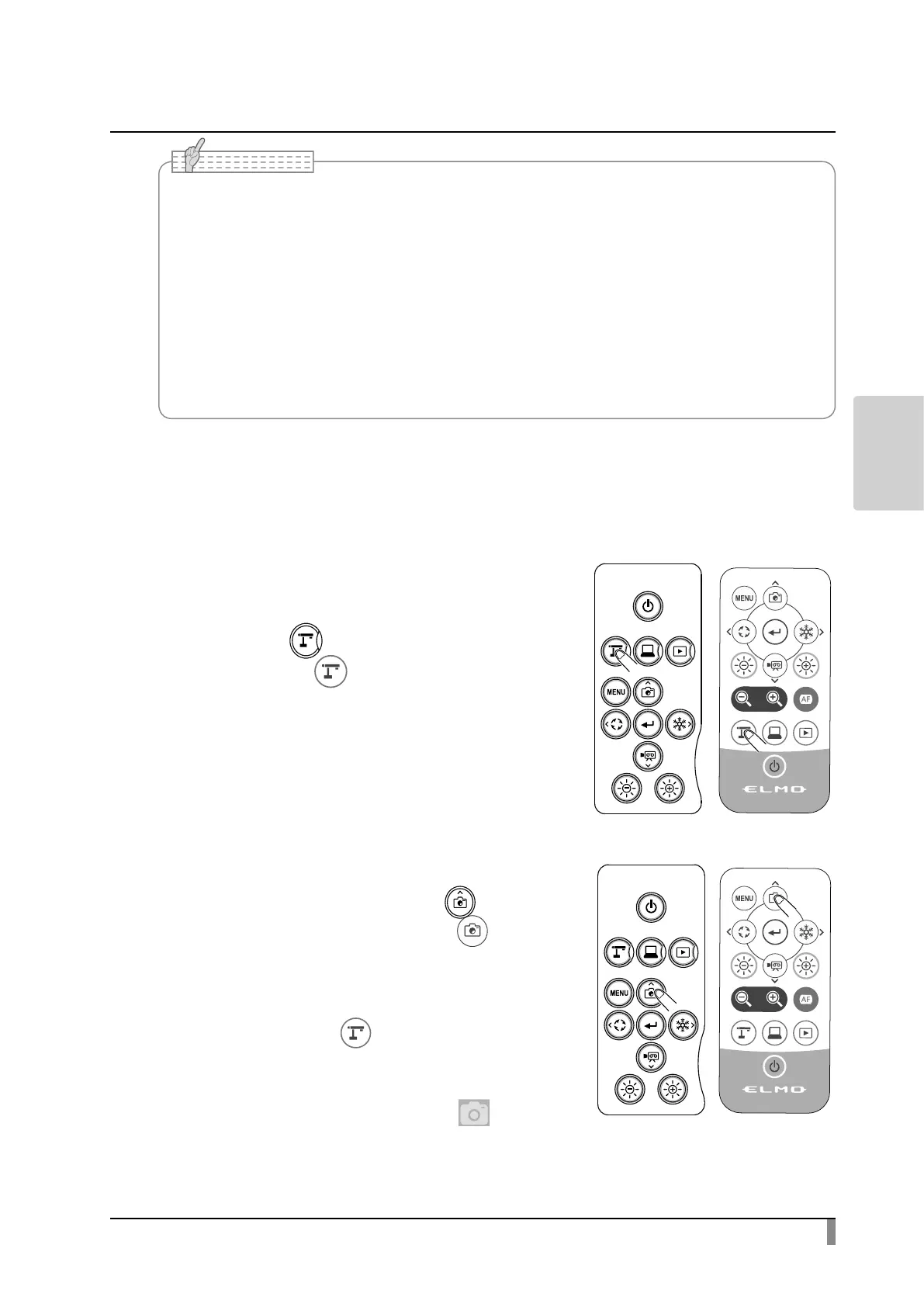
Press the [ ] button on the operating
panel or the [ ] button on the remote
control.
②
Make sure that the menu is not displayed
on the screen and press the [ ] button
on the operating panel or the [ ]
button on the remote control.
If the menu is displayed on the screen, do
the above operation after hiding the menu
by pressing the [ ] button either on the
operating panel or the remote control.
Still image recording can also be performed
by selecting the Capture icon [ ] in the
Menu area. Select the bottom tab in the
Document camera screen to display the
Menu area.
• About SD card
- SDXC card cannot be used.
- Video recording is only possible to an SD card (SD / SDHC) with class10 speed or above.
- We recommend that you use an SD card with class 10 speed or above.
• About USB ash drive
- Use a USB ash drive up to 32GB.
- We recommend that you format a USB ash drive with this product before you use it.
• It may take some time to recognize the memory card (SD card or USB flash drive) after
inserting it or to save images to the memory card.
• Do not remove the memory card (SD card or USB ash drive) while the product is accessing
it (during recording or playback).
Note



 To Next Page