60
ADVANCED
OPERATIONS
■ How to cancel
Freeze button [ ] again. The skew correction will be cancelled and the
original image will be displayed.
Caution
Depending on the using environment or the shooting condition, the Auto
deskew function may not work properly.
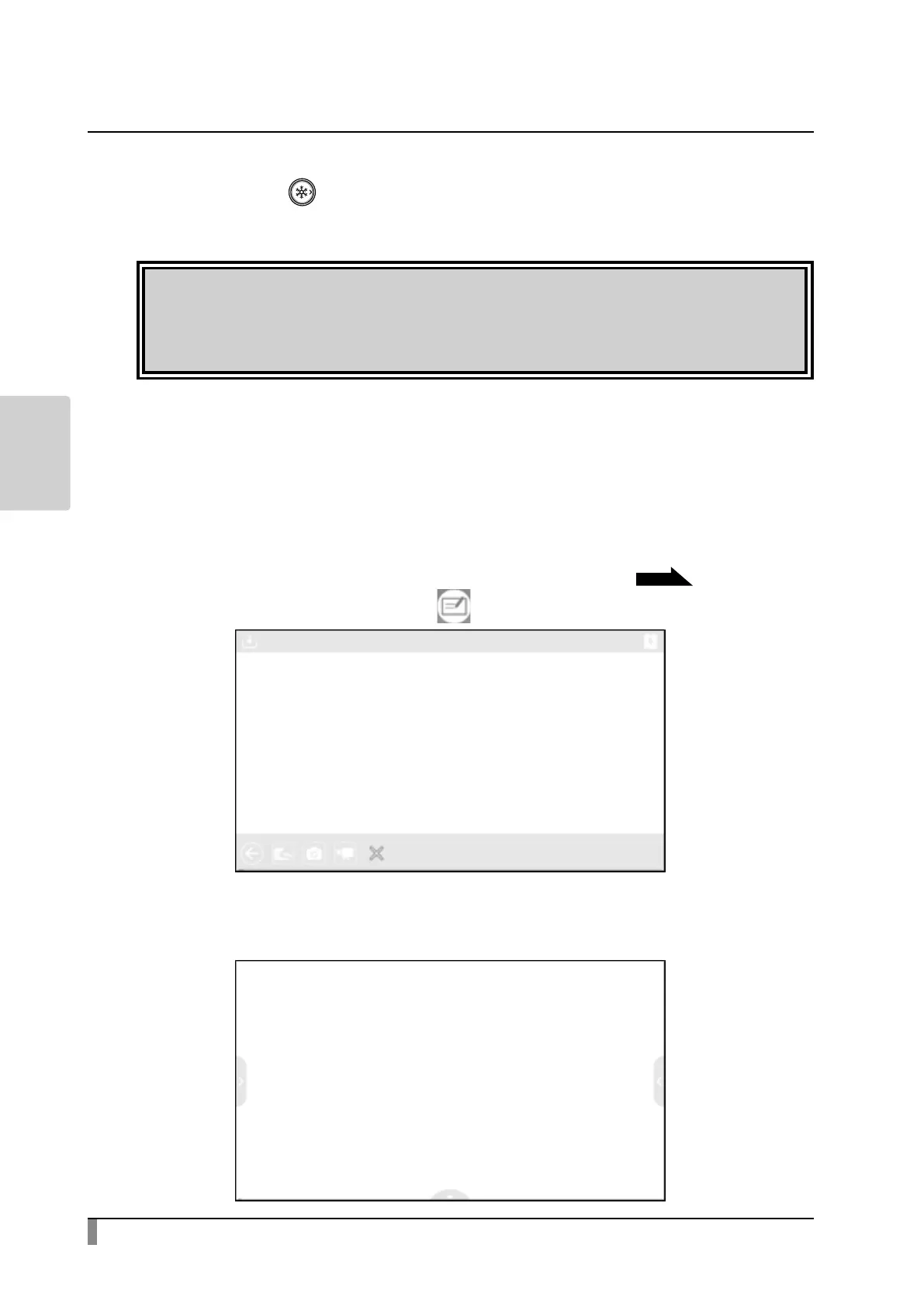
Using a whiteboard
A white blank screen will be displayed. You can draw on the white blank screen
by using Pen or Highlighter.
Step 1. Select the Home button to display the Home screen.
P25
Step 2. Select the Whiteboard icon [ ] to display a whiteboard.
Step 3. Swipe downward or drag the mouse downward to display the Drawing
screen.



 To Next Page