46
ADVANCED
OPERATIONS
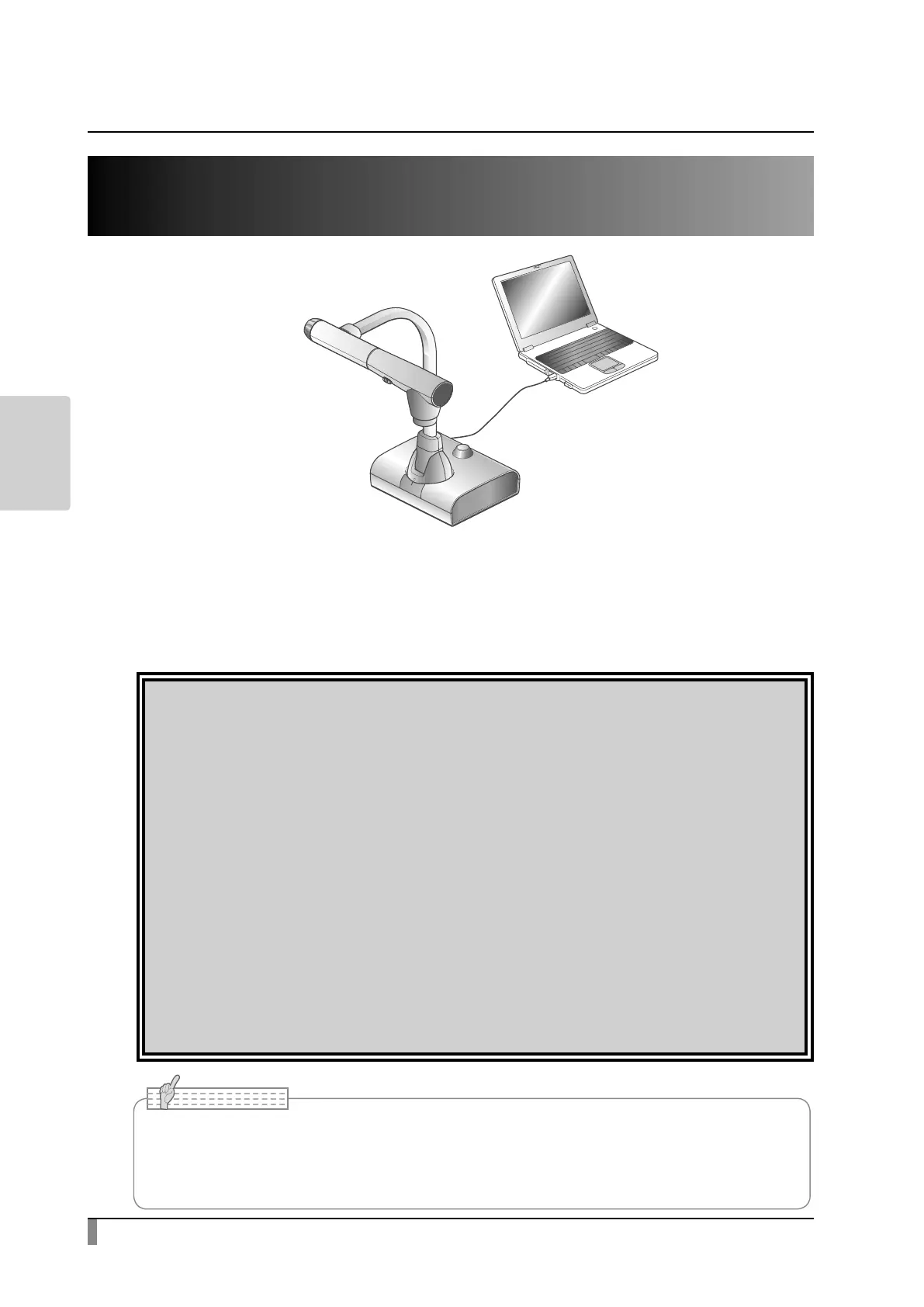
3-2 Using by connecting to a computer with a
USB cable
This product is compliant with UVC (USB video class) and troublesome installing
of a driver is not required. You can use the product with a video conference
system or other various application software by simply connecting a USB cable
to the USB port of a computer. (Operation is not guaranteed on all application
software.)
Caution
• Do not connect/disconnect a USB cable while operating the product using
the operating panel or remote control. Doing so may cause a malfunction.
• We recommend using a compliant USB cable.
• When you display the UVC video stream, it may take a while before the
image is displayed. Be sure not to turn off the power of the product or
disconnect the USB cable until the image is displayed.
• When you change the resolution of the UVC video stream, it may take a
while before the image is displayed. Be sure not to turn o the power of the
product or disconnect the USB cable until the image is displayed.
• The format of the USB video stream is MJPEG/ YUV. Depending on the
software you are using, you may not be able to display the image.
• You cannot record the camera image, display thumbnails, display still
images or play videos, when the USB video streaming is active.
• Depending on the USB environment used by the computer or any peripheral device, image
transfer may be disrupted.
• Operation is not guaranteed for all environments.
Note



 To Next Page