62
ADVANCED
OPERATIONS
Using the drawing function
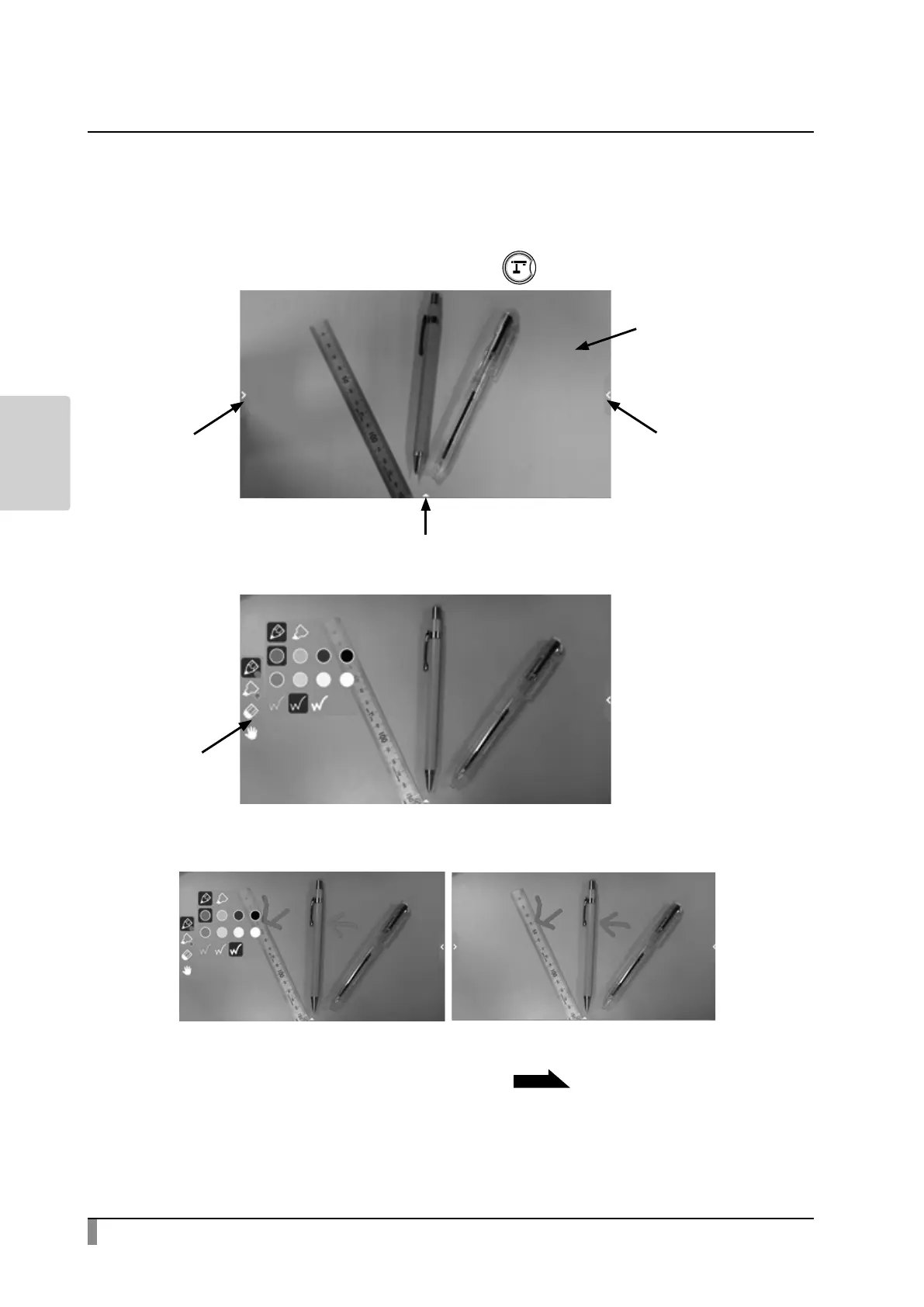
You can also draw over the live camera image.
Step 1. Select the Document Camera icon [ ] to display the camera image.
Step 2. Select either the left tab or right tab to open the Pen menu for drawing.
Step 3. Start drawing.
By selecting the Pen icon, you can start drawing over the live camera image.
For details, refer to “Pen menu for drawing” .
P18
※ The drawings added to the camera image will be maintained while the Camera
app is running.
Bottom tab
Right tab
Left tab
Camera image
Pen menu for
drawing



 To Next Page