40
ADVANCED
OPERATIONS
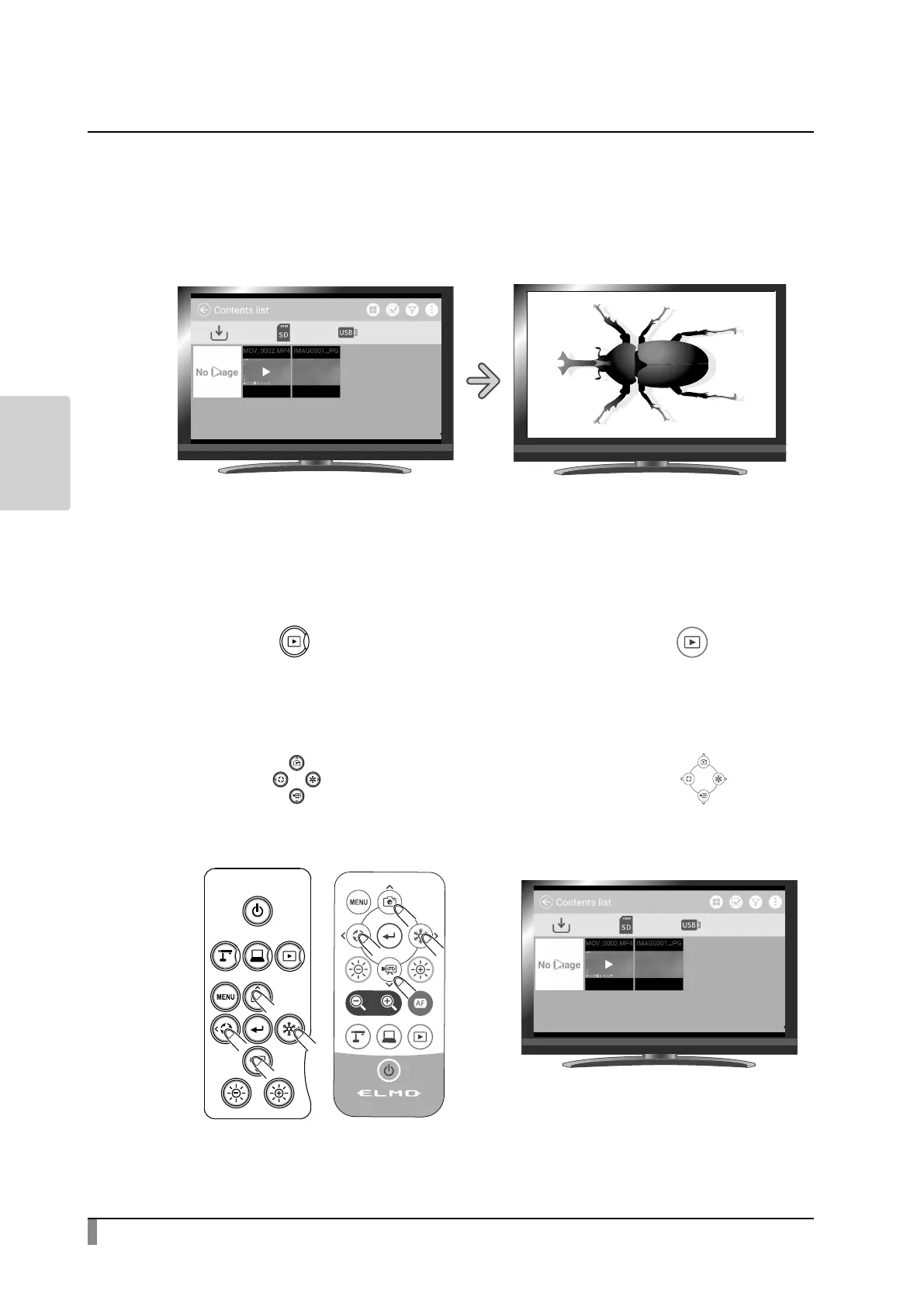
Displaying a still image full-screen
You can display a still image you selected from the list of content items (still
image / video) full-screen.
< Thumbnails >
< Full-screen image >
Basic operations
①
Display the list of content items (still image / video).
Press the[ ] button on the operating panel or the[ ] button on
the remote control.
②
Select a still image you want to display full-screen.
Press the[ ]buttons on the operating panel or the[ ]buttons
on the remote control to move the cursor. The cursor can also be moved by
using the mouse.



 To Next Page