41
ADVANCED
OPERATIONS
③
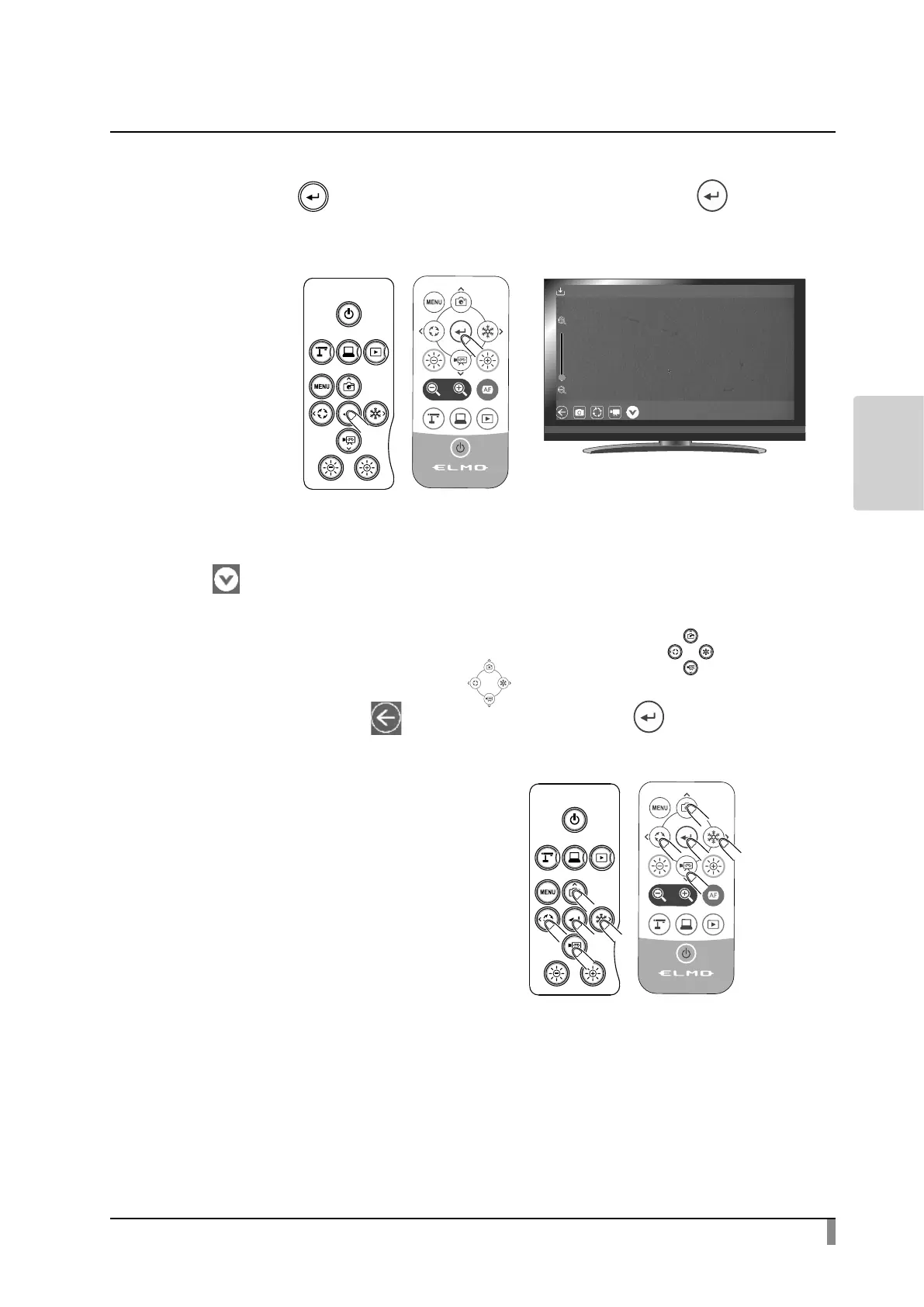
Conrm the still image you want to display full-screen.
Press the[ ]button on the operating panel or the[ ]button on
the remote control or click with the mouse.
The menu will be displayed. If you want to hide the menu, press the Hide
[ ]icon.
④
To return to the List of content items screen, press the[ ]buttons
on the operating panel or the[ ]buttons on the remote control to
display the Return[ ]button. Then press the[ ]button.



 To Next Page