42
ADVANCED
OPERATIONS
Operation of the Still image menu
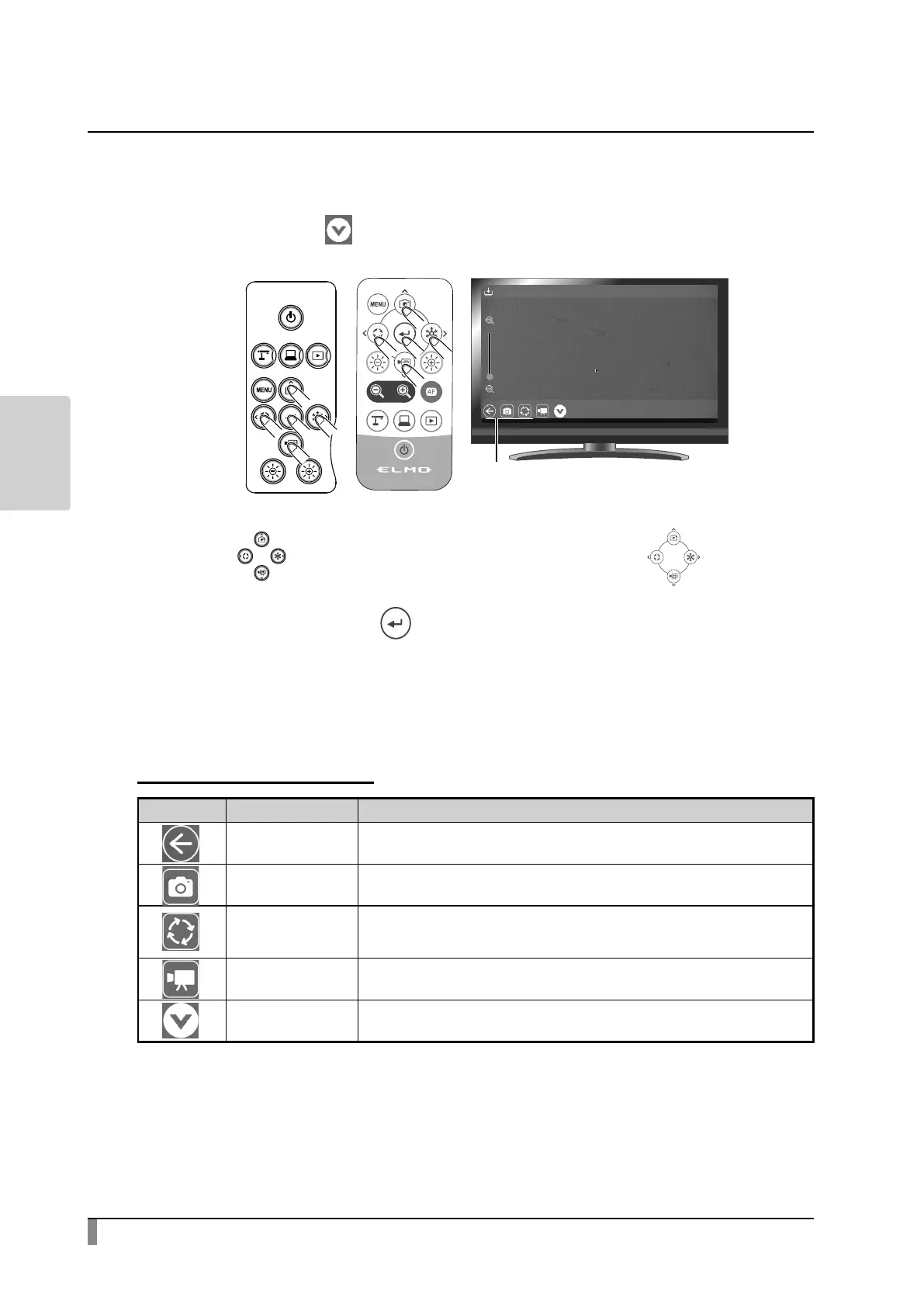
While a still image is displayed full-screen, the Still image menu will be displayed.
Select the Hide icon[ ]to hide the menu.
Press the[ ] buttons on the operating panel or the[ ]buttons on
the remote control to move the cursor. The cursor can also be moved by using
the mouse. Then press the[ ] button to conrm.
Descriptions of each menu
Still image display menu
Icon Name Function
Return To return to the List of content items screen.
Capture
To save the image being displayed as a still image.
You can save the image with all added drawings.
Image rotation
To rotate the image being displayed.
The rotation angle during image rotation can be set from the Image rotation
angle menu in the Camera settings menu. (90° /180°)
Record
To save the image being displayed as a video.
You can save the image with all added drawings.
Hide To hide the menu. Press the bottom tab to display the menu.



 To Next Page