55
ADVANCED
OPERATIONS
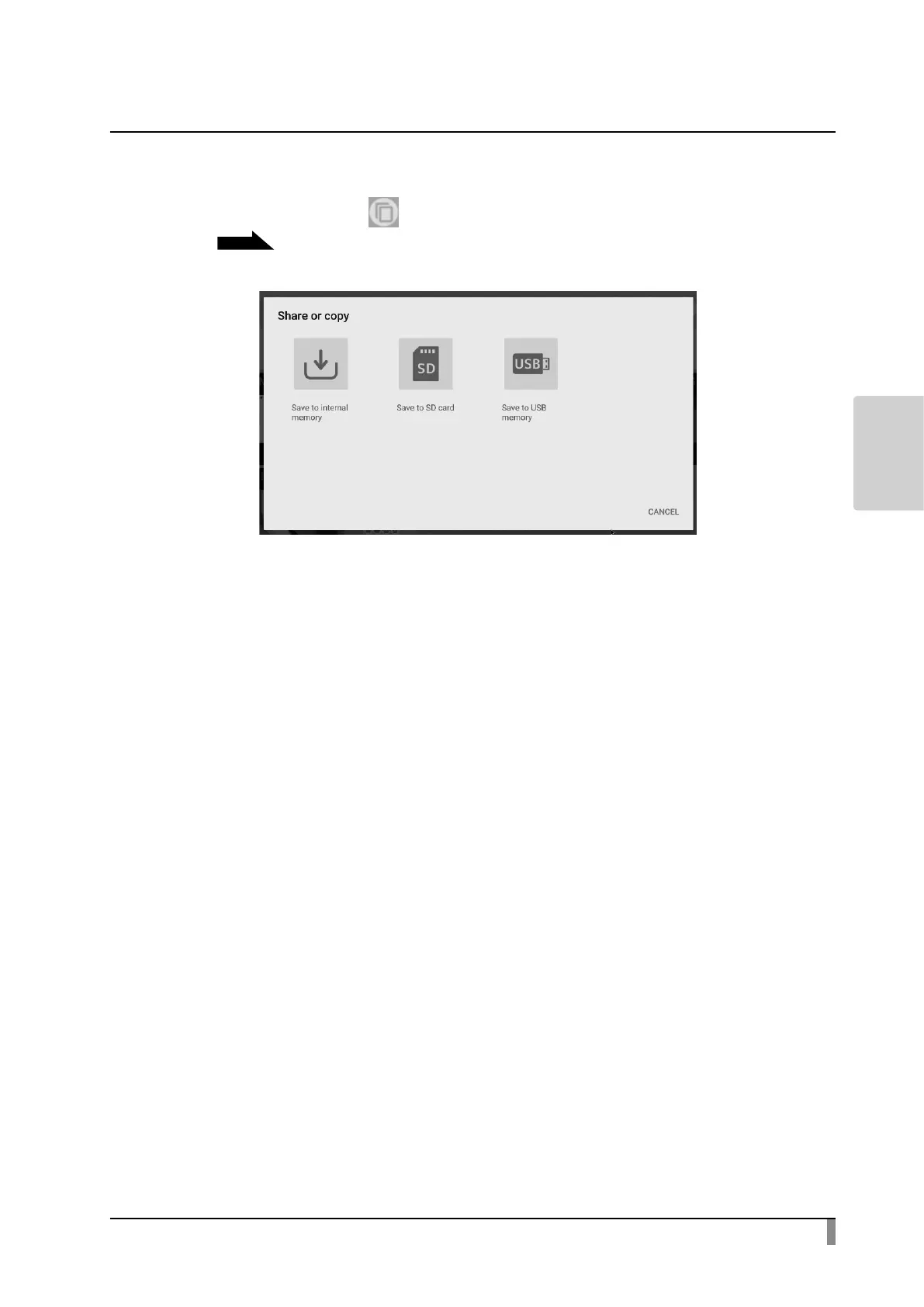
Using the share menu
Select the Share menu [ ] from the menu in the Content item select
screen
P39
to copy the selected content item to other media or share it with
someone. Press “Cancel” to return to the list of content items.
Select the media to copy a content item. The Copy screen will be displayed.
Type the le name or select the destination folder.
Press the area around the folder and a dialog for specifying the destination folder
will open. Specify or select the folder and press “Save” . The selected content
item will be copied to that folder with the specied le name.
※ If the entire sub folders cannot be displayed in one screen, scroll the screen to
view the entire sub folders.



 To Next Page