63
ADVANCED
OPERATIONS
Using the browser
After the WiFi conguration is completed, start the browser [ ] in the Home
screen to connect to the Internet.
P25
※ If the LAN cable is connected and the Ethernet conguration is completed, the
LAN connection has a priority over the WiFi connection.
P31
If the dhcp is set to ON, the system will connect the network automatically. Set it
to OFF if you need to enter the IP address manually.
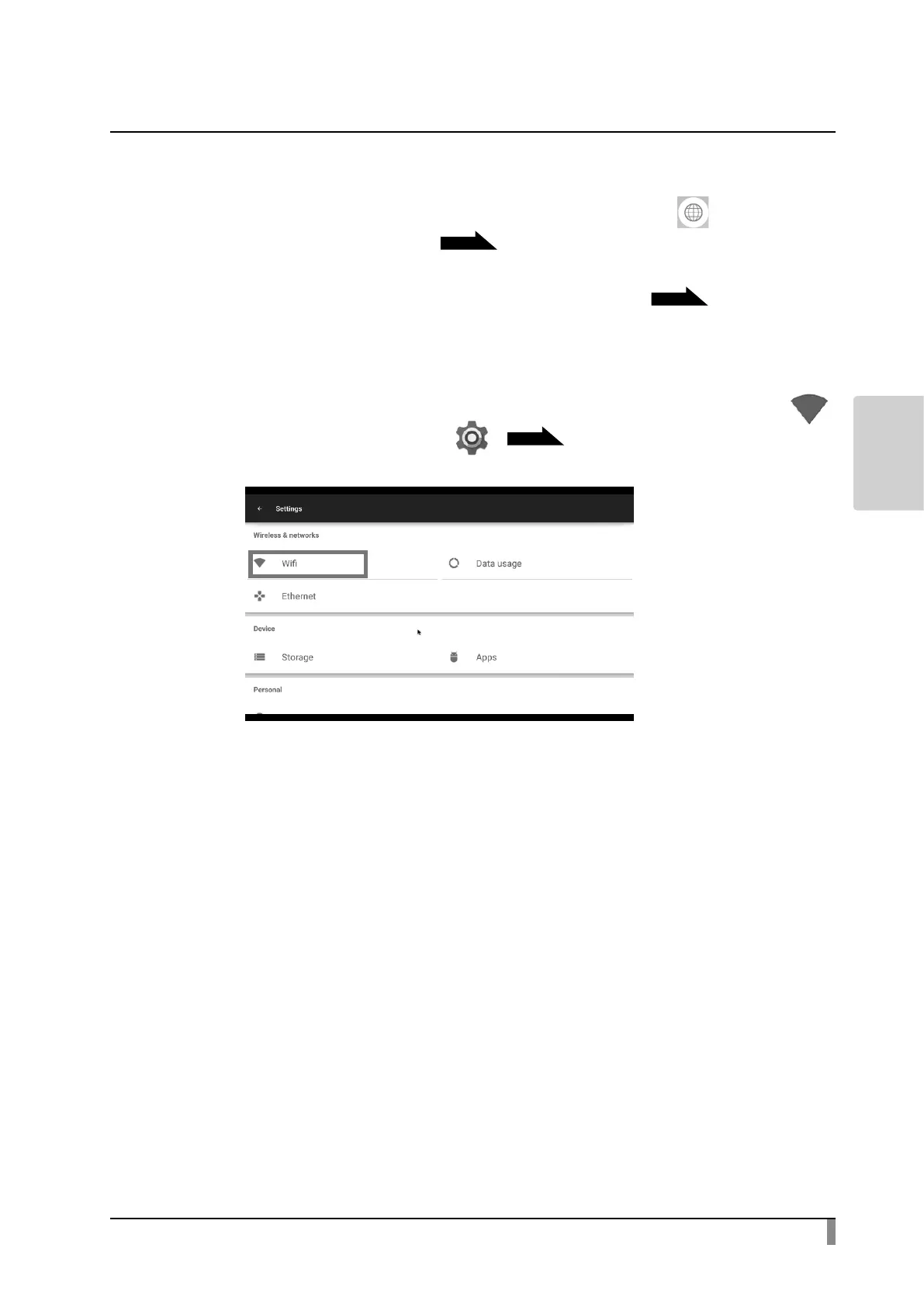
Step 1. Press the Settings button to open the Settings screen. Select WiFi [ ]
from the “System Setting” [ ].
P31
Step 2. A list of network will be displayed. Select the SSID to connect.
Step 3. When the security setting is enabled, a password setting window will be
displayed. Enter the password and press “Enter” .
Step 4. Press “Connect” to connect to the Internet.



 To Next Page