19
BASIC
OPERATIONS
Eraser
Type Icon Function
Eraser
To delete a line drawn by Pen or Highlighter.
(A continuously drawn line can be erased.)
Press the line or swing the nger while pressing the line to
erase it.
Delete all
To delete all the lines that are drawn on the screen by
pressing this icon.
This icon will be displayed when the Eraser menu is
pressed after performing “Delete all” .
To cancel the last “Delete all” action and recover deleted
lines. (Only lines deleted by the last action can be
recovered.)
※ After deleting the selected line, the Eraser becomes deselected and the last selected Pen
becomes selected again.
Hand tool
Type Icon Function
Hand tool
To move the display area by dragging when the image is
enlarged.
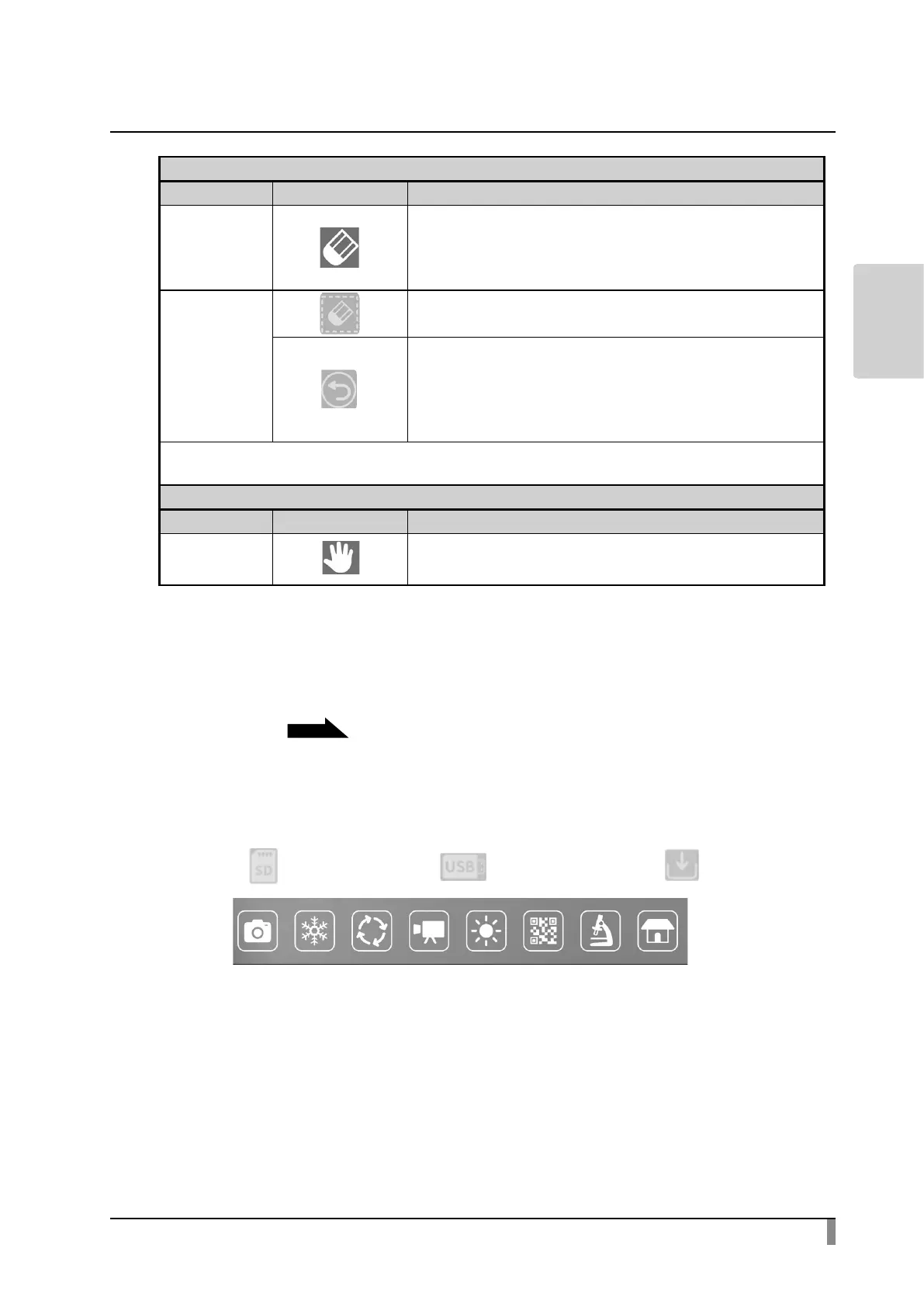
Menu area
The Menu area will be displayed by selecting the bottom tab in the Document
camera screen.
P.16
The Menu area can be hidden by selecting the bottom tab displayed on the
external monitor with the mouse.
※ The recording destination can be changed by long pressing the Capture icon
or Record icon.
(SD card [ ]/ USB ash drive [ ] / internal storage [ ])



 To Next Page