52
ADVANCED
OPERATIONS
Maximizing the split screen
In the Split screen view, press the content item. The selected content item will be
displayed enlarged.
Press the enlarged content item again and it will return to the previous size.
Changing screen positions
You can change the positon of the content items in the Split screen view.
Long press the content item and move the selected content item by drag and
drop action.
Using the QR code reader
Using the Camera app, you can read the QR code to access the specied website.
The WiFi conguration or the Ethernet conguration needs to be completed in
advance to connect to the Internet.
P.31
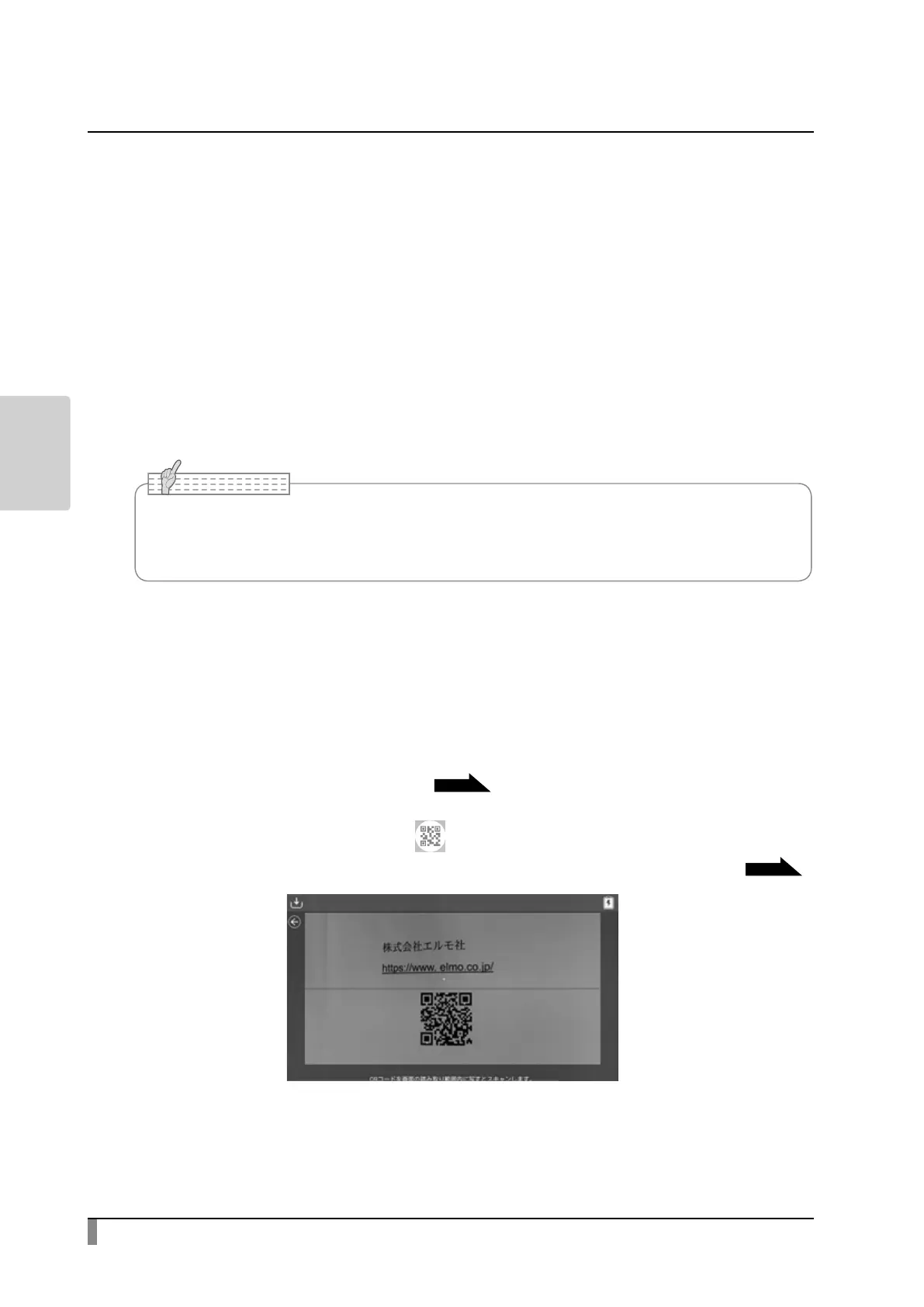
Step 1. Select the QR code icon [ ] in the Menu area. The product will enter
the QR code reader mode and the camera image will be displayed.
P20
Step 2. Adjust the position so that the QR code comes to the center.
• It is not possible to draw on the video stream.(If you need to draw on the video, capture
a still image of the video rst. Then you can draw on the captured still image.)



 To Next Page