34
ADVANCED
OPERATIONS
ADVANCED OPERATIONS
3
3-1 Using an SD card/USB ash drive
With the product, you can record the camera image as a still image to an SD card,
USB ash drive, or internal memory. Also, you can record the camera image as a
video to an SD card, USB ash drive or internal memory.
The image data recorded in an SD card, USB ash drive, or internal memory can
be displayed on the monitor.
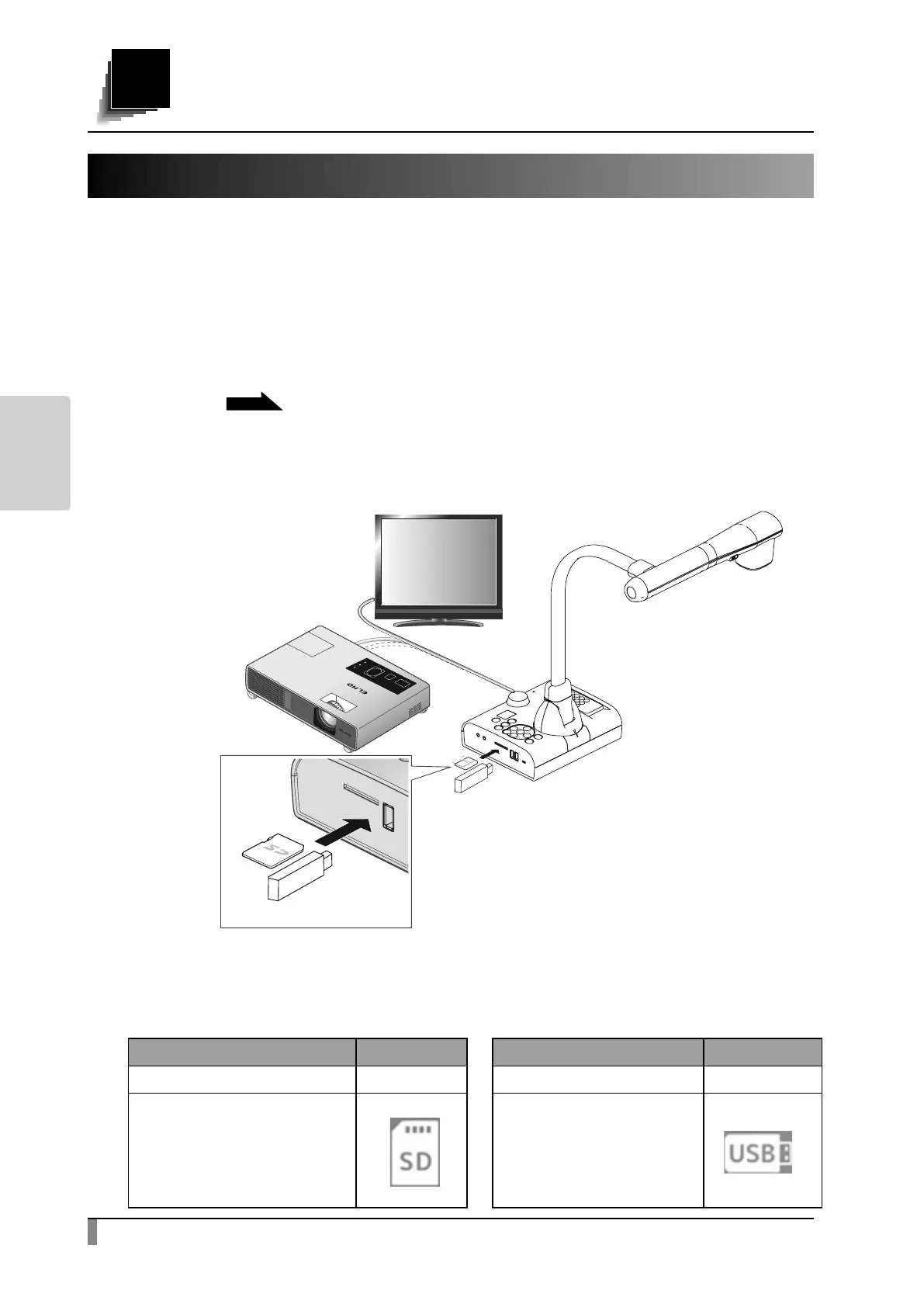
Insert an SD card (SD/SDHC, commercially available) or USB flash drive
(commercially available) into the slot on the side panel before starting the
operation.
P.9
※ Recording is not possible if either an SD card or USB ash drive is not inserted.
※ When the SD card and the USB ash drive are both inserted, the USB ash
drive has the priority over the SD card as the saving destination.
・About SD card ・About USB ash drive
S u p p o r t e d f o r m a t : u p t o F A T 3 2 , S D H C S u p p o r t e d f o r m a t : u p t o F A T 3 2
※ USB ash drive cannot be formatted
with the product.
Icon Icon
Not inserted - Not inserted -
When SD is set as the
destination to save
content
When USB is set as the
destination to save
content



 To Next Page