33
BASIC
OPERATIONS
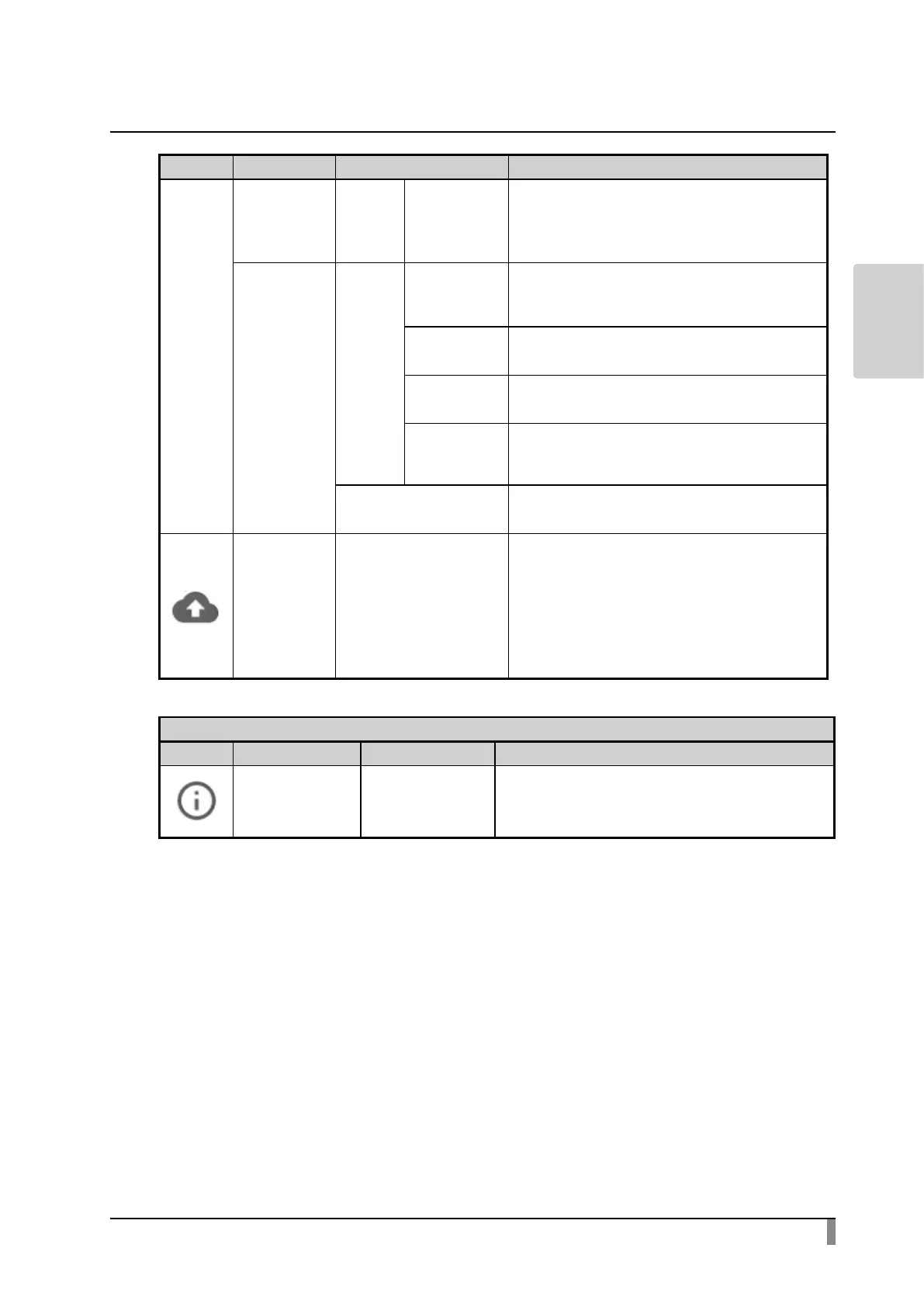
Icon Name Selection item Function
Text
correction
To congure how to display word
suggestions during text input or to congure
how to perform the spelling correction to
the word being input.
Gboard
Glide typing
To congure details of Glide typing which
a user can input words by sliding a nger
across the letters.
Word list
To add words or shortcut letters to the word
list.
Search
To congure whether to display suggestions
for Google search during typing.
Advanced
settings
To congure the display of pictograms on
the keyboard or to congure whether to
display app icons in the Home screen.
Pointer speed To set the pointer speed using the slider.
Backup and
reset
Data initialization
To delete all data stored in the internal
storage, such as Google account, system
data, app data and setting information.
A conrmation window will be displayed.
Select “Reset” to initialize the system.
※ Note that installed apps will also be
deleted.
System
Icon Name Selection item Function
Visual Presenter Legal information
Important legal information between the
Customer and Elmo is described here.



 To Next Page