26
BASIC
OPERATIONS
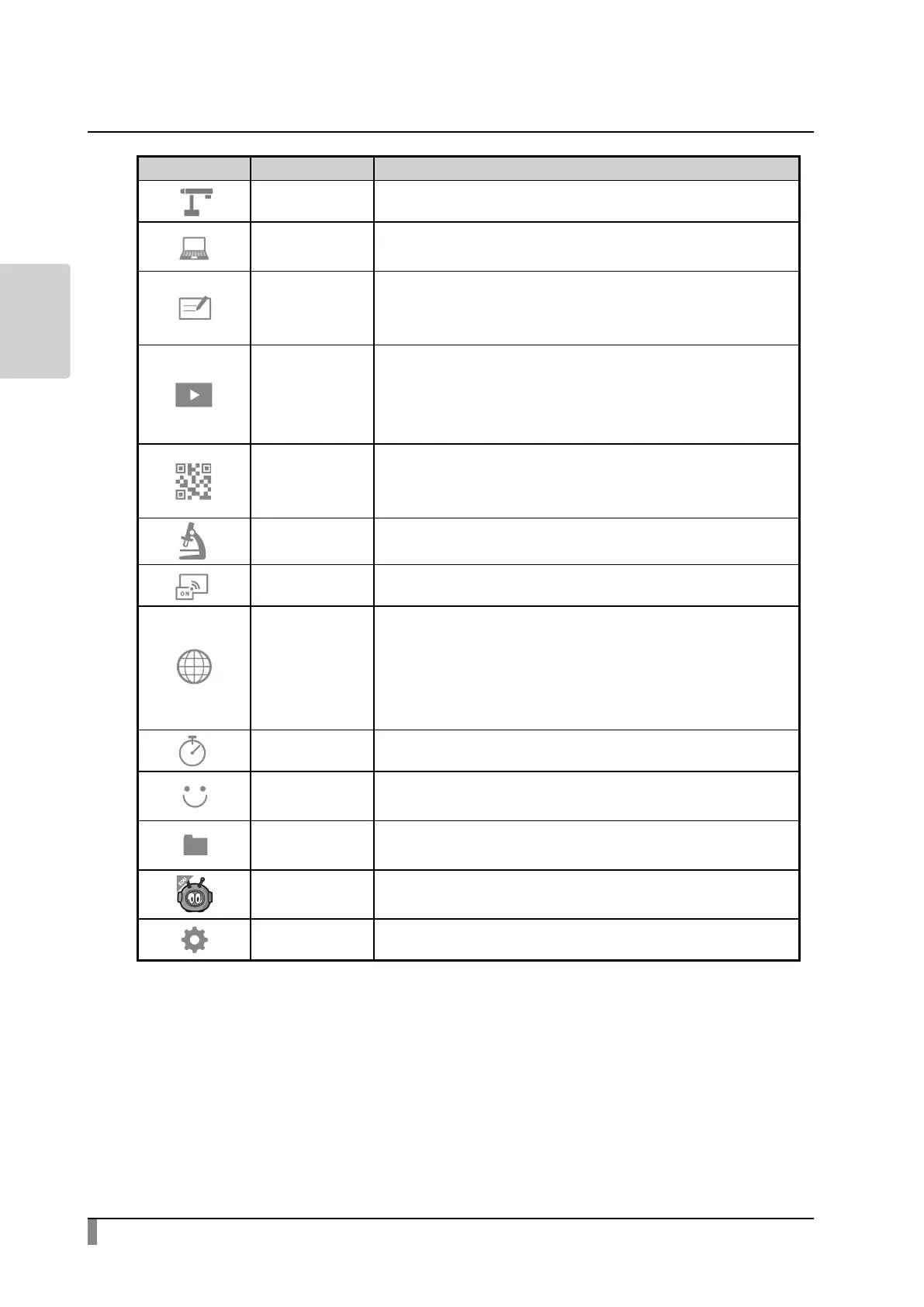
Icon App. Name Function
Camera To display the camera image.
External input
switching
To switch between the camera image and the HDMI IN
image.
Whiteboard
To display the Whiteboard screen. (In case that the
Whiteboard app has not been used before, a new
whiteboard will be created.)
Gallery
To display a list of content items.
Files such as still images, videos, PDF les and Excel les
stored in the internal storage, SD card or USB ash drive can
be opened.
QR code reader
To enter the QR code reader mode. After reading the QR
code, the product will start the browser and access the
Internet.
Microscope Set this mode when you use the product with a microscope.
Miracast To connect a device that supports Miracast.
Browser
To start the browser to access the Internet.
※ The network conguration needs to be completed in
advance.
※ The product needs to be connected to the Internet via
WiFi or LAN.
Timer To sound an alarm at a set time.
ELMO Play
To access the portal run by ELMO.
Apps on the portal can be downloaded.
File manager
To open folders of the internal storage, SD card or USB ash
drive.
Scottie Go! Edu
This is an educational app for learning programming.
Contact us for further information.
Settings To display the Settings screen.
※ To open PDF les or Excel les in the Gallery, the app “WPS” will be needed.
※ For information how to download WPS, contact your dealer or download from
ELMO Play.



 To Next Page