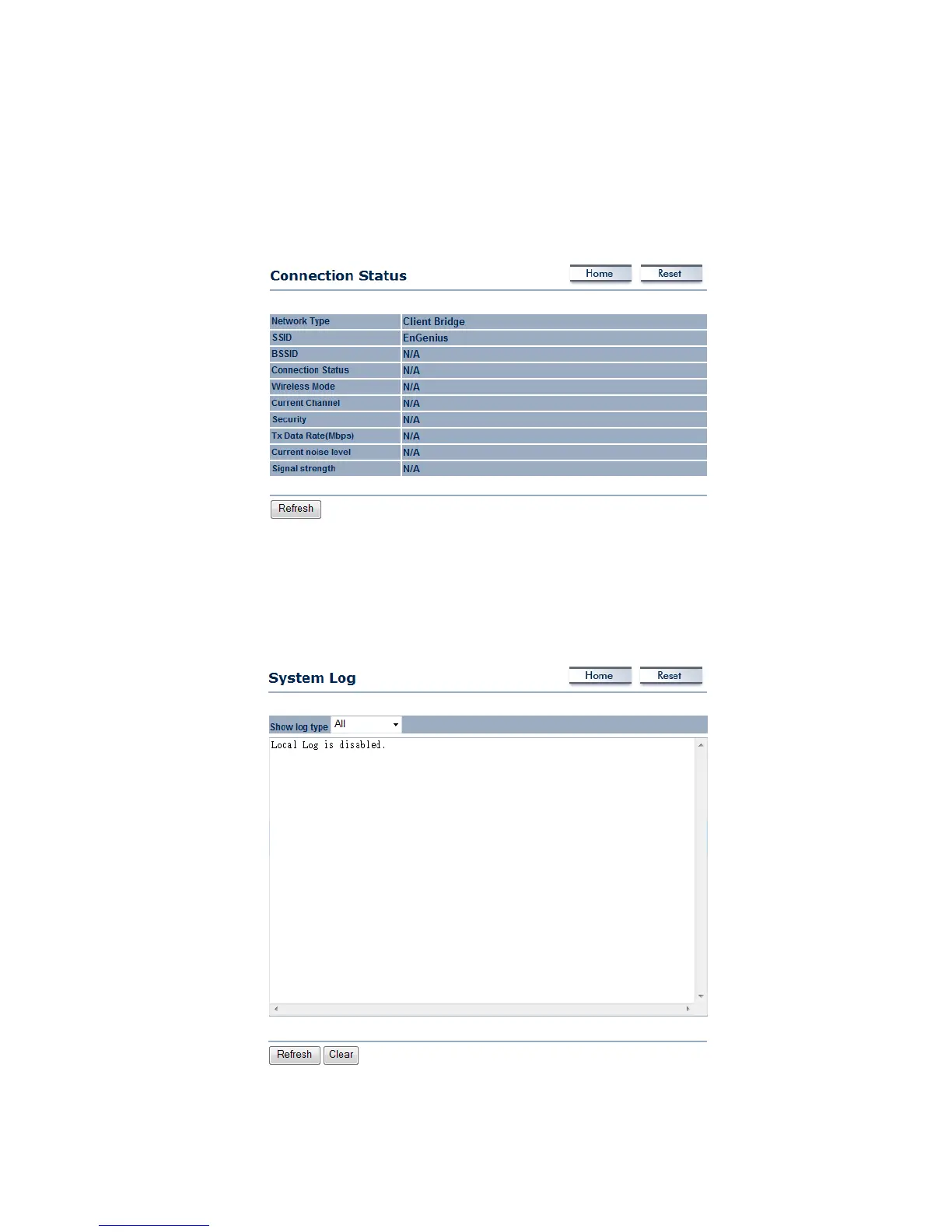
5.2.2 ConnectionStatus
Click on the Connection Status link under the Status drop‐down menu. This page displays the
currentstatus of the network, including networktype,SSID,BSSID,connectionstatus,wireless
mode,currentchannel,security,datarate,noiselevelandsignalstrength.
5.2.3 SystemLog
Thedeviceautomaticallylogs(records)eventsofpossibleinterestinitsinternalmemory.Ifthere
is not enough internal memory for all events, logs of older events are deleted, but logs of the
latesteventsareretained.



 To Next Page