EnGenius EOC2611P Version 1.0
45
5.5 Management
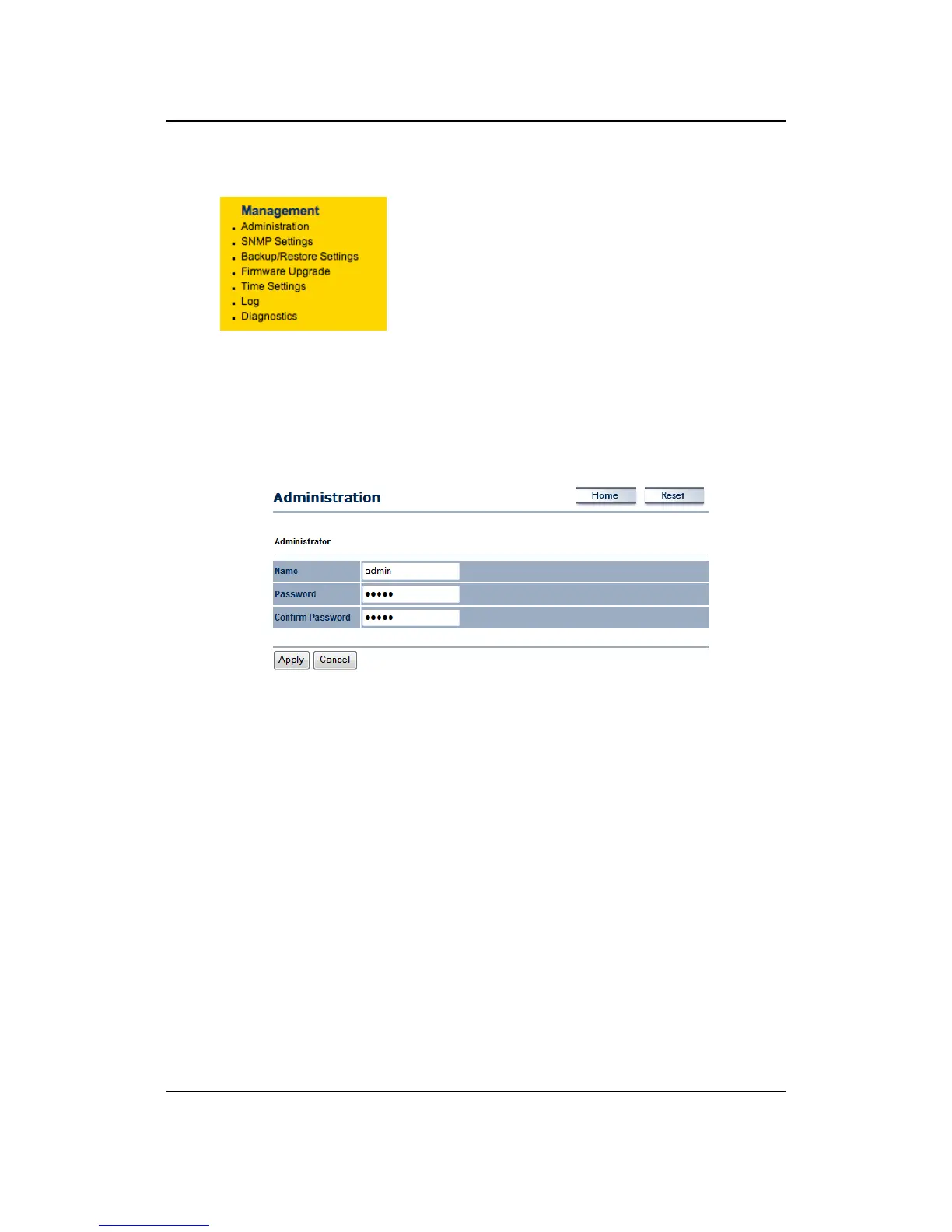
The following options are under the Management
sectionoftheleftmenu:Administration,SNMPSettings,
Backup/Restore Settings, Firmware Upgrade, Time
Settings, Log and Diagnostics. Each option is described
below.
5.5.1 Administration
Thisoptionallowsyoutocreateausernameandpasswordforthedevice.Bydefault,thisdevice
is configured with a user name admin and a password admin. For security reasons it is highly
recommendedthatyoucreateanewusernameandpassword.
Name:Specifyausernameintothefirstfield.
Password: Specify a password into this field and then re‐type the password into the Confirm
Passwordfield.
ClickontheApplybuttontosavethechanges.



 To Next Page