EnGenius EOC2611P Version 1.0
36
5.3 System
UndertheSystem section of the leftmenu,youwill see
thefollowingoptions:SystemProperties,IPSettings,and
SpanningTreeSettings.Eachoptionisdescribedindetail
below.
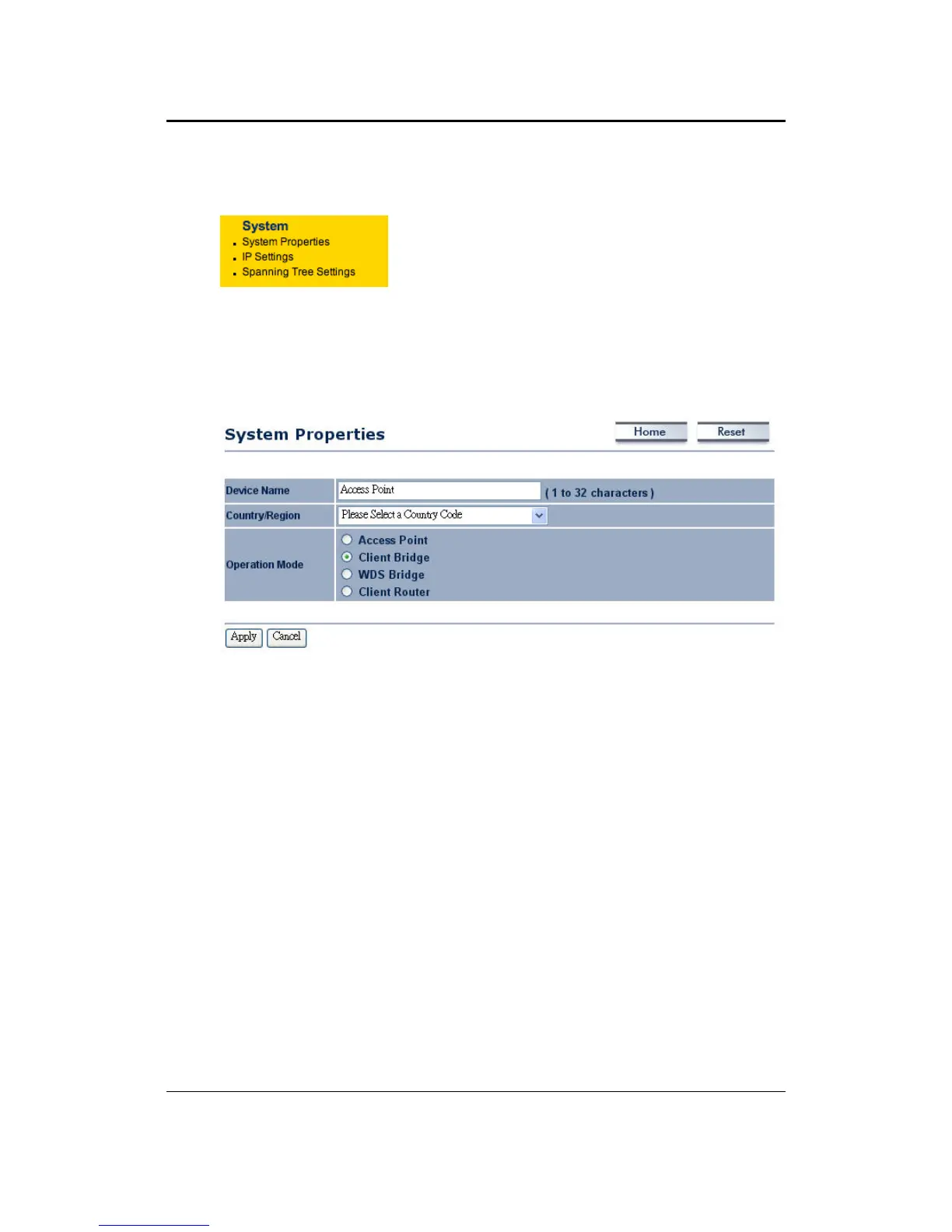
5.3.1 SystemProperties
ThispageallowsyoutoswitchtheOperatingModeofthedevice,aswellasspecifyanameand
selecttheoperatingregion.
DeviceName:Specifyanameforthedevice(thisisnottheSSID),
Country/Region:Selectacountryfromthedrop‐downlist.
OperatingMode:SelectanOperatingMode.ConfigurationforeachOperatingModeisdescribed
intheirrespectivechapters.
ClickontheApplybuttontosavethechanges.



 To Next Page