EnGenius EOC2611P Version 1.0
85
7.6.4 FirmwareUpgrade
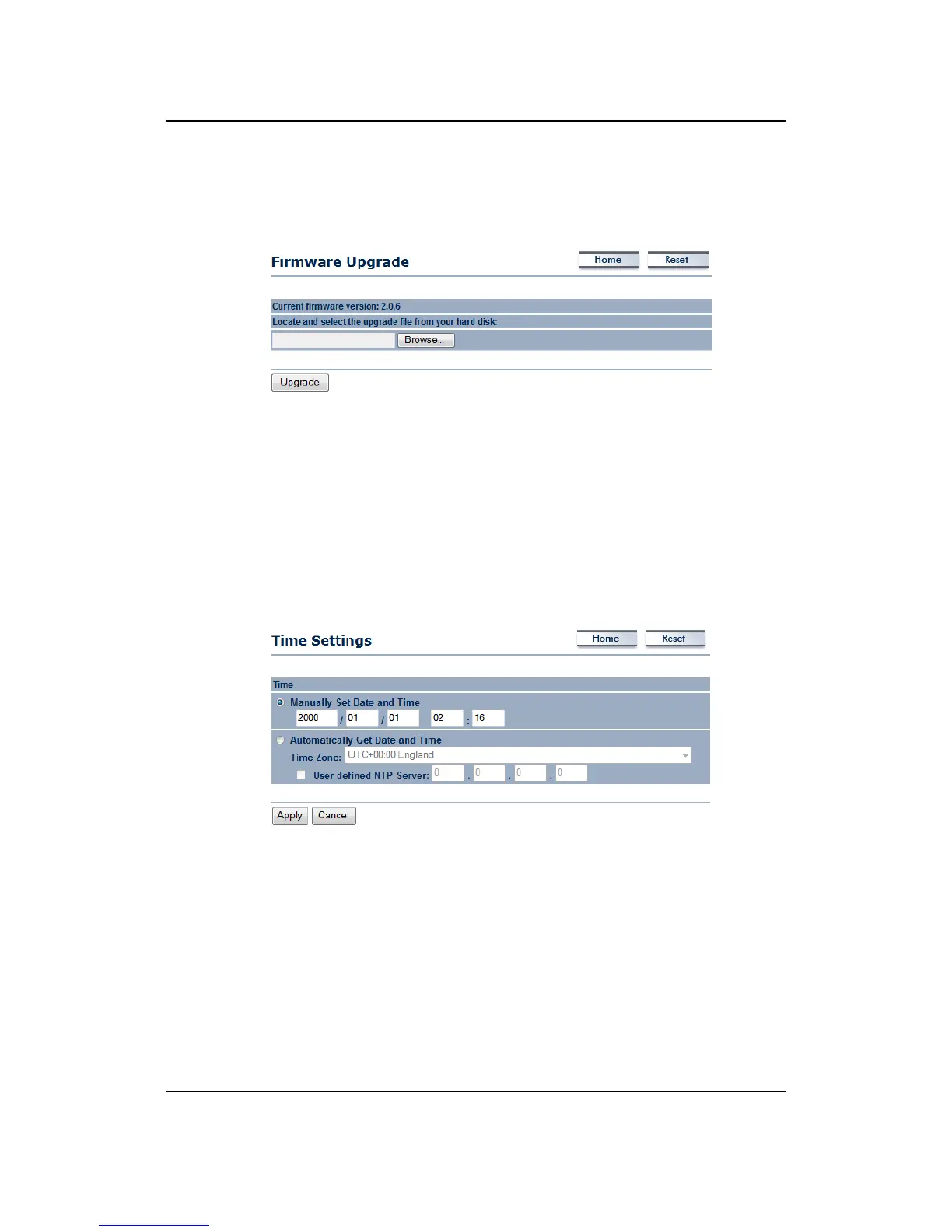
This page is used to upgrade the firmware on the device. Make sure that downloaded the
appropriatefirmwarefromyourvendor.
Click on the Browse button and then select the appropriate firmware and then click on the
Upgradebutton.
Note:The upgradeprocessmaytakeabout1 minute to complete.Do not poweroffthe device
during this process as it may crash the device and make it unusable.
The device will restart
automaticallyoncetheupgradeiscomplete.
7.6.5 TimeSettings
ClickontheTimeSettingslinkundertheManagementmenu.Thispageallowsyoutoconfigure
thetimeonthedevice.YoumaydothismanuallyorbyconnectingtoaNTPserver.
ManuallySetDateandTime:Specifythedateandtime
AutomaticallyGetDateandTime:Selectthetimezonefromthedropdownlistandthenspecify
theIPaddressoftheNTPserver.
ClickontheApplybuttontosavethechanges.



 To Next Page