EnGenius EOC2611P Version 1.0
77
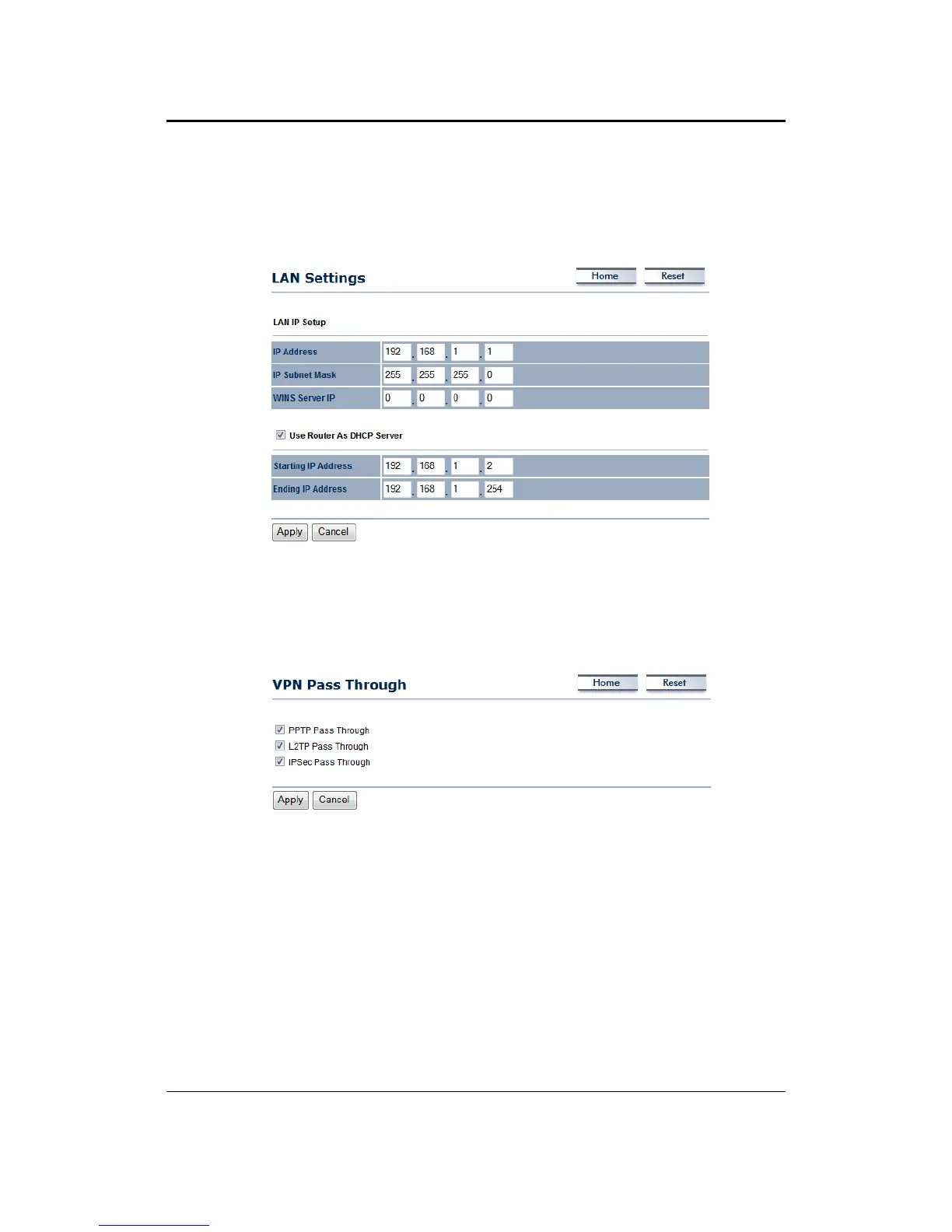
7.4.2 LANSettings
This page allows you to configure the LAN interface as IP address, IP subnet mask and WINS
serverIP.Whenyouenable‘UseRouterAsDHCPServer’,specifytheIPaddressfromstartingto
ending.
7.4.3 VPNPassThrough
Thispageallowsyoutoenablethepassthroughfeature.
PPTPPass Through:Placeacheckinthisboxifyouwouldliketoenablethispassthrough.PPTP
isaprotocol(setofcommunicationrules)thatallowscorporationstoextendtheirowncorporate
networkthroughprivate"tunnels"
L2TPPassThrough:Placeacheckinthisbox
ifyouwouldliketoenablethispassthrough.Layer2
Tunneling Protocol is a transport protocol that enables tunneling through the Internet for the
establishmentofvirtualprivatenetworks.
IPSecPassThrough:Placeacheckinthisboxifyouwouldliketoenablethispassthrough.IPSec
isaVPNprotocolusedtoimplementsecureexchangeofpacketsattheIPlayer.
ClickontheApplybuttontosavethechanges.



 To Next Page