EnGenius EOC2611P Version 1.0
80
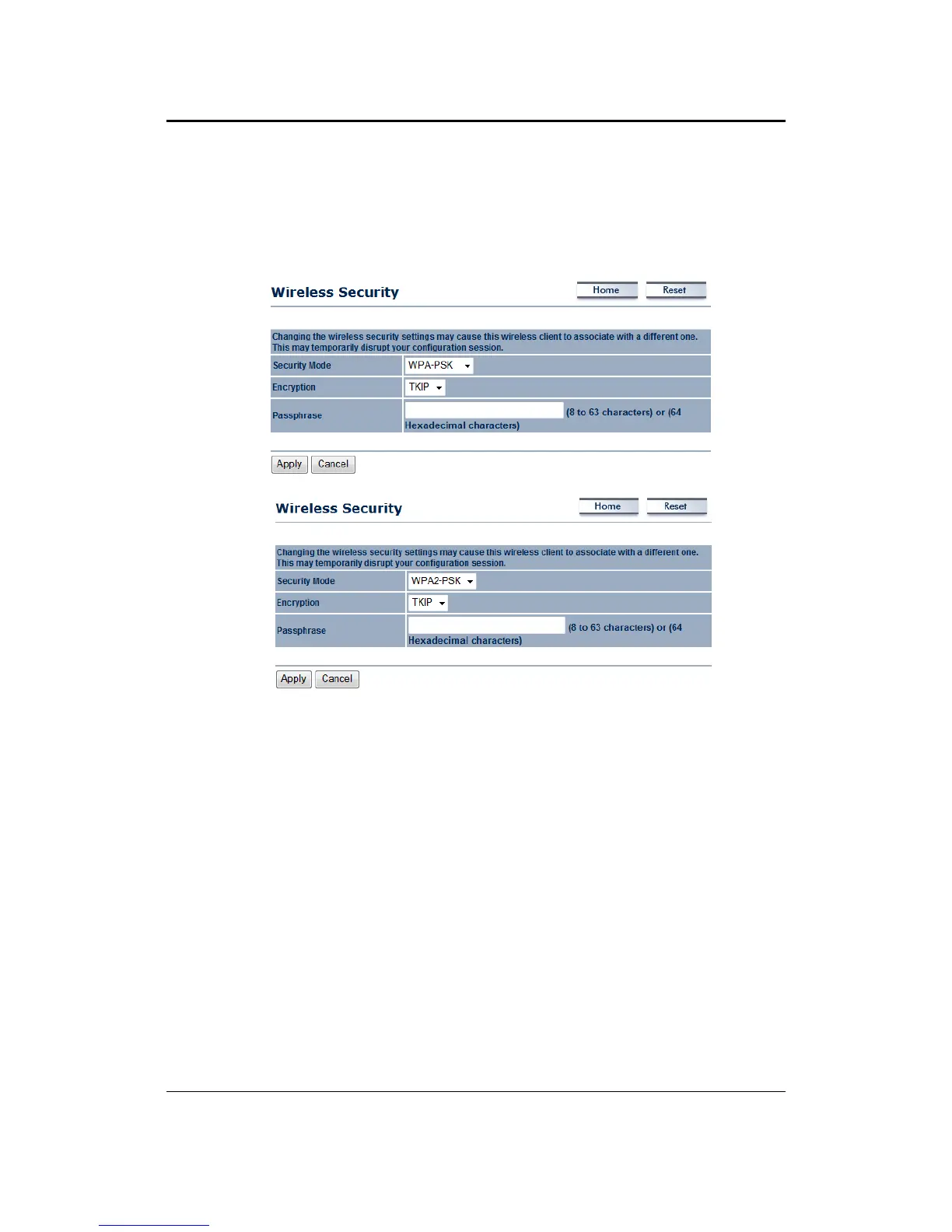
7.5.2.2 WirelessSecurity:WPA‐PSK,WPA2‐PSK
SecurityMode:SelectWPA‐PSK orWPA2‐PSKfromthedrop‐downlistifyourwirelessnetwork
usesWPApre‐sharedkey.
Encryption: Select TKIP or AES from the drop‐down list if your wireless network uses this
encryption.WPA(Wi‐FiProtectedAccess)wasdesignedtoimproveuponthesecurityfeaturesof
WEP(WiredEquivalentPrivacy).ThetechnologyisdesignedtoworkwithexistingWi‐Fiproducts
that have
been enabled with WEP. WPA provides improved data encryption through the
Temporal Integrity Protocol (TKIP), which scrambles the keys using a hashing algorithm andby
addinganintegritycheckingfeaturewhichmakessurethatkeyshaven’tbeentamperedwith.
Passphrase:SpecifyapassphrasethatissharedamongsttheAccess
Pointsandclients.
ClickontheApplybuttontosavethechanges.



 To Next Page