EnGenius EOC2611P Version 1.0
24
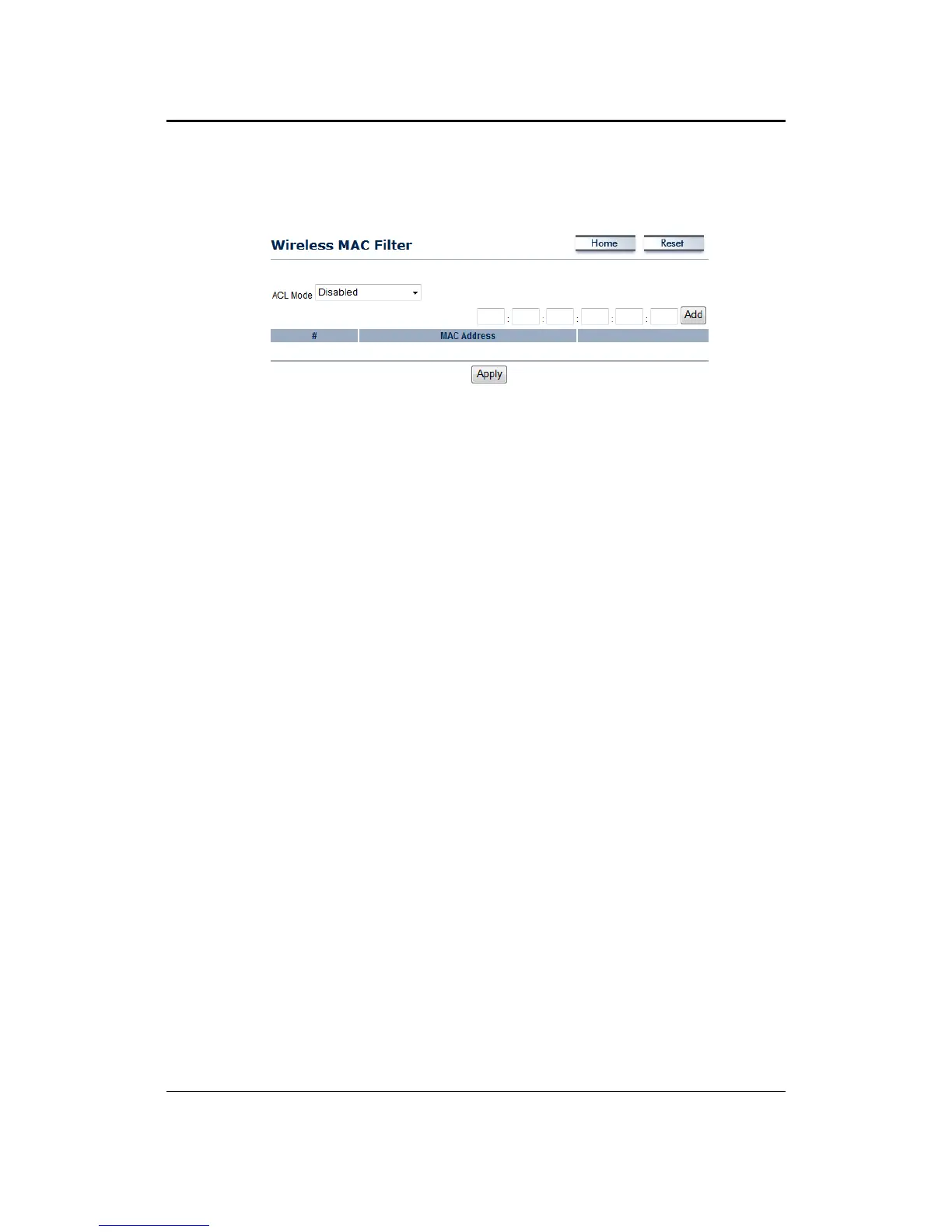
4.4.2 WirelessMACFilter
OnthispageyoucanfiltertheMACaddressbyallowingorblockingaccessthenetwork.
ACL (Access Control) Mode: You may choose to Disable, Allow Listed, or Deny Listed MAC
addresses from associating with the network. By selecting Allow MAC in the List, only the
addresslisted inthe table willhave access tothe network; all other clients will be blocked. On
the other hand, selected Deny MAC in the List, only the listed MAC addresses will be blocked
fromaccessingthenetwork;allotherclientswillhaveaccesstothenetwork.
MACAddress:EntertheMACaddress.
ThistableliststheblockedorallowedMACaddresses;youmaydelete
selectedMACaddress or
deletealltheaddressesfromthetablebyclickingontheDeletebutton.
ClickontheApplybuttontosavethechanges.



 To Next Page