EnGenius EOC2611P Version 1.0
23
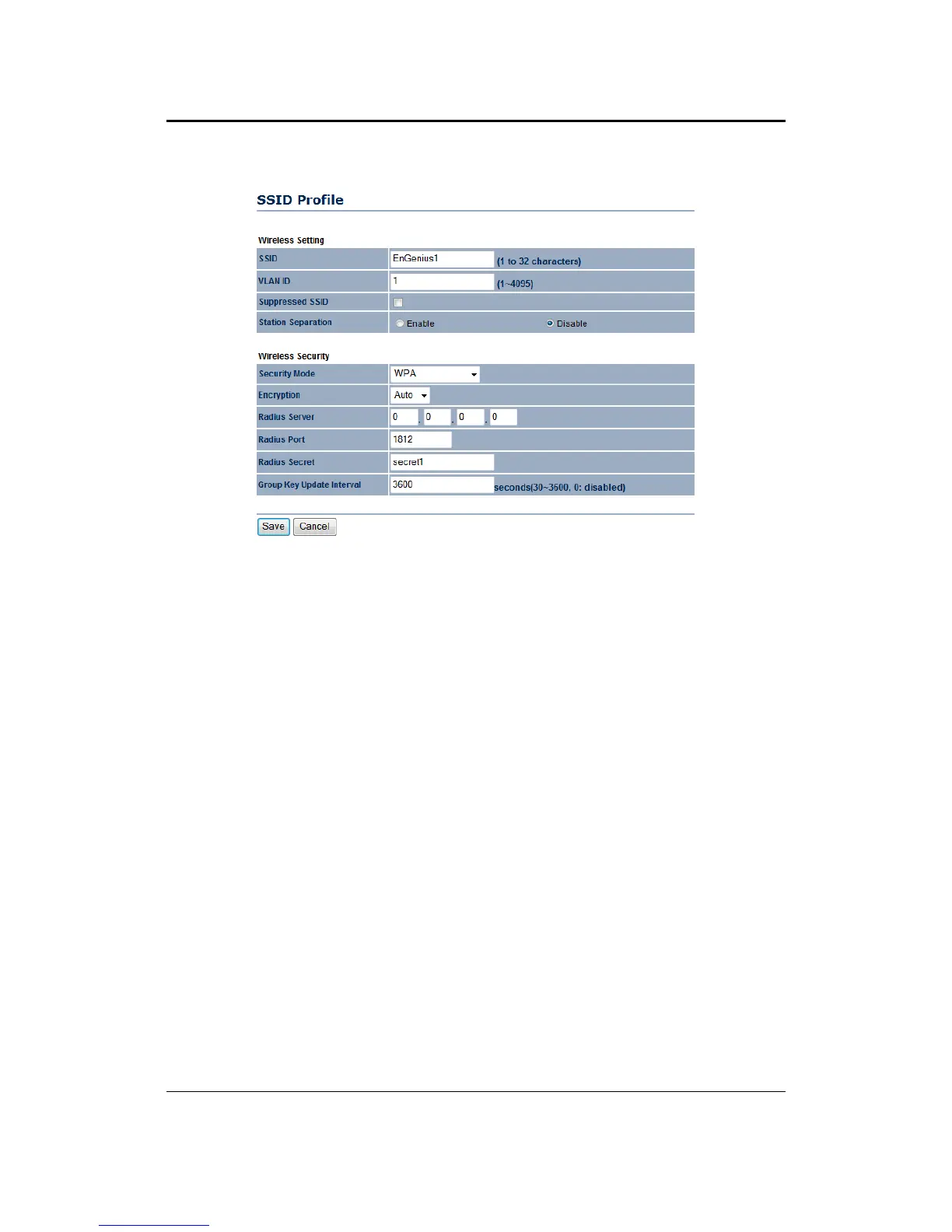
`WirelessSecurity–SecurityMode:WPA,WPA2,WPAMixed
``SecurityMode:SelectWPA,WPA2orWPAMixedfromthedrop‐downlistifyourwireless
networkusesWPA.WPA(Wi‐FiProtectedAccess)wasdesignedtoimproveuponthesecurity
featuresofWEP(WiredEquivalentPrivacy).Thetechnologyisdesignedtoworkwithexisting
Wi‐Fiproductsthat
havebeenenabledwithWEP.WPAprovidesimproveddataencryption
throughtheTemporalIntegrityProtocol(TKIP),whichscramblesthekeysusingahashing
algorithmandbyaddinganintegritycheckingfeaturewhichmakessurethatkeyshaven’tbeen
tamperedwith.
``Encryption:SelectTKIP,AESor Autofromthe
drop‐downlistifyourwireless networkuses
thisencryption.
``RADIUSServer:EntertheIPaddressoftheRADIUSserver.
``RADIUSPort:EntertheportnumberoftheRADIUSserver.Thedefaultisusually1812.
``RADIUSSecret:EnterthesharedpasswordoftheRADIUSserver.
``GroupKey
UpdateInterval:SpecifythenumberofsecondsafterwhichtheAccessPointwill
probetheclientforthesecret.
``ClickontheSavebuttontosavethechanges.



 To Next Page