EnGenius EOC2611P Version 1.0
47
5.5.3 Backup/Restoresettings,Resettofactorydefaultsettings
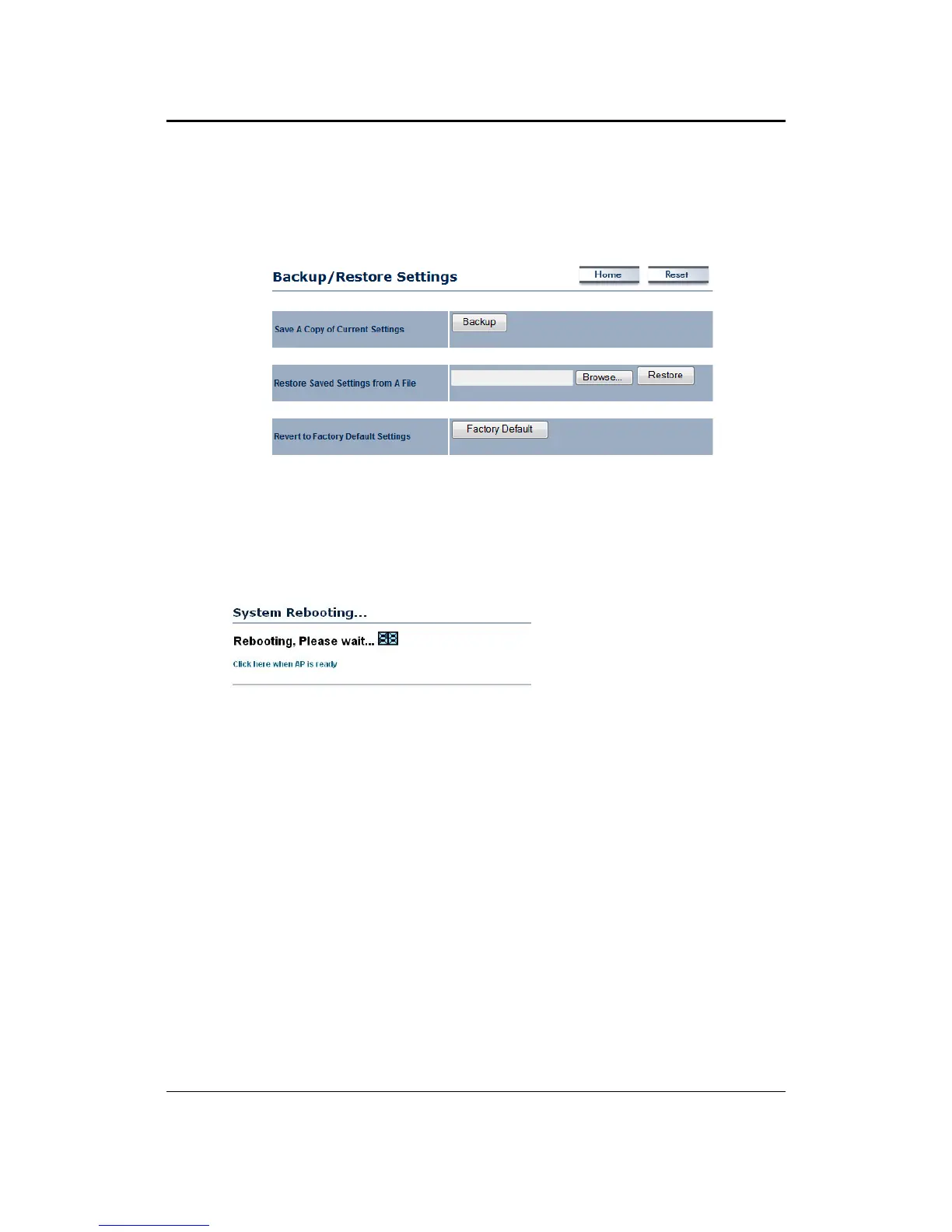
This optionisused to save thecurrent settings ofthedevice in afile on your localdiskor load
settingsontothedevicefromalocaldisk.Thisfeatureisveryhandyforadministratorswhohave
severaldevicesthatneedtobeconfiguredwiththesamesettings.
Saveacopyofthecurrentsettings:ClickontheBackupbuttontosavethecurrentconfiguration.
Restoresavedsettingsfromafile:Onceafilehasbeenbackedup,youmayrestoreitbyclicking
ontheBrowsebuttontoselectthefile,andthentheRestore
button.
Revert to factory default settings: Click on the Factory Default Settings button to reset the
device to the default settings. Please wait while the device restart and then access the device
usingthedefaultIPaddress:192.168.1.1



 To Next Page