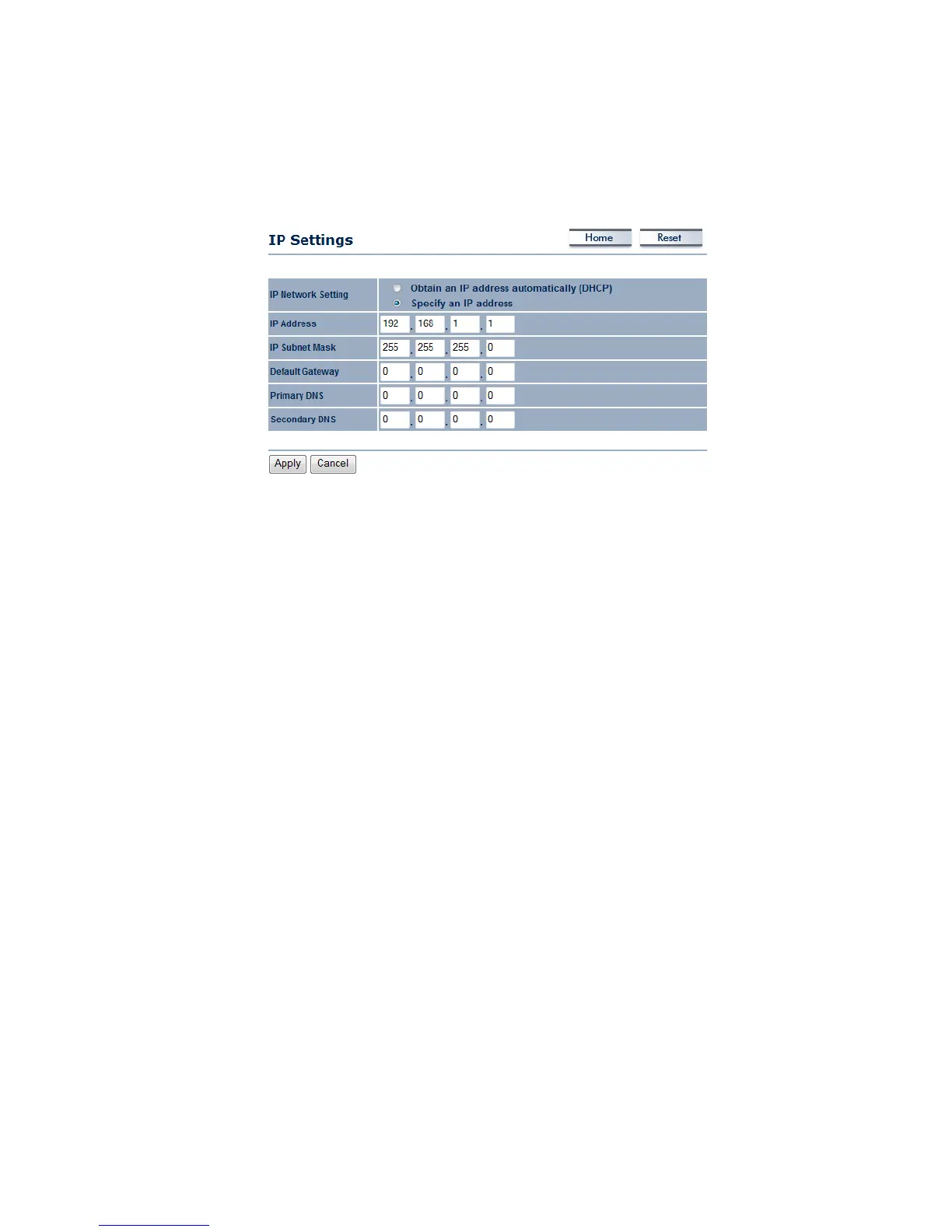
5.3.2 IPSettings
ThispageallowsyoutoconfigurethedevicewithastaticIPaddressoraDHCPclient.
IPNetworkSetting:SelectObtainanIPaddressautomatically(DHCP)radiobuttoniftheAccess
PointisconnectedtoaDHCPserver.This willallowtheAccessPointtopassIPaddressestothe
clientsassociatedwithit.YoumayselectSpecifyanIPAddressradiobuttonifyou
wouldlikethe
device to use a static IP address. In this case, you would be required to specify an IP address,
subnetmask,anddefaultgatewayIPaddress.
IPAddress:SpecifyanIPaddress
IPSubnetMask:SpecifythesubnetmaskfortheIPaddress
Default
Gateway:SpecifytheIPaddressofthedefaultgateway.
ClickontheApplybuttontosavethechanges.



 To Next Page