102
4
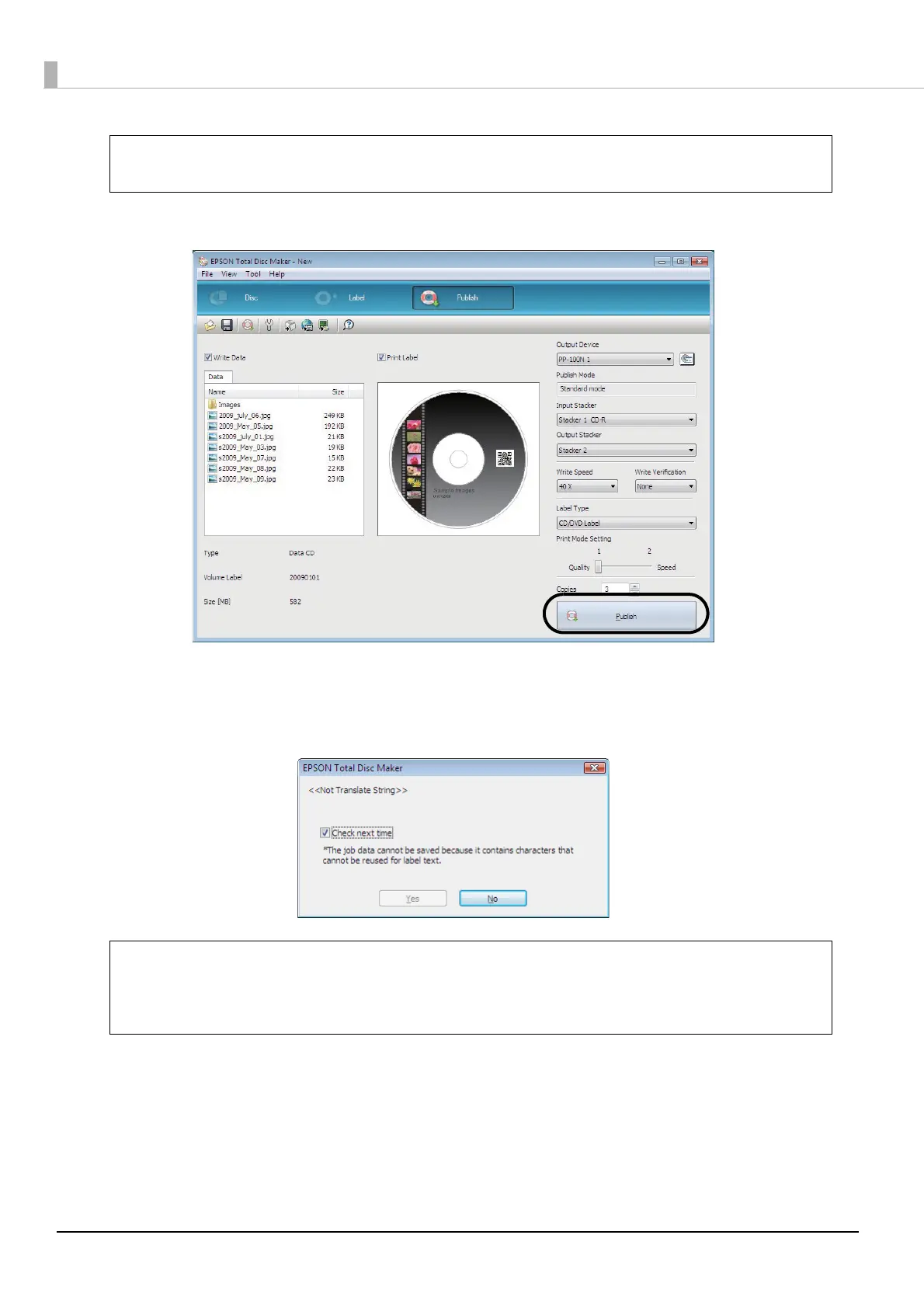
Click [Publish].
5
Click [Yes] if you want to save the job data to enable you to use the published job to create
the same disc again.
In this example, we click [No] because the job data cannot be saved.
If [Compare] is set for [Write Verification], you can confirm whether data was written to
discs properly.
• If Auto Data (Publish Date or Publish Time) is automatically inserted as label print data,
the saving of Job data may not be possible.
• See “Creating same discs as published discs” on page 117 in this guide for the
procedure to create the same disc.
Note
Note



 To Next Page
 Loading...








