27
Preparation
2
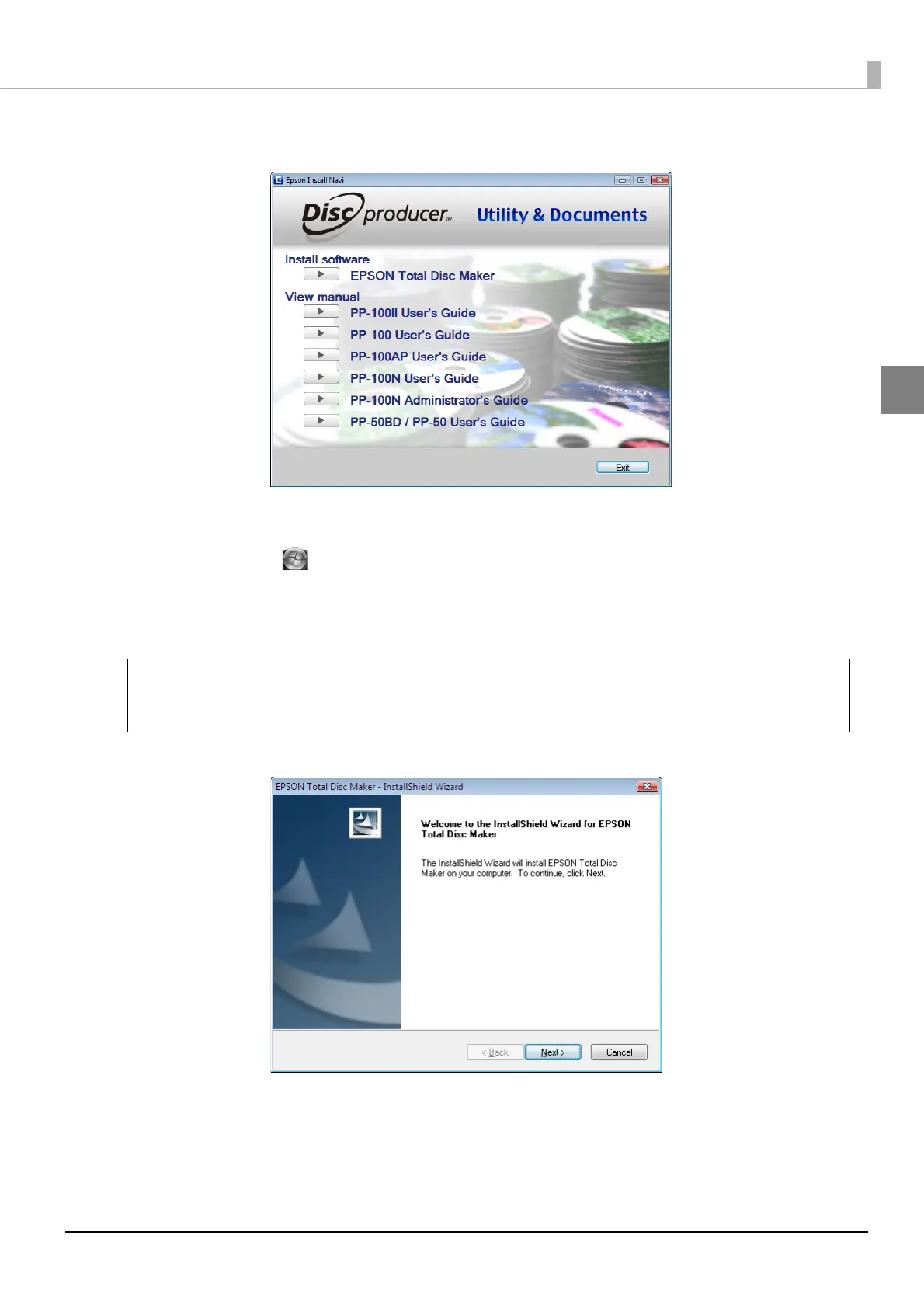
Click [EPSON Total Disc Maker] when the screen shown below is displayed.
If the screen is not displayed. . .
• Windows 7/Windows Vista/Windows Server 2008:
Click [Start] ( in Windows 7 or Windows Vista) - [Computer], and double-click the DVD -ROM icon
to open the DVD. Next, double-click the InstallNavi.EXE icon.
• Windows XP/Windows Server 2003:
Click [Start] - [My Computer], and double-click the DVD -ROM icon to open the DVD. Next, double-click
the InstallNavi.EXE icon.
3
Click [Next].
When [User Account Control] screen is displayed in Windows 7, Windows Vista, or
Windows Server 2008, click [Allow]. When asked for an administrator password, enter the
password to proceed with operation.
Note



 To Next Page
 Loading...








