28
4
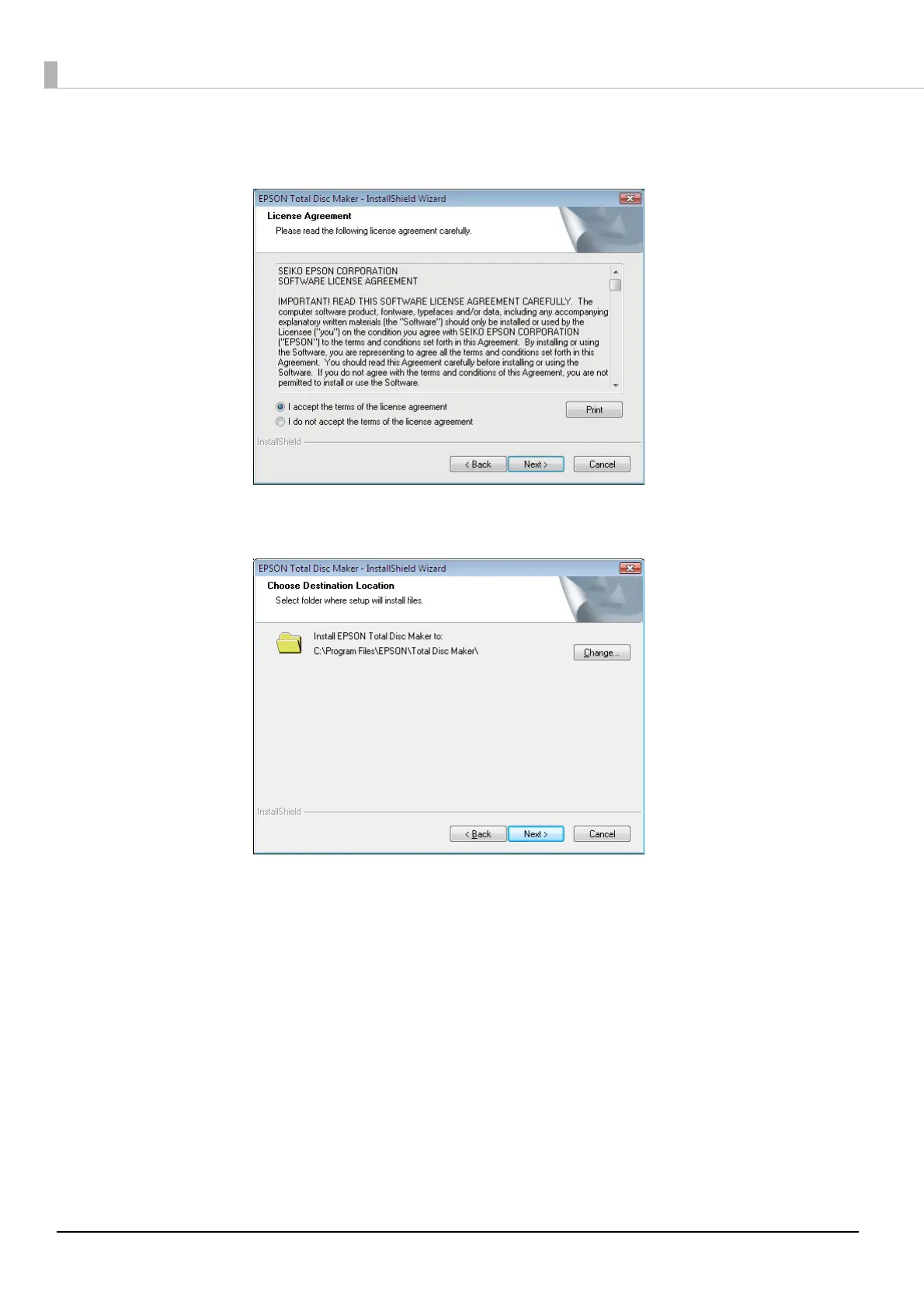
Carefully read the license agreement, and if you agree, select [I accept the terms of the
license agreement], and click [Next].
5
Verify the folder where you want to install the software, and click [Next].
To change the folder, click [Change] and specify the folder, and then click [Next].



 To Next Page
 Loading...








