91
Publishing Discs
Selecting a background
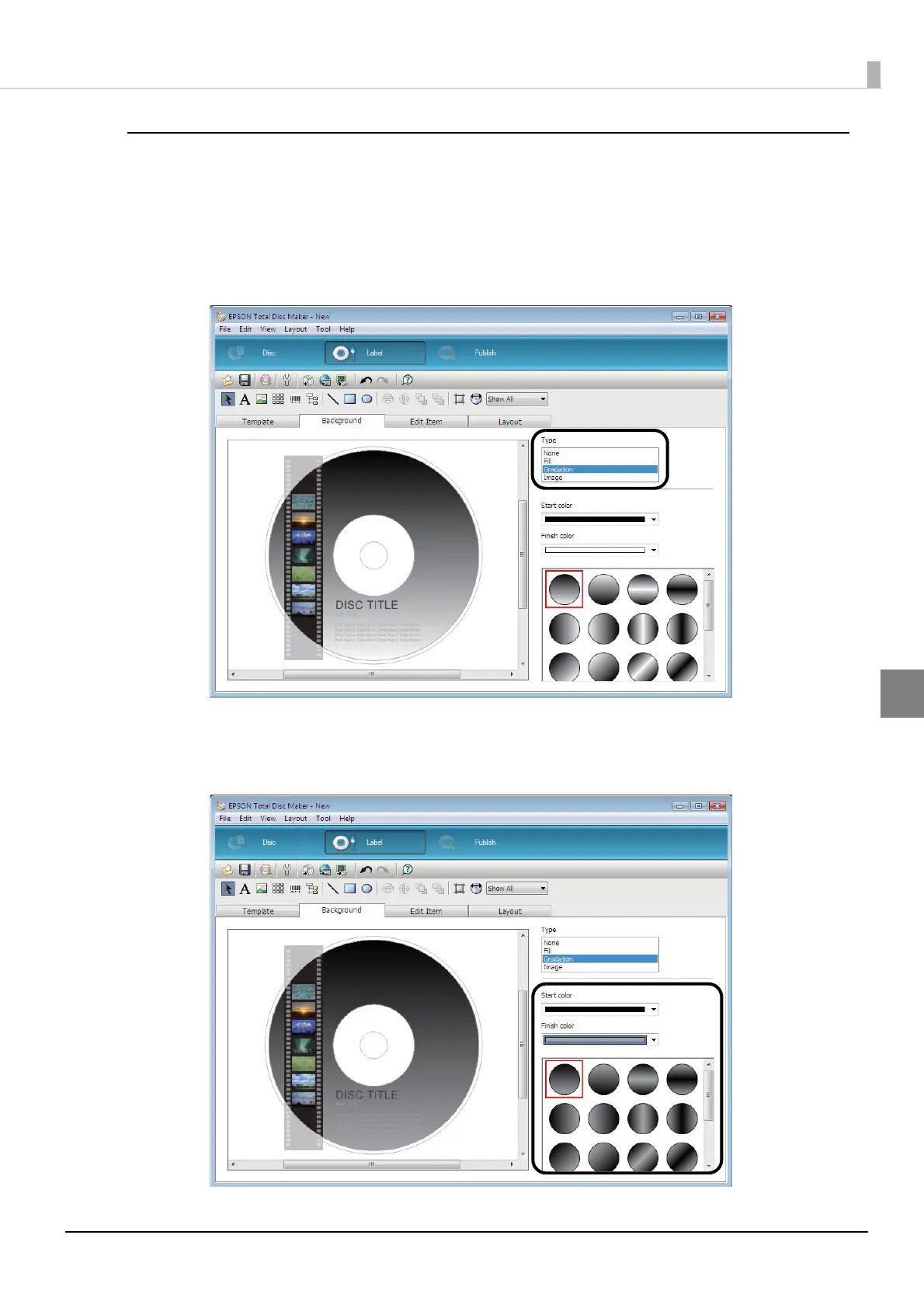
In the [Background] screen, you can select a background color and gradation. You can also insert an image you like as
the background.
1
Select [Type].
In this example, we select [Gradation].
2
Select the colors for [Start color] and [Finish color], and select the gradation type.
In this example, we select black for [Start color], and gray for [Finish color].



 To Next Page
 Loading...








