285
1. Do one of the following:
• Windows 10: Click and select EPSON Software.
• Windows 8.x: Navigate to the Apps screen.
• Windows (other versions): Click or Start > Programs or All Programs > EPSON Software.
2. Select FAX Utility.
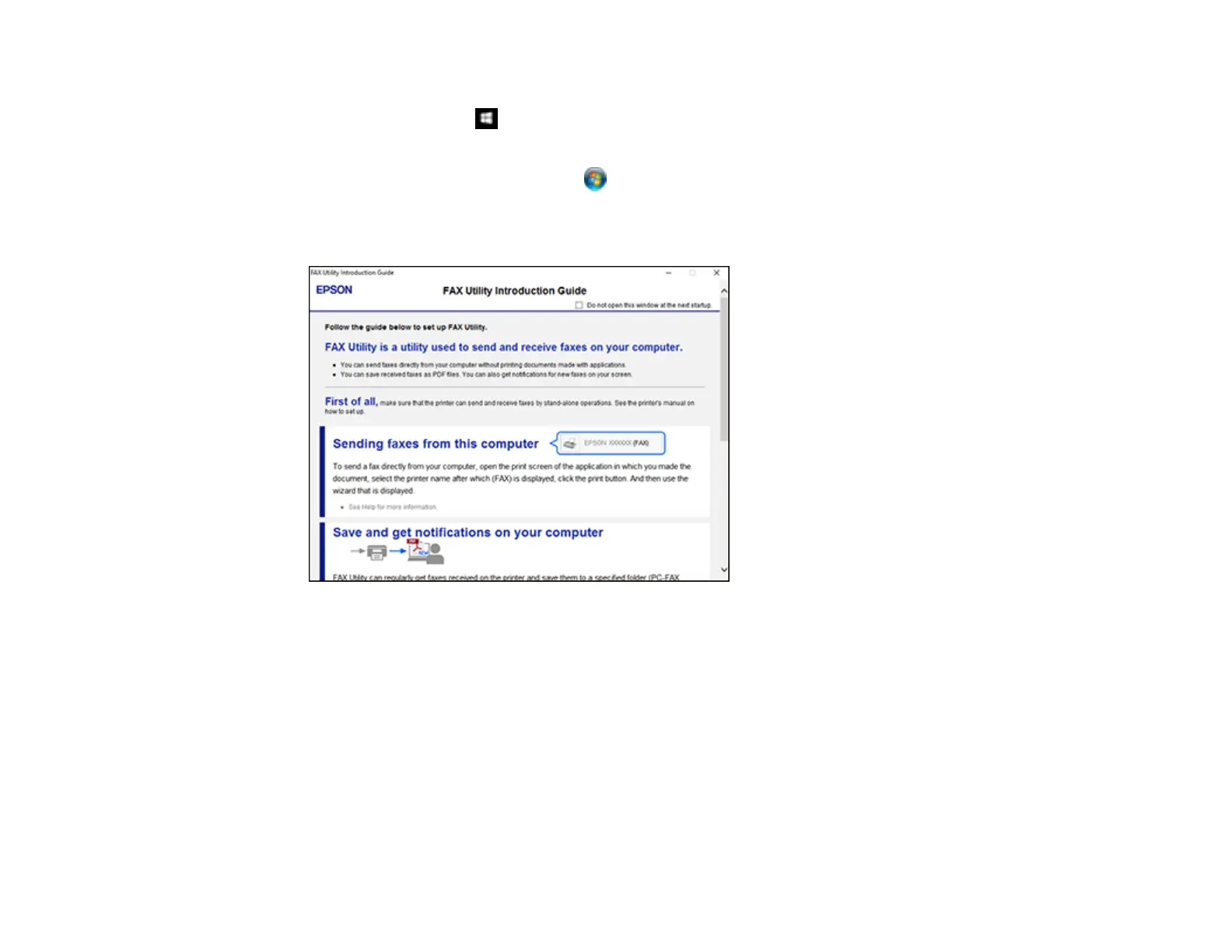
The first time you use the FAX Utility, you see this introduction window:
3. Read about the FAX Utility and click Return to the main window at the bottom of the window.














 To Next Page