95
Option Available
settings
Description
Printing Language Auto Select the language for the USB or network interface
PCL
PS3
PDF
Parent topic: Selecting Printer Language and Interface Settings
Printing a PCL or PS3 (PostScript) Status Sheet
You can print a PCL or PS3 (PostScript) status sheet to confirm the current font information.
1. Press the home button, if necessary.
2. Select Settings.
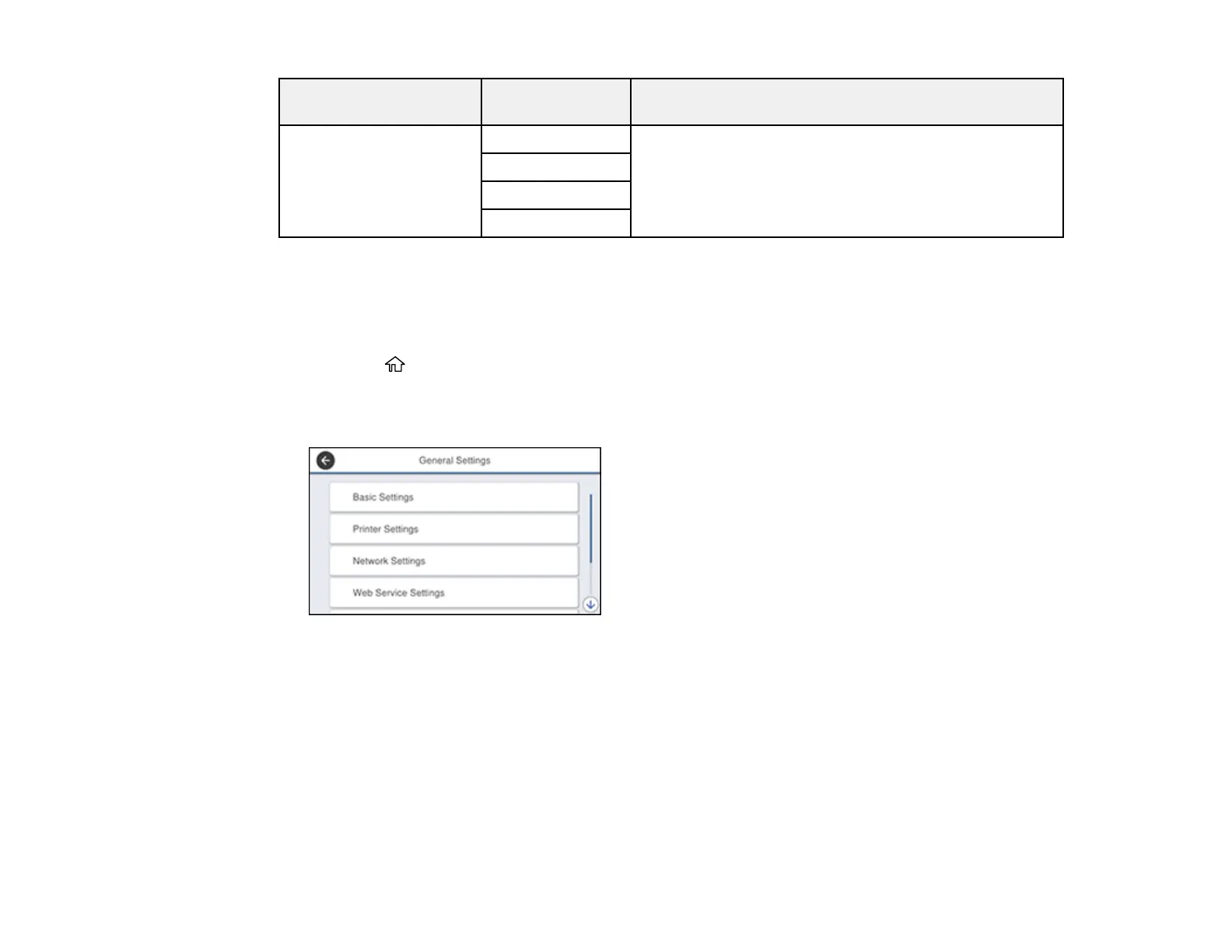
You see a screen like this:
3. Scroll down and select Print Status/Print.
4. Select Print Status Sheet.
5. Select PCL Font List or PS3 Font List.
6. Select Print to print the status sheet.
Parent topic: Enabling Epson Universal Print Driver (PCL) or PostScript Printing














 To Next Page