90
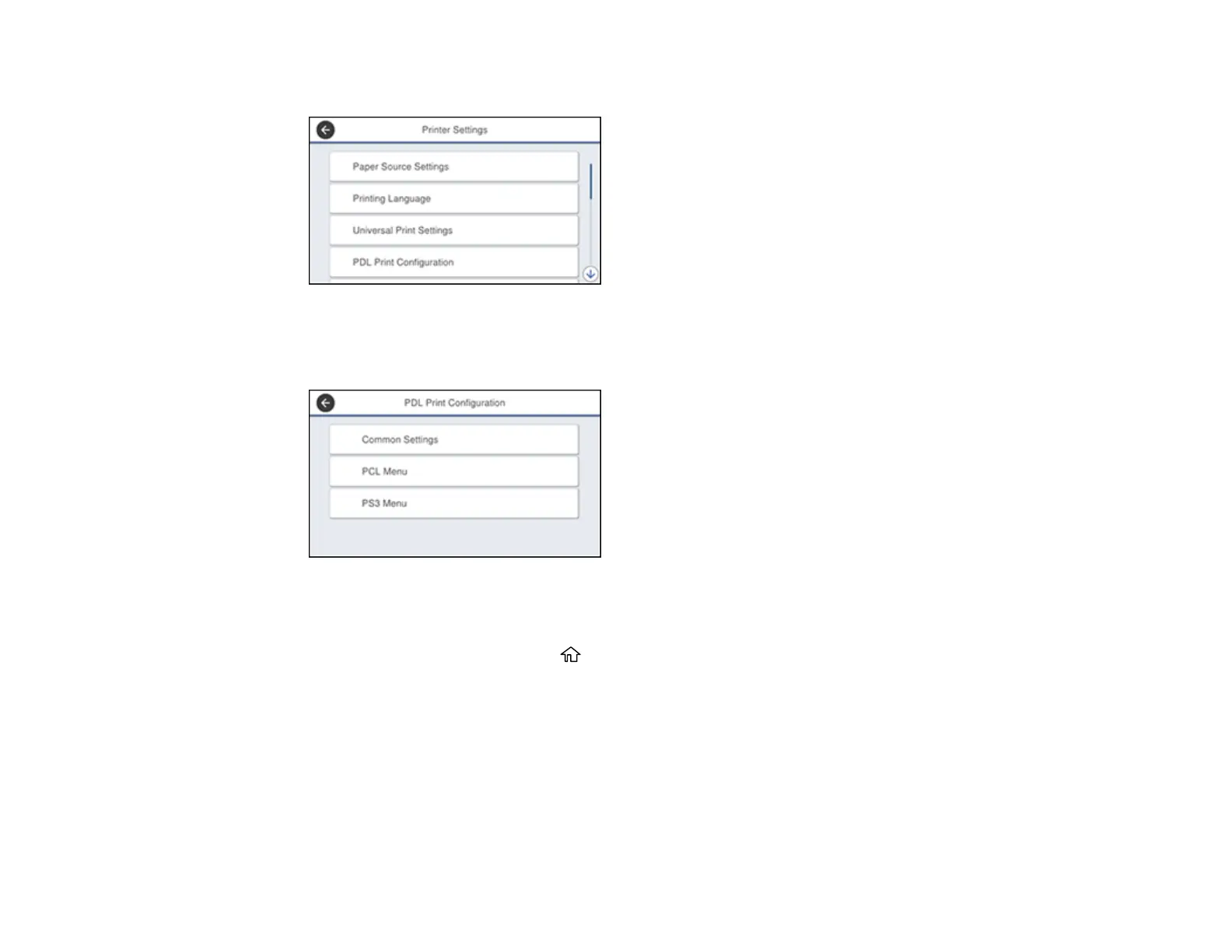
You see a screen like this:
5. Select PDL Print Configuration.
You see a screen like this:
6. Select one of the options shown above, then select the PDL print configuration options you want to
use.
7. When you are finished, press the home button to exit.
PDL Print Configuration Options
Parent topic: Enabling Epson Universal Print Driver (PCL) or PostScript Printing
PDL Print Configuration Options
Select the PDL Print Configuration options you want to use for PCL or PostScript printing.














 To Next Page