288
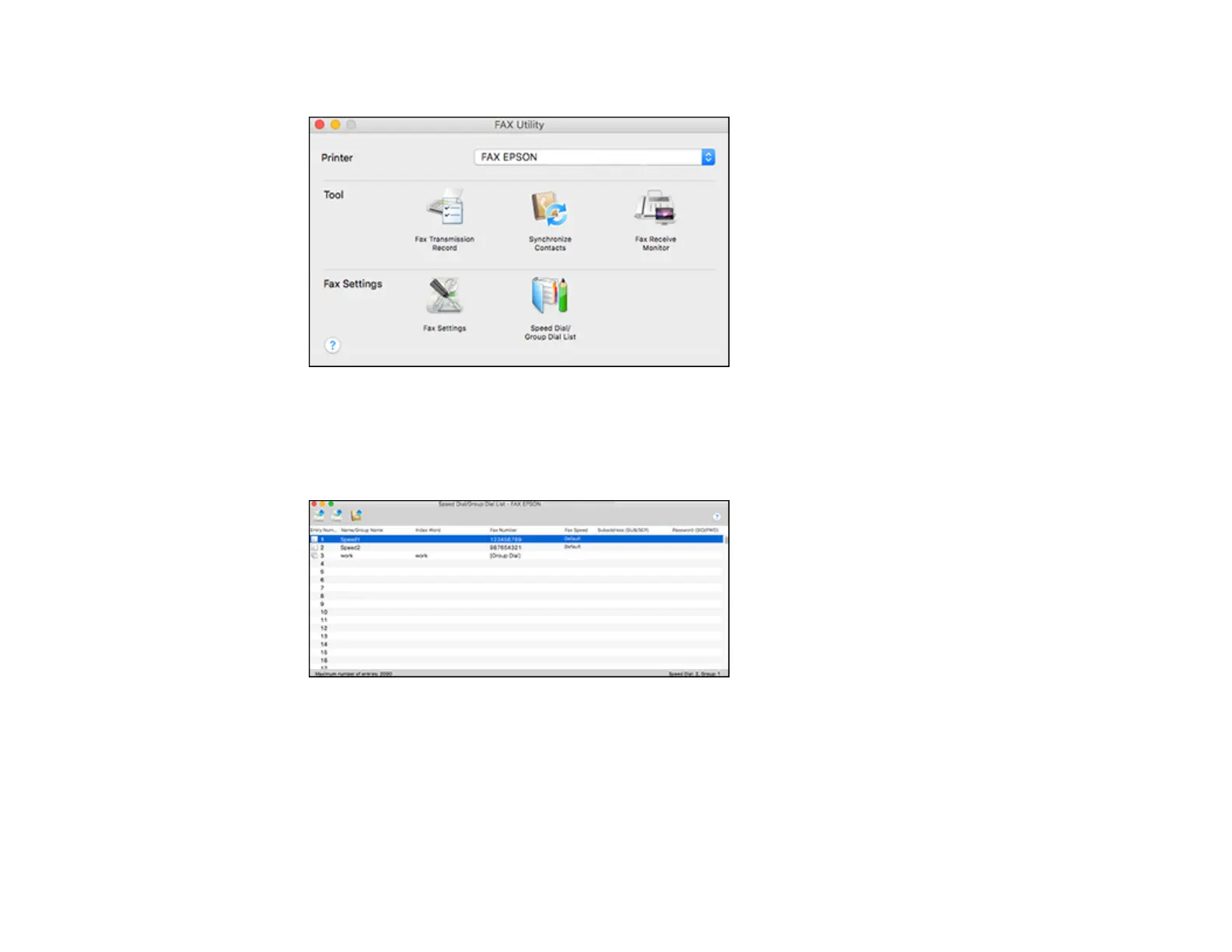
You see this window:
3. Select your FAX product in the Printer list.
4. Select Speed Dial/Group Dial List.
You see this window:
5. To add an entry, double-click an empty entry.
Note: To edit an entry, select it and change the information. To delete an entry, select it and press
the Delete key on your keyboard.














 To Next Page