40
• Scan settings
• System Administration settings
• Fax settings
• Web Config settings
• EpsonNet Config settings
Note: For more information on administration settings, see the Administrator's Guide.
1. Press the home button, if necessary.
2. Select Settings.
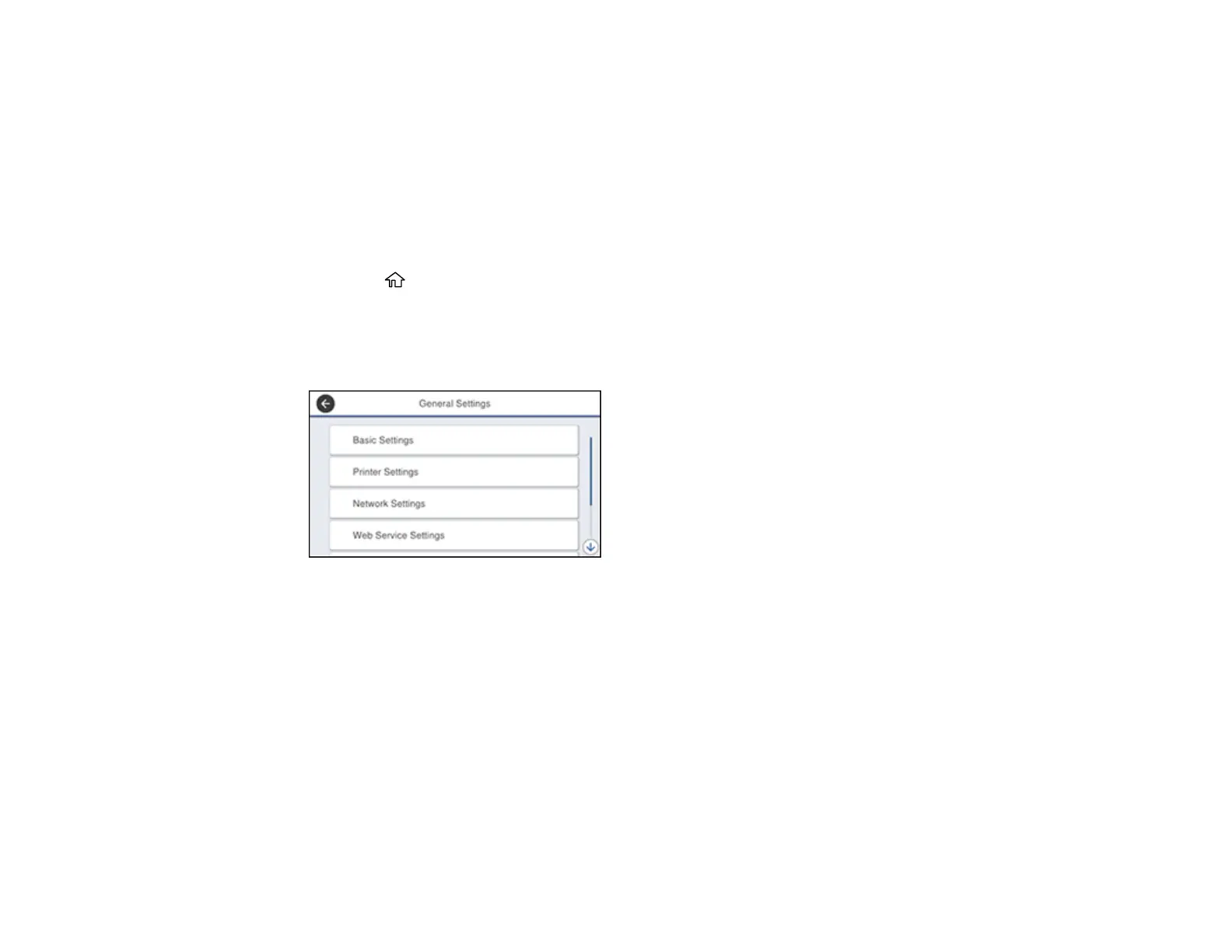
3. Select General Settings.
You see a screen like this:
4. Scroll down and select System Administration.
5. Select Security Settings > Admin Settings > Admin Password > Register.














 To Next Page