58
1. Press the home button, if necessary.
2. Select Settings.
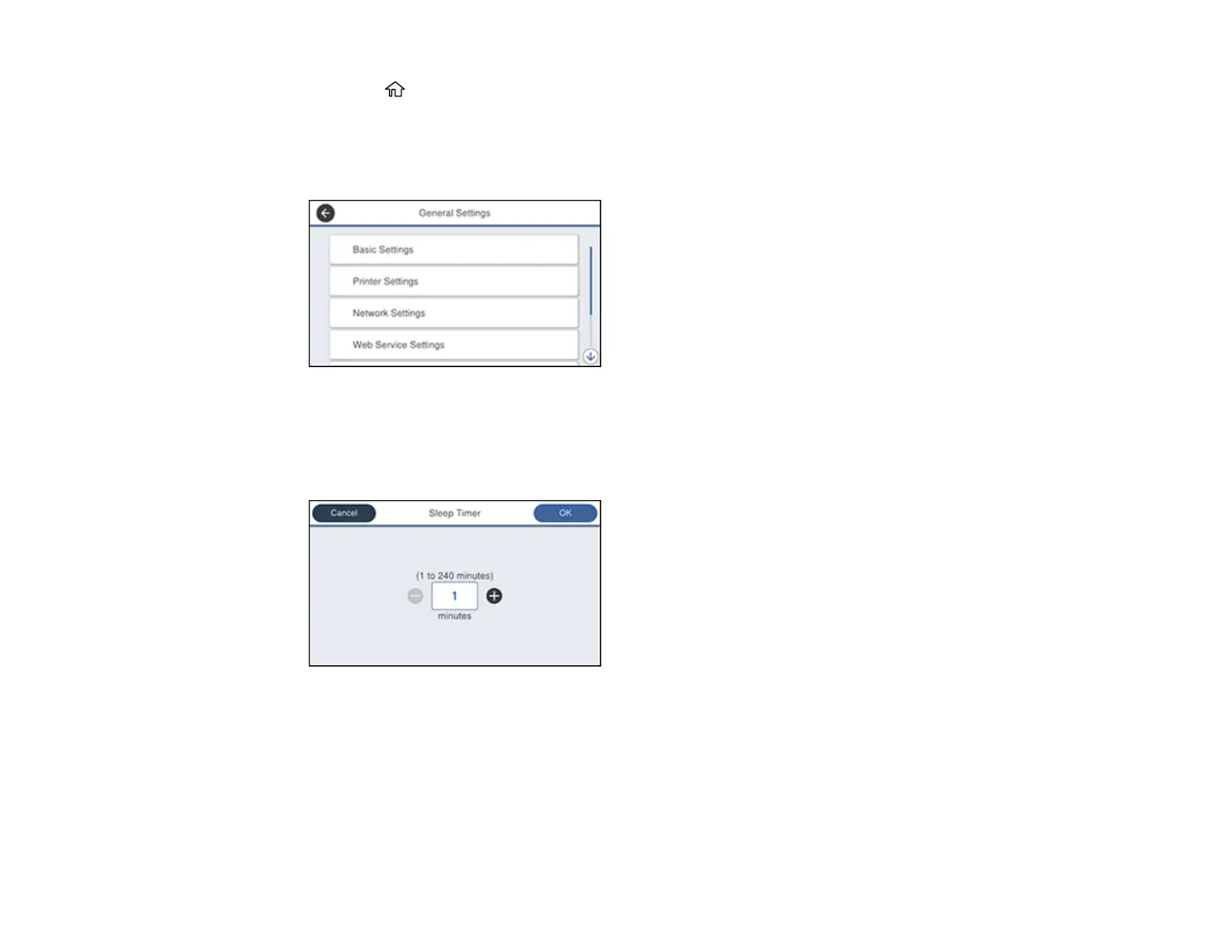
3. Select General Settings.
You see a screen like this:
4. Select Basic Settings.
5. Select Sleep Timer. Enter the administrator password, if necessary.
You see a screen like this:
6. Do one of the following:
• Select the– or + icon to decrease or increase the number of minutes.
• Select the number of minutes on the LCD screen, select the number of minutes from the on-
screen or control panel keypad, and select OK.
7. Select OK.














 To Next Page