C
Enter a fax number. You can also use redial, speed dial, or group dial lists to select fax numbers.
D
Select Advanced Options.
E
Select Send Fax Later.
F
Select On.
G
Set the time that you want to send the fax, and then select Done.
H
Press x to start scanning. The scanned image is sent at the specified time.
Note:
If you need to cancel faxing at the time you specified, press y.
Sending a fax from a connected phone
If the recipient has the same number for both phone and fax, you can send a fax after talking over the phone without
hanging up.
A
Place your original in the Automatic Document Feeder or on the scanner glass.
& “Placing Originals” on page 39
B
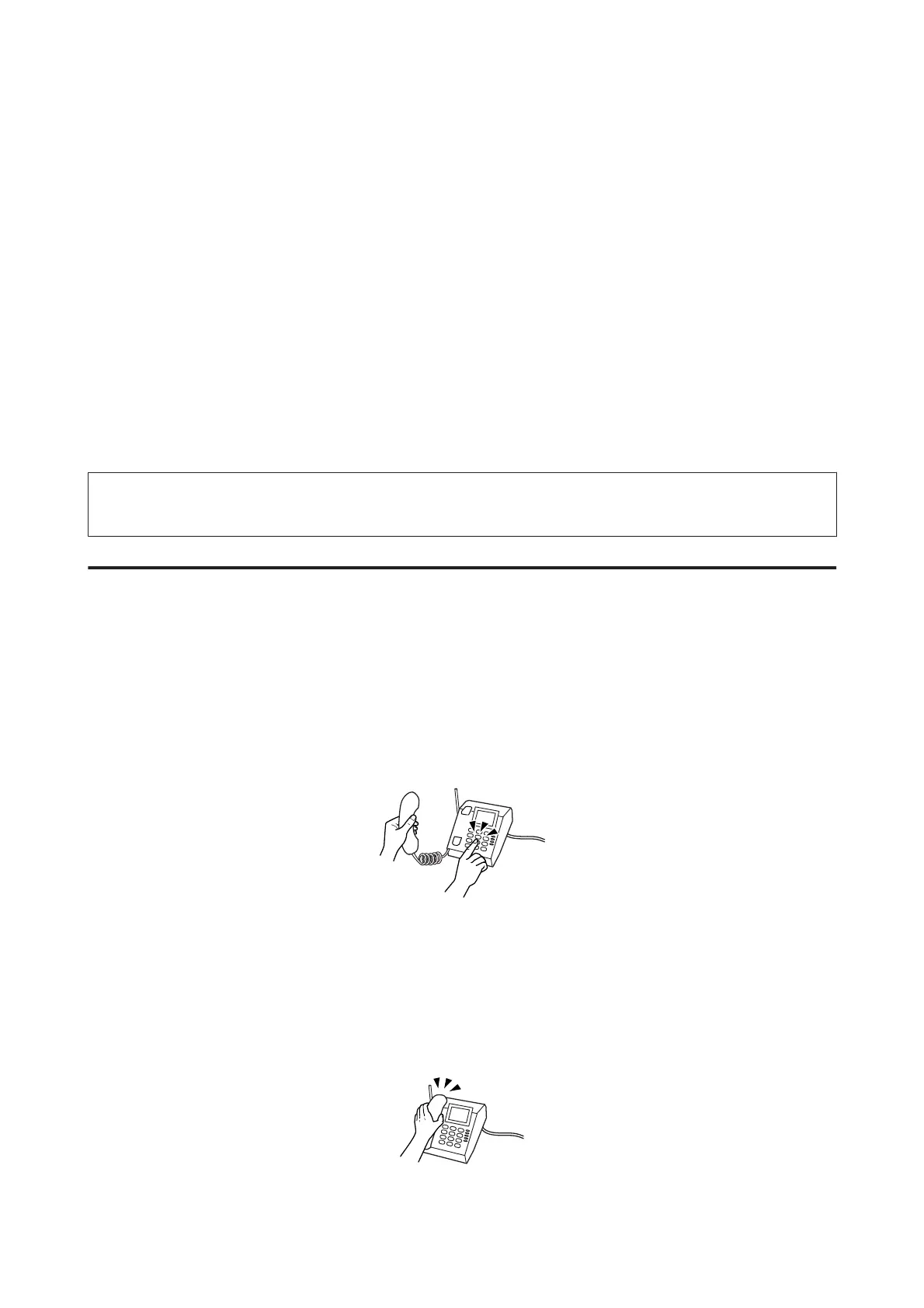
Dial a number from the phone connected to the product.
C
Select Send on the control panel of the product.
D
Press x to send fax.
E
Hang up the phone.
User’s Guide
Faxing
104













 To Next Page